Live chat support (for learners)
SupportUpdated September 23, 2026
When you need help and don't want to wait on a ticket reply, live chat connects you directly with a support agent in real time, right from the Support Centre.
Starting a chat
- Open the Support Centre, or click the floating support bubble visible on most learner pages.
- Choose Chat with support.
- Type your question — an available agent picks it up and replies in the same window.
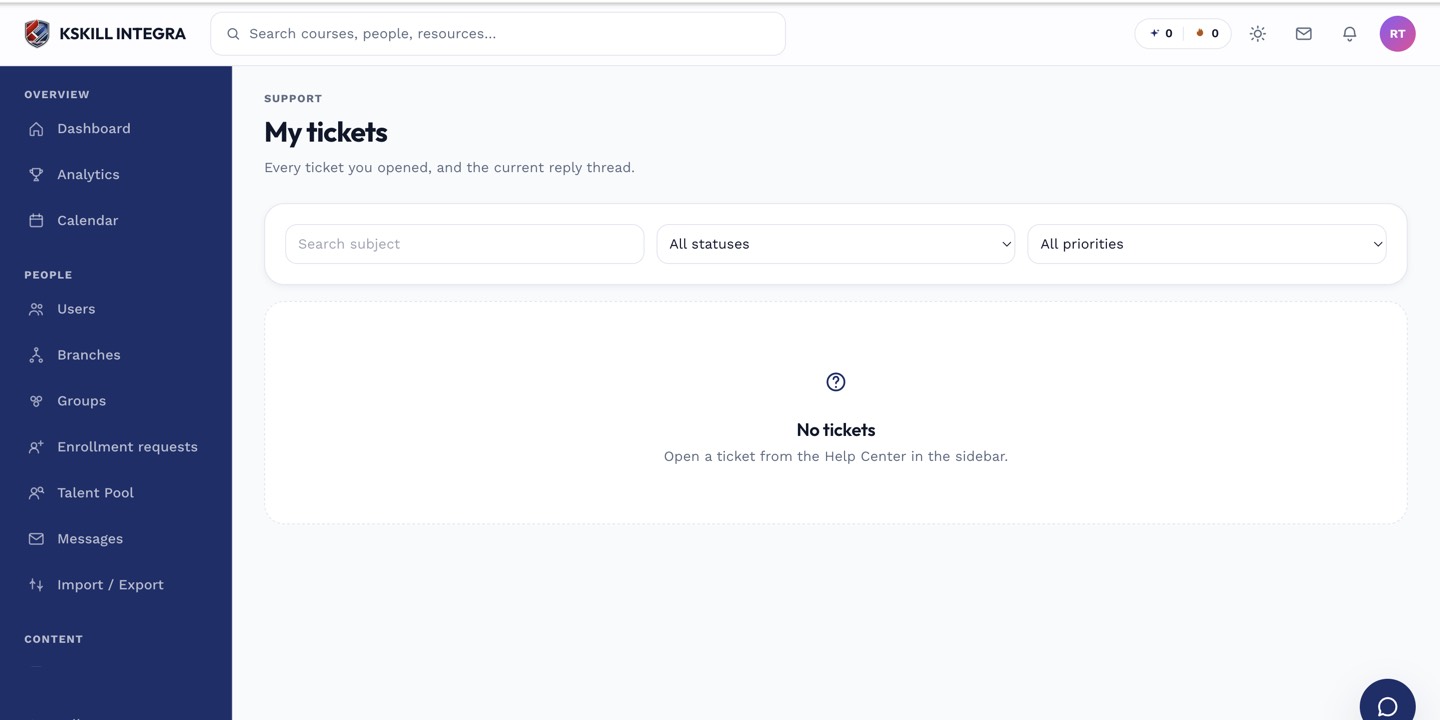 Chat sits alongside your ticket history in the same Support Centre screen.
What to expect
The chat updates automatically while the window is open — no need to refresh. If your tenant has a WhatsApp number configured, you will also see a WhatsApp option as an alternative if you would rather continue the conversation there.
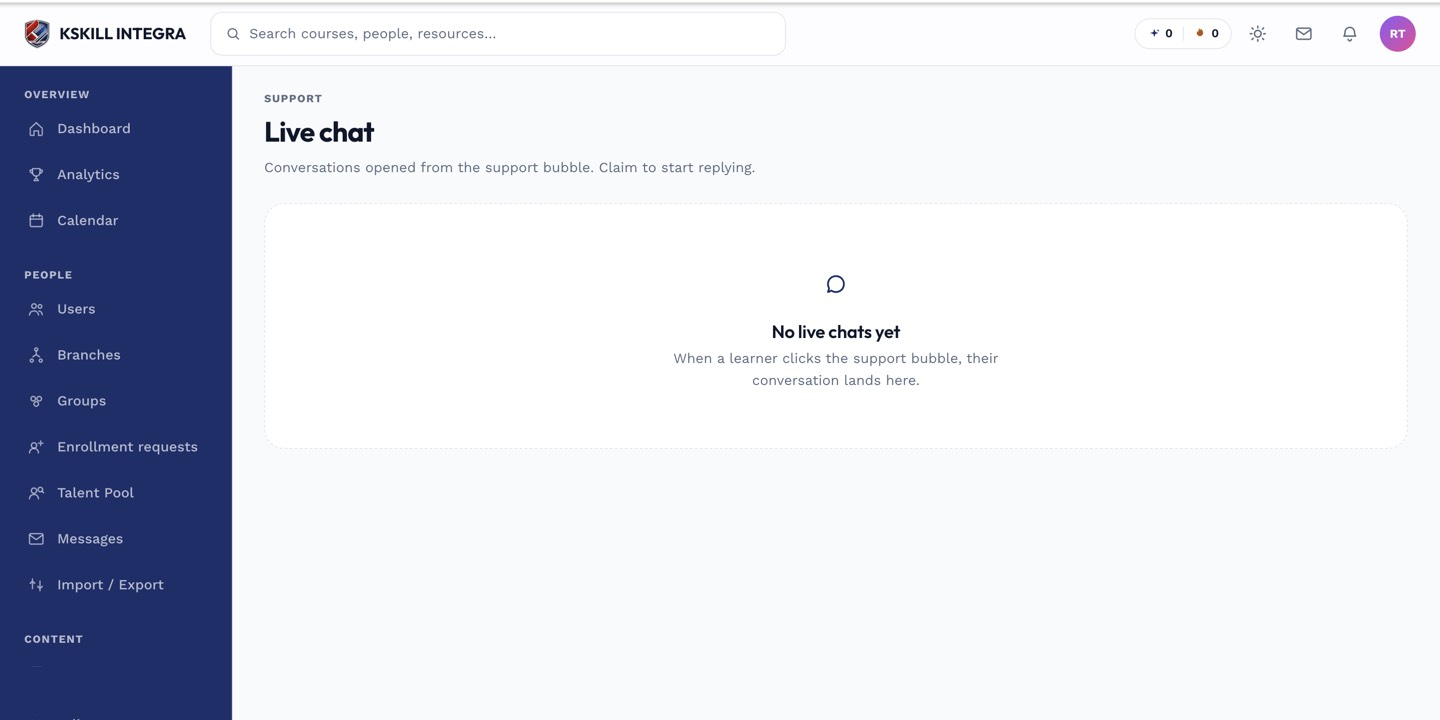 Messages appear as they are sent — no polling or manual refresh needed on your side.
Notes
Live chat is built into the platform itself; there is no external chat vendor to sign into. If no agent is available immediately, your message is still saved and answered as soon as one is.
What next?
#support#live-chat#learner#help