The support ticket queue
SupportUpdated September 19, 2026
Every ticket a learner submits lands in the support queue, where admins triage, respond, and close it out.
Working the queue
- Open Manage → Support to see incoming tickets.
- Open a ticket to read the learner's message and any attachments.
- Reply, and the learner sees your response in their own ticket history.
- Close the ticket once it's resolved.
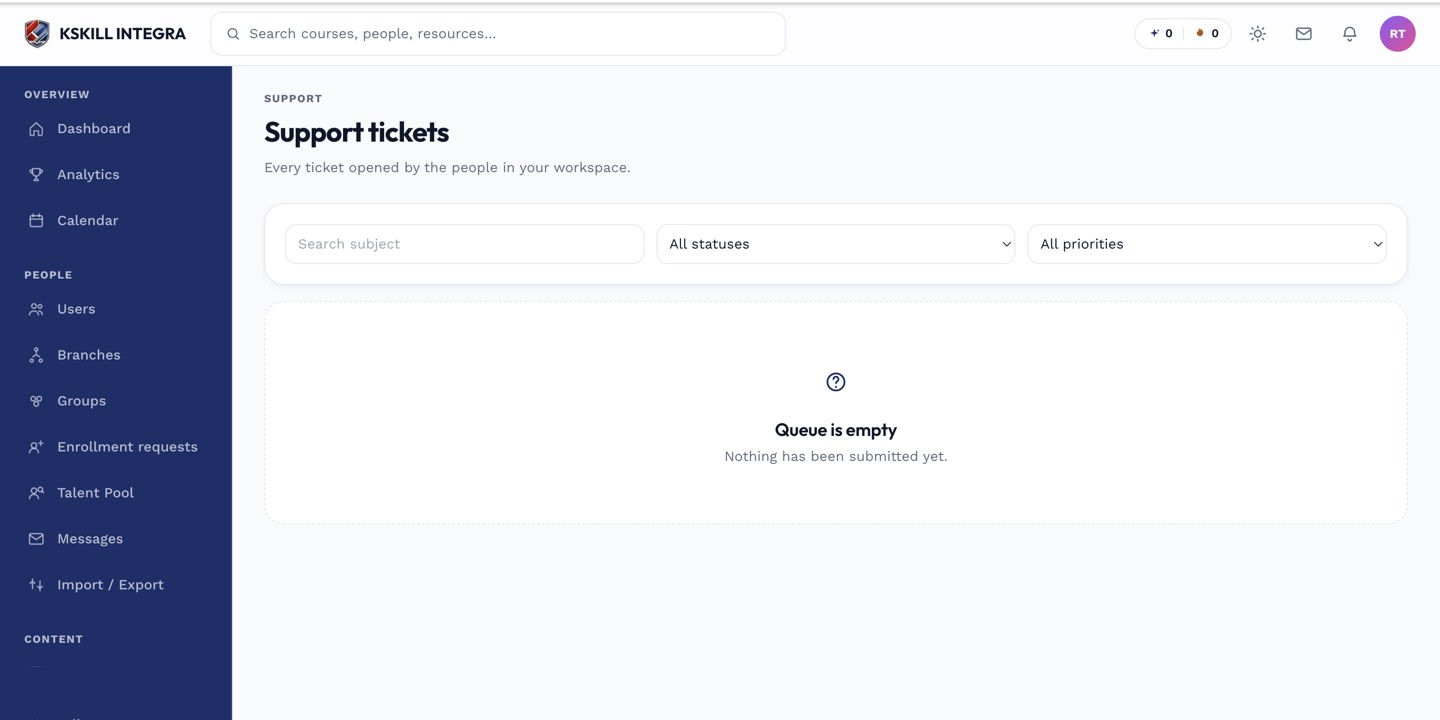 New tickets appear at the top of the queue as they're submitted.
Chat and tickets, side by side
The same admin area also surfaces live chat conversations — tickets and chat are two entry points into the same support workflow, not two separate systems to check.
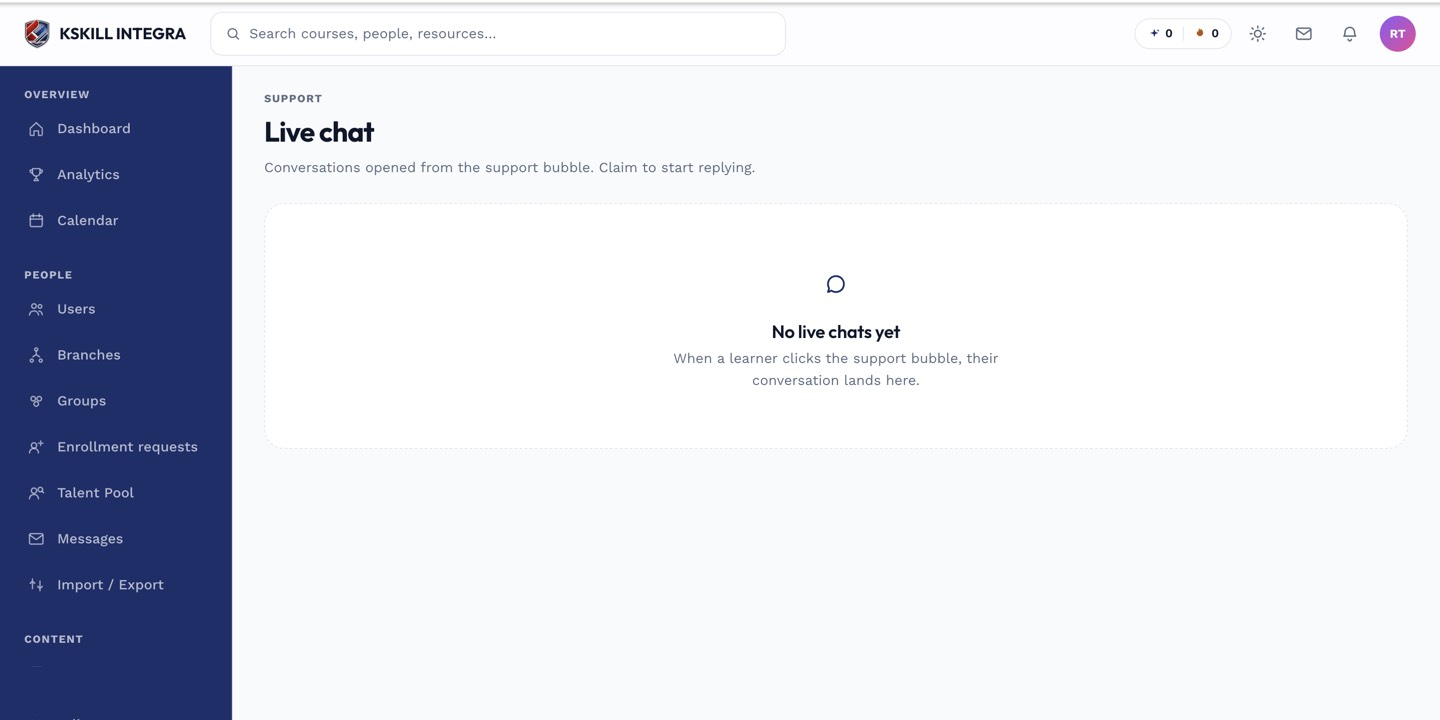 A busy queue mixes tickets and live conversations in one place.
Notes
Learners can see the full back-and-forth on their own ticket from their side — see tracking your support tickets for what that view looks like to them.
What next?
#support#tickets#queue#admin