Billplz Recurring Card Settings (Current State)
Billplz has settings for card tokenization, which is the piece needed for future recurring charges the way Stripe already does. It's important to understand exactly what these settings do today — and what they don't.
Where it lives
Open Settings → Payments → Billplz card. You'll see an enable toggle and a provider selector with two options: OCBC and Senangpay.
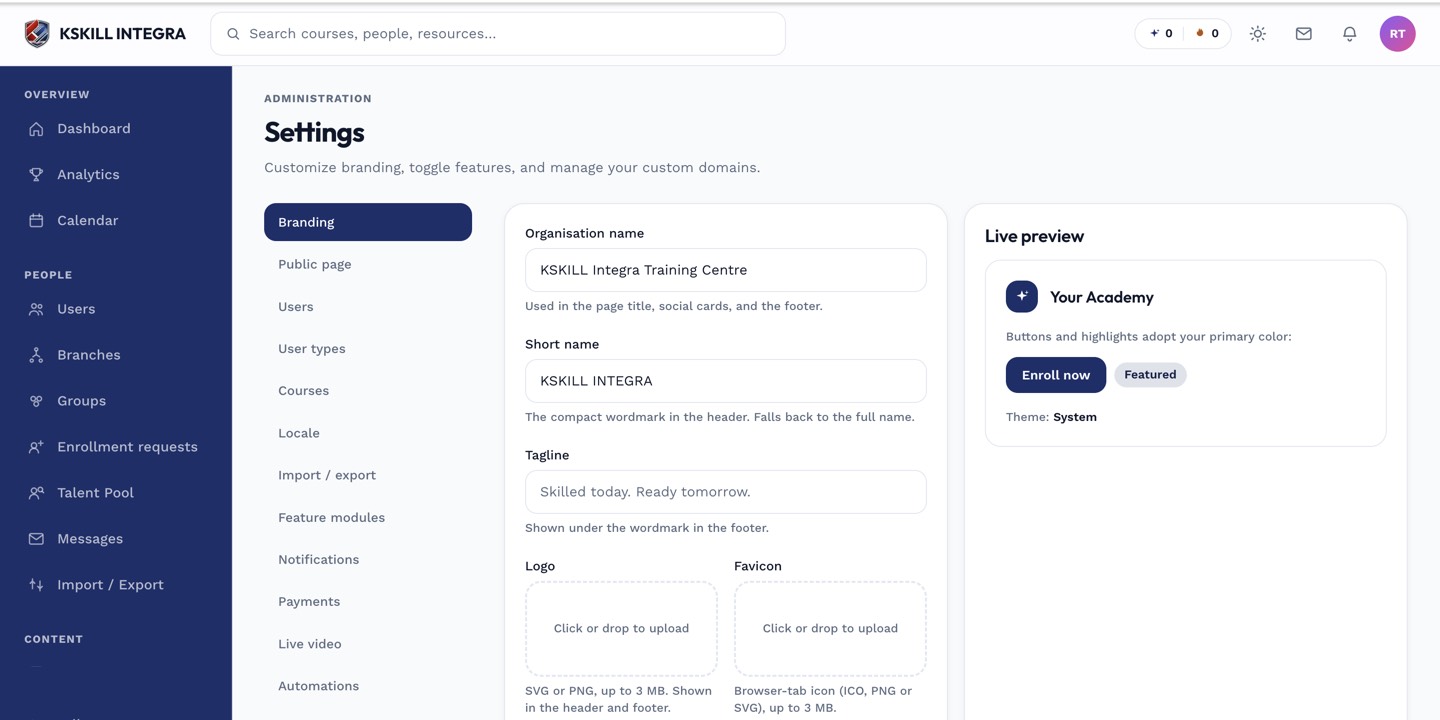 These are preparatory, non-secret settings, not a live billing switch.
What these settings actually do
Turning the toggle on and picking a provider records your tenant's intent and prepares your configuration for recurring Billplz card billing. It does not start charging cards automatically. The underlying capability — tokenizing a learner's card and charging it later without them present — requires Billplz to activate tokenization on your merchant account, which is a manual request you make to Billplz support outside this platform.
 Once Billplz activates tokenization on your account, these settings become the switch that turns recurring billing on.
What to do in the meantime
If you want auto-debiting installment plans today, use Stripe as your active gateway — its auto-debit engine is fully live. Configure the Billplz card settings now if you want to be ready the moment your Billplz account is activated, but don't rely on it for live recurring charges yet.
Notes
Contact Billplz support directly to request tokenization activation; this platform has no way to trigger that on your behalf.