Branded Receipts for Learner Purchases
Every paid order generates a receipt the learner can view and print, and it carries your tenant's own branding rather than a generic platform look.
What's on it
The receipt shows your tenant's uploaded logo, the order details, amount paid, and payment date. If the purchase was on an installment plan, each individual charge appears as its own line against the same order.
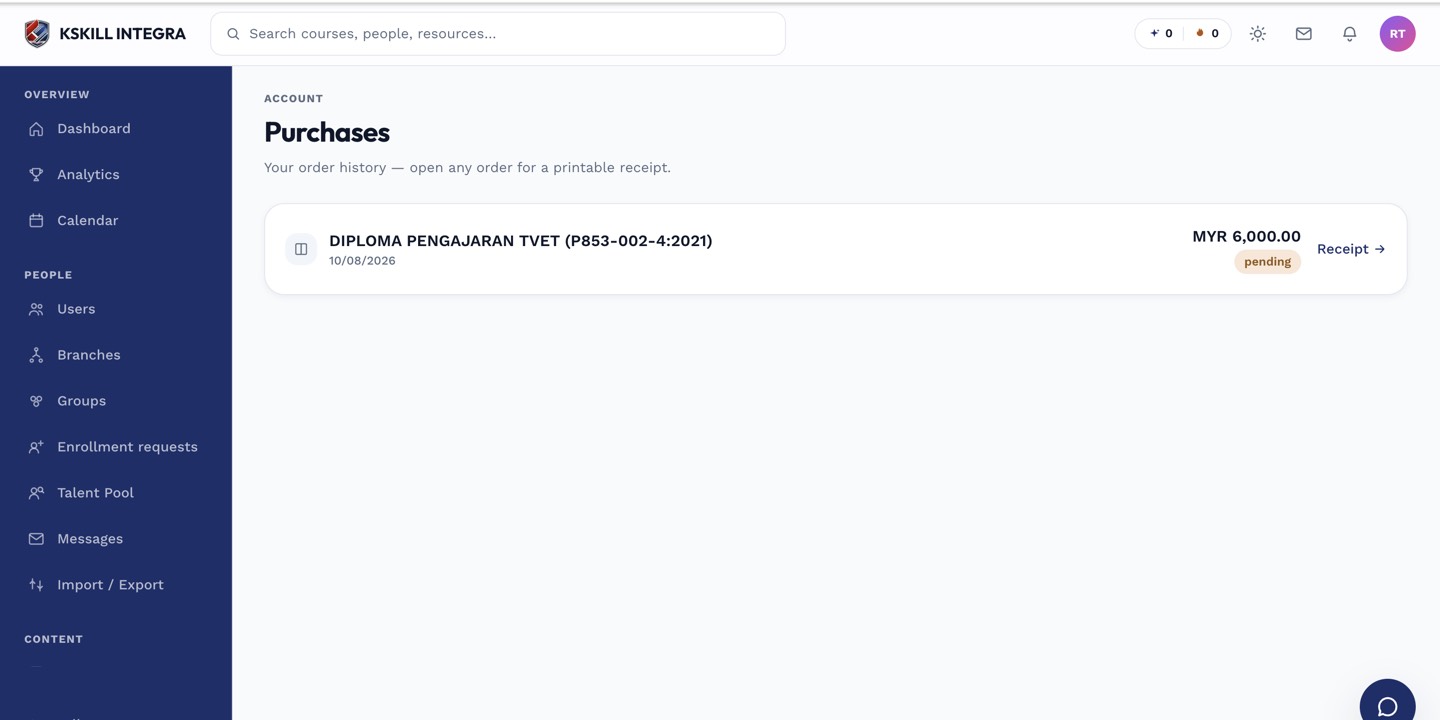 Receipts pull the logo from your tenant's branding settings automatically.
Printing
Receipts are designed to print cleanly as a single page — no navigation bars, sidebars, or other app chrome bleed into the printout. This matters for learners who need a paper copy for expense claims or reimbursement.
 The print layout strips away app chrome so only the receipt itself appears on the page.
Where learners find receipts
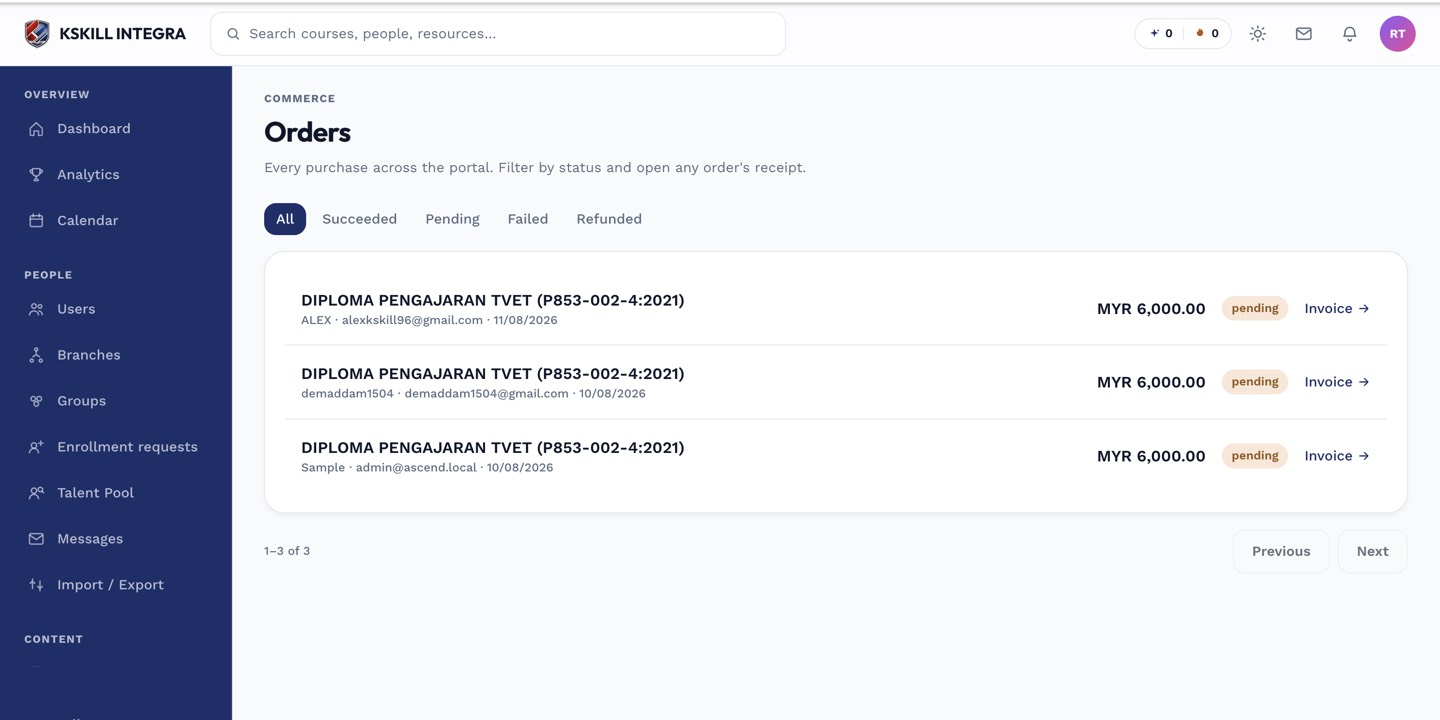
Learners open their own purchase history and select any past order to view or print its receipt. Admins can view the same receipt from the Orders section of their own billing area.
Notes
Uploading or changing your tenant's logo in branding settings updates future receipts; it doesn't retroactively re-render already-issued ones differently, though the logo shown is always fetched at view time so older receipts pick up a new logo too.