Broadcast a message to a Group or Cohort
Broadcasting sends one message to every member of a Group or Cohort at once. This article covers the admin action.
Before you start
You need the Admin or Group owner / Cohort facilitator role.
Step 1 — Open the target Group or Cohort
Open People → Groups (or Cohorts) and click the target. The detail page has a Broadcast action in the header.
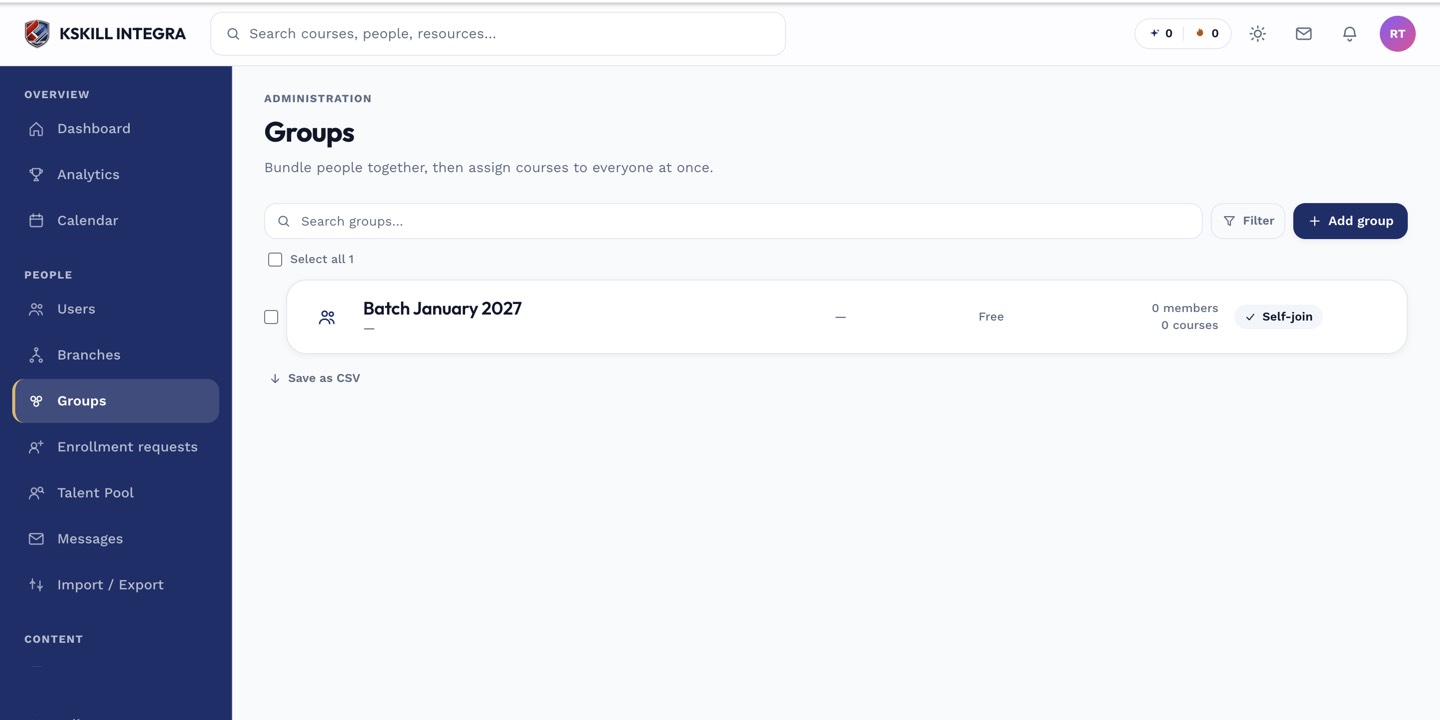
Every group management task starts from this list.
Step 2 — Compose the broadcast
Click Broadcast. Write the message, optionally attach a file. Preview shows the recipient count. Click Send. Every member receives the message in their inbox and (if their prefs allow) via email.
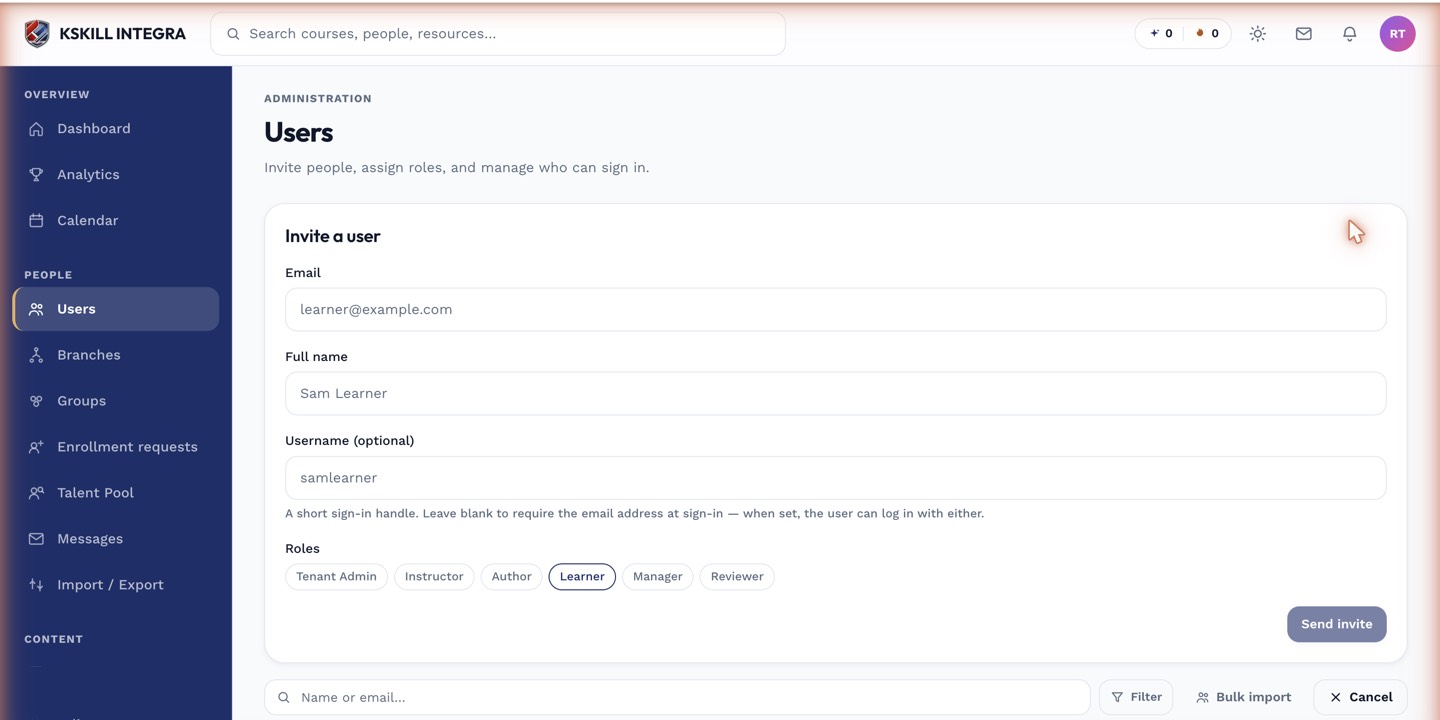
The invite drawer is the same shape whichever role you assign.
Step 3 — Follow the thread
Every recipient's reply lands in a 1:1 thread with you, not back into the broadcast. This is by design — replies get personal attention instead of drowning in a group thread. Follow up individually as needed.
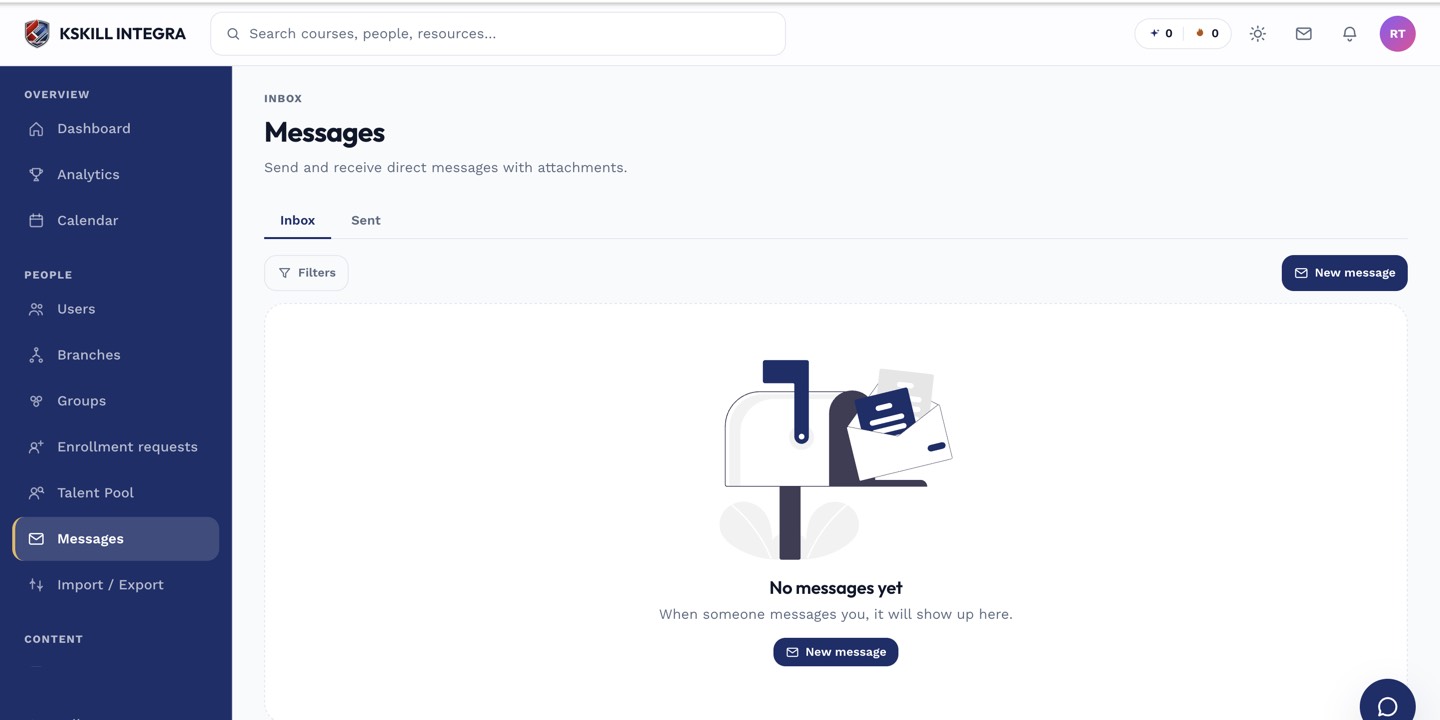
The inbox is where every direct message and broadcast lands.
Notes
- Broadcasts are one-way at send time; replies are individual threads.
- Test with a small internal Group before broadcasting to a large one.