Exporting Reports and Scheduling Recurring Emails
ReportsUpdated September 23, 2026
Any report you can view can also be exported for a one-off download, or set up to arrive in your inbox on a recurring schedule so you don't have to remember to check it.
One-off export
From any report view — course reports, at-risk learners, the training matrix, or a saved report from the report builder — use the Export control to download the current view as a file.
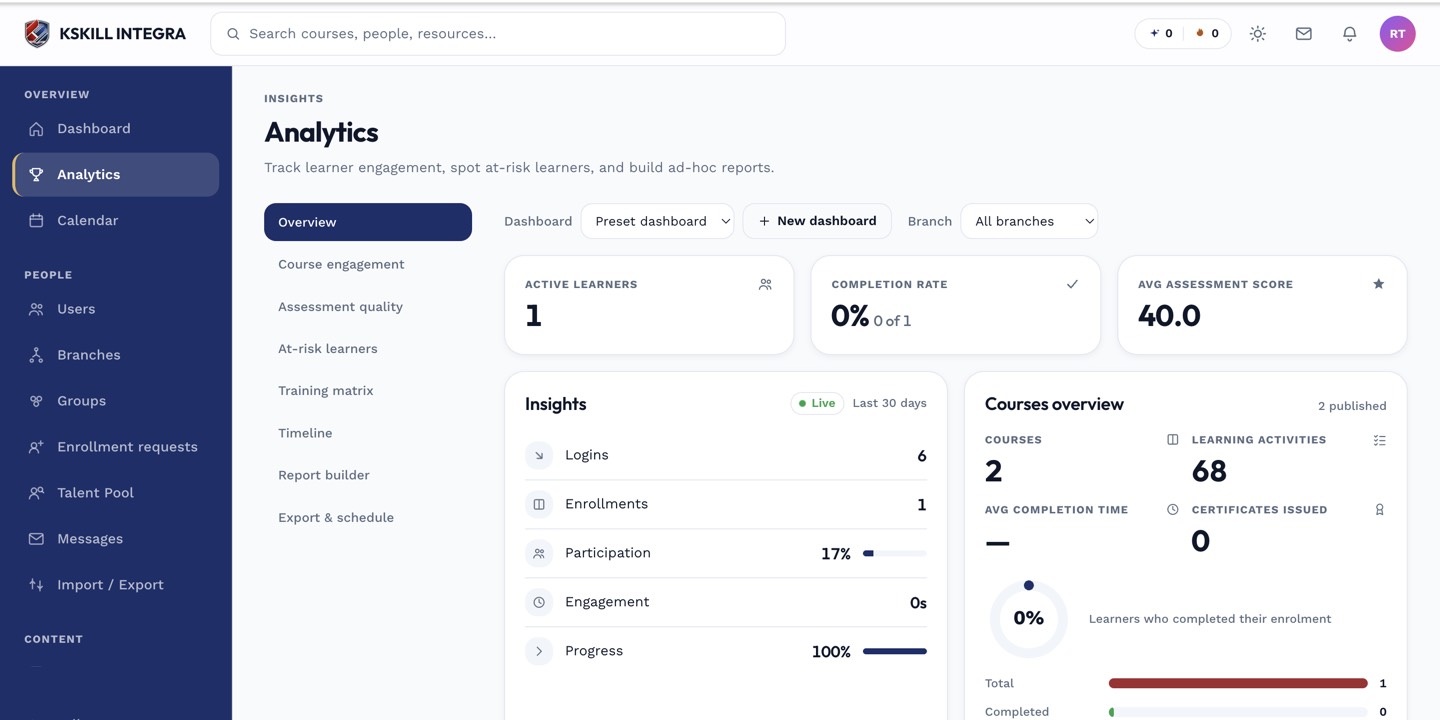 Export respects whatever filters are currently applied to the report.
Scheduling recurring delivery
- Open the report you want to schedule.
- Use its Schedule option.
- Set the frequency (for example, weekly or monthly) and the recipient list.
- Save the schedule.
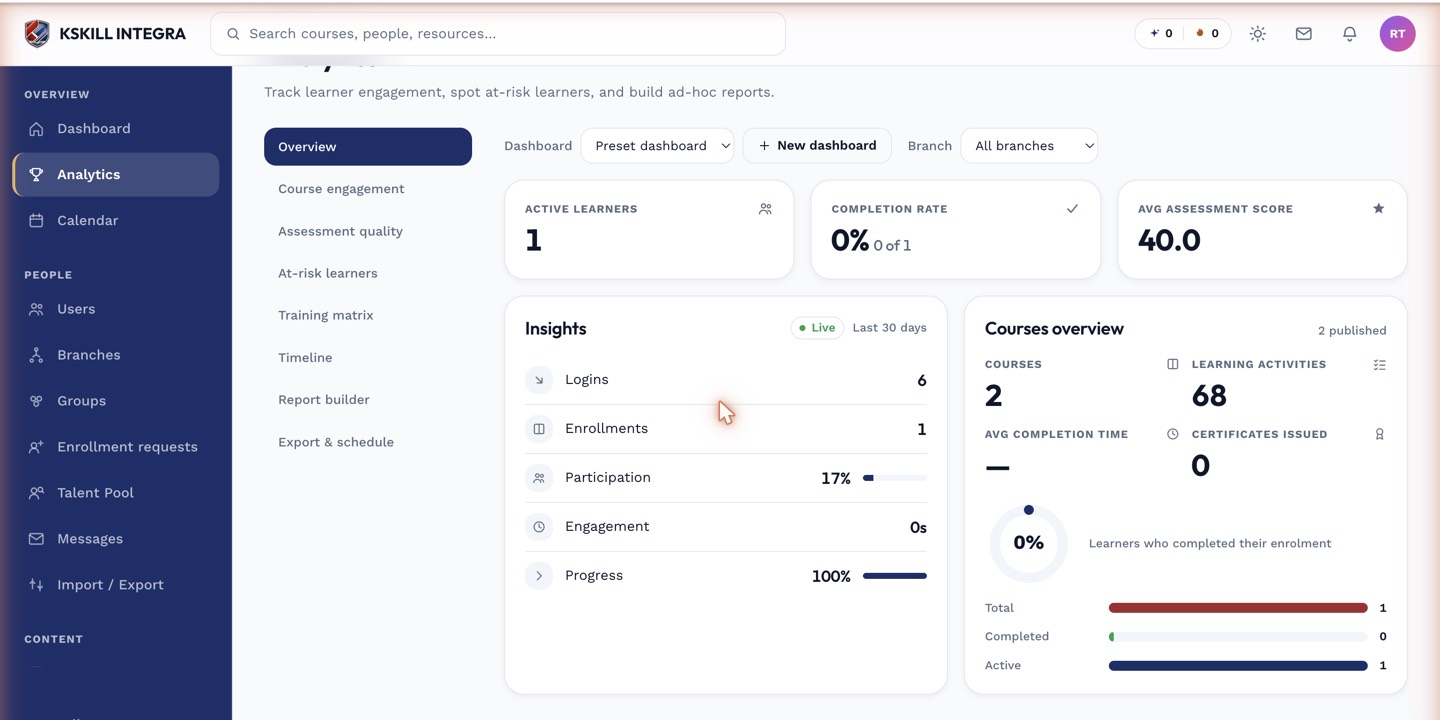 Scheduled reports run automatically and are emailed to the recipients you set.
Notes
A scheduled report always reflects the filters saved with it at schedule time — if your underlying data structure changes significantly (a course archived, a group renamed), revisit the schedule to make sure it still targets what you intend.
What next?
#reports#export#schedule#email#csv