The Training Matrix: Compliance at a Glance
For compliance-driven training, the question usually isn't "how's engagement" — it's "who hasn't completed the required course yet." The training matrix answers exactly that, laid out as a grid.
Where it lives
Open Analytics → Training matrix. You need the Admin role or reporting access.
Reading the matrix
Learners run down one axis and courses run across the other, with each cell showing completion status. Scanning a column shows you every learner's status for one course; scanning a row shows you everything one learner still owes.
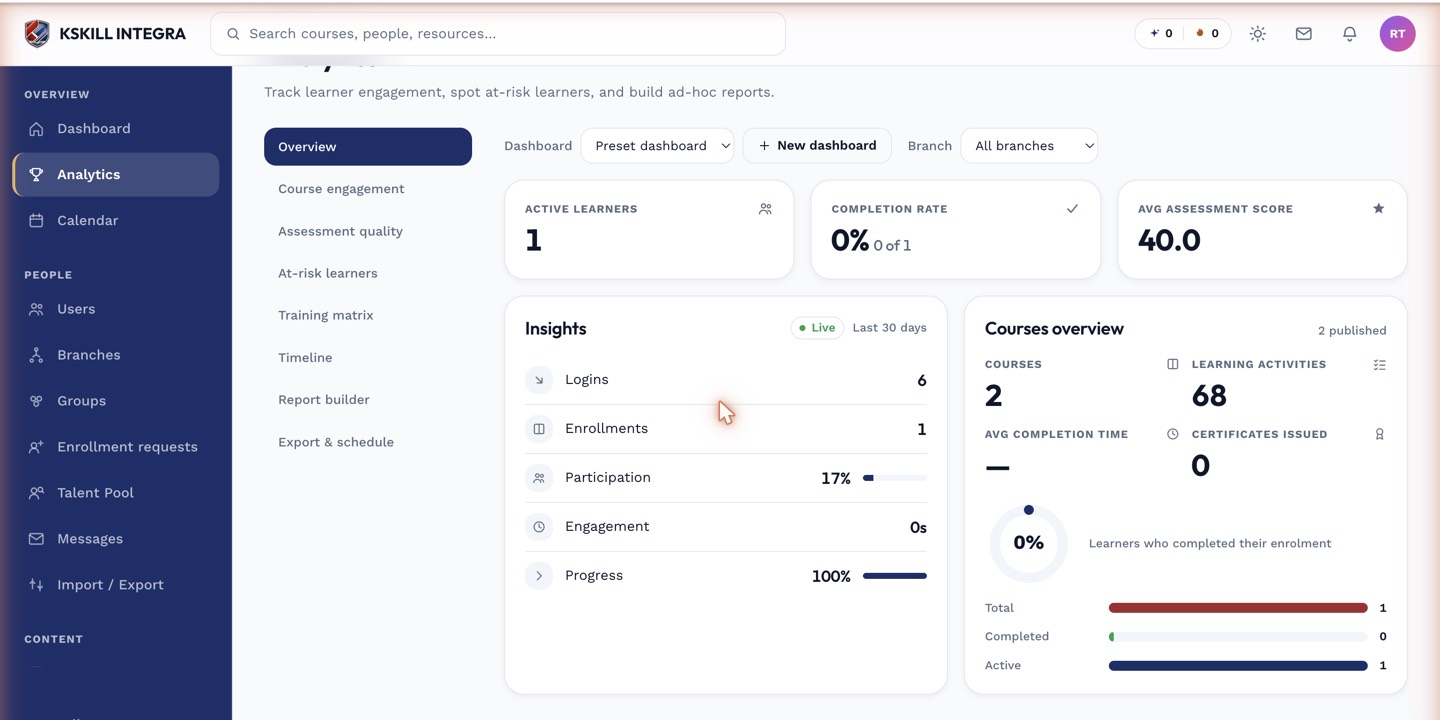 Gaps in required training stand out immediately as empty or incomplete cells.
Filtering
Narrow the matrix by group, branch, or a specific set of courses to focus on the population and requirements you actually need to audit.
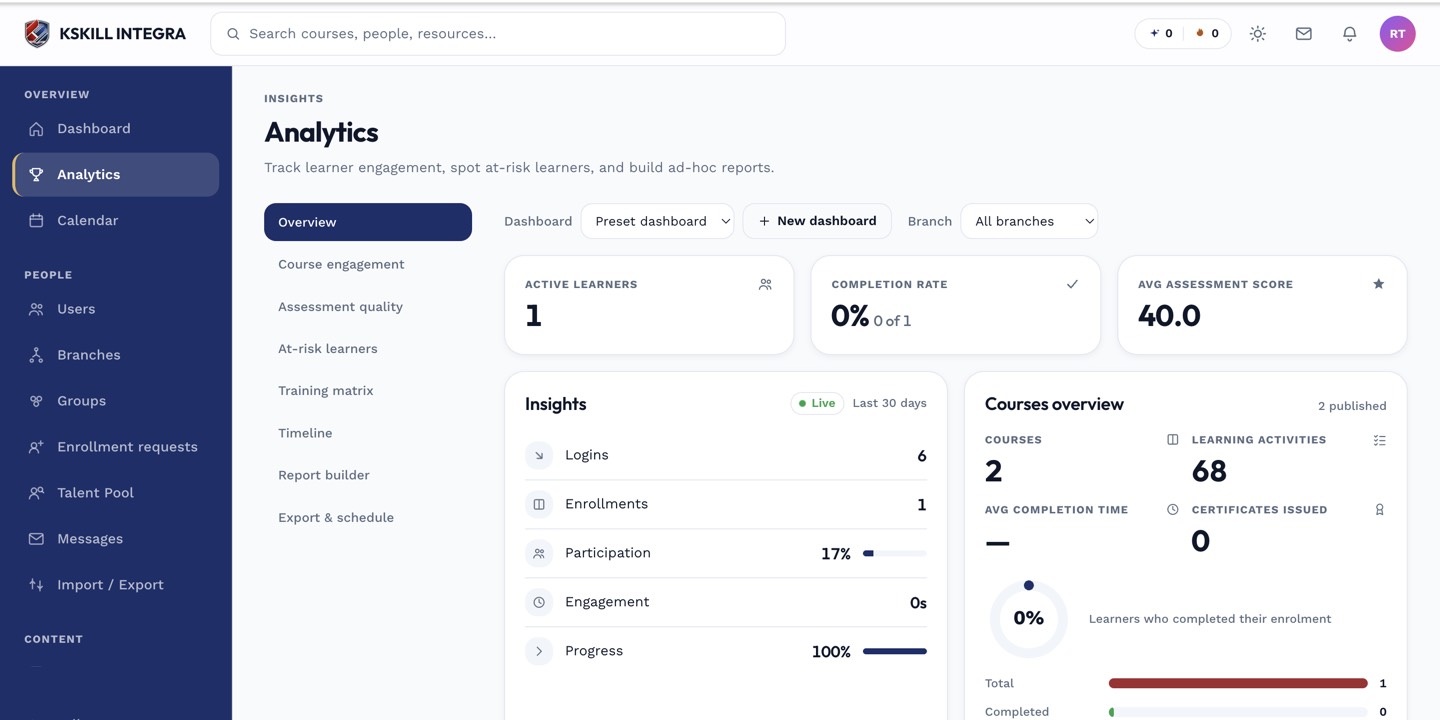 Filtering keeps the matrix readable when you have many courses or a large learner base.
Notes
The matrix is a point-in-time snapshot. For a compliance audit trail delivered regularly, pair it with scheduled report exports.