Connecting Billplz to Your Tenant
Billplz is the natural choice for Malaysian learners paying by FPX online banking, and it also accepts cards. Unlike Stripe, the actual payment step hands off to Billplz's own hosted bill page rather than staying embedded on your site.
Before you start
You need a Billplz account with API credentials (API key and, depending on your setup, a collection ID and X-Signature key). You need the Admin role in your tenant.
Enter your credentials
- Open Settings → Payments.
- In the Billplz card, enter your API key and collection details.
- Click Save. Fields mask to "On file" once stored.
- Click Activate to make Billplz the live gateway for learner checkouts.
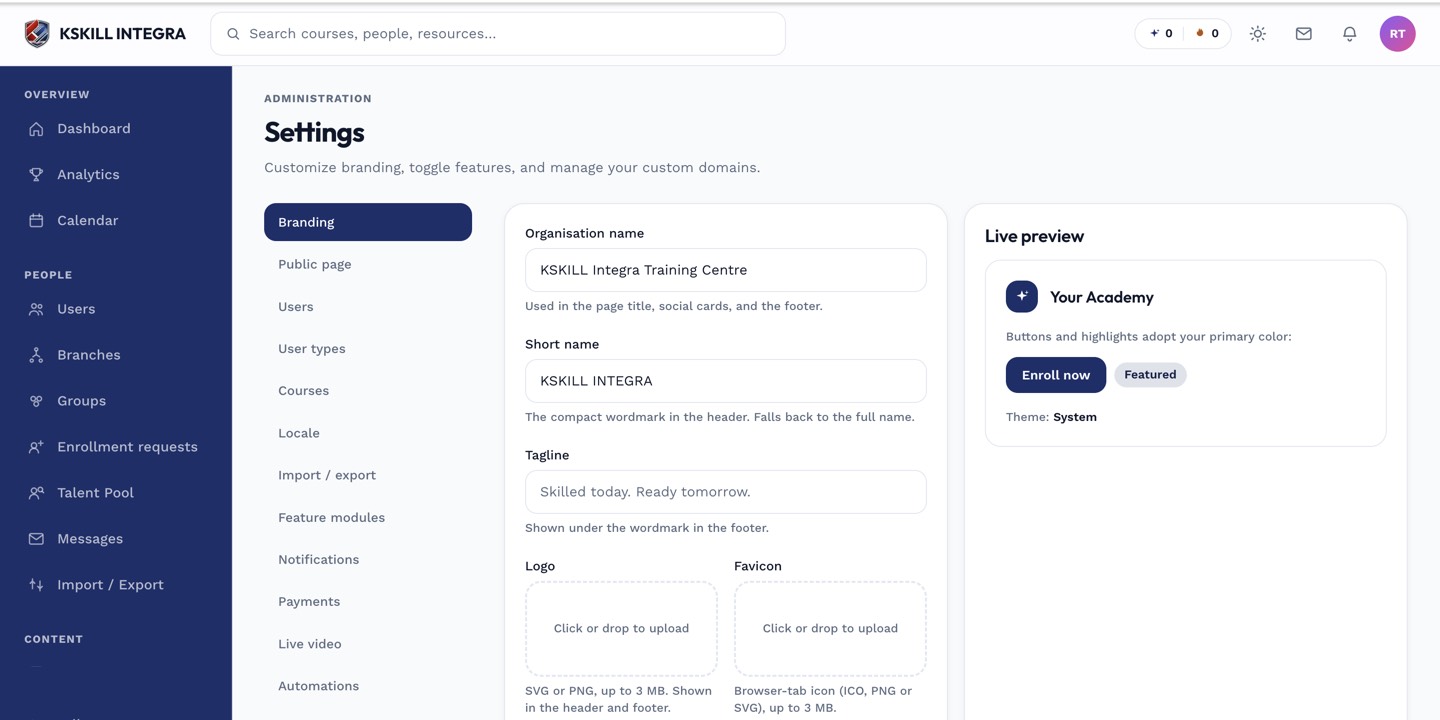 Billplz credentials are stored the same write-only way as Stripe's.
What learners see
On the /checkout page, the Billplz path shows a branded Order Summary and a Continue to secure payment button. Clicking it redirects the learner to Billplz's hosted bill page to complete FPX or card payment, then returns them to your site once paid.
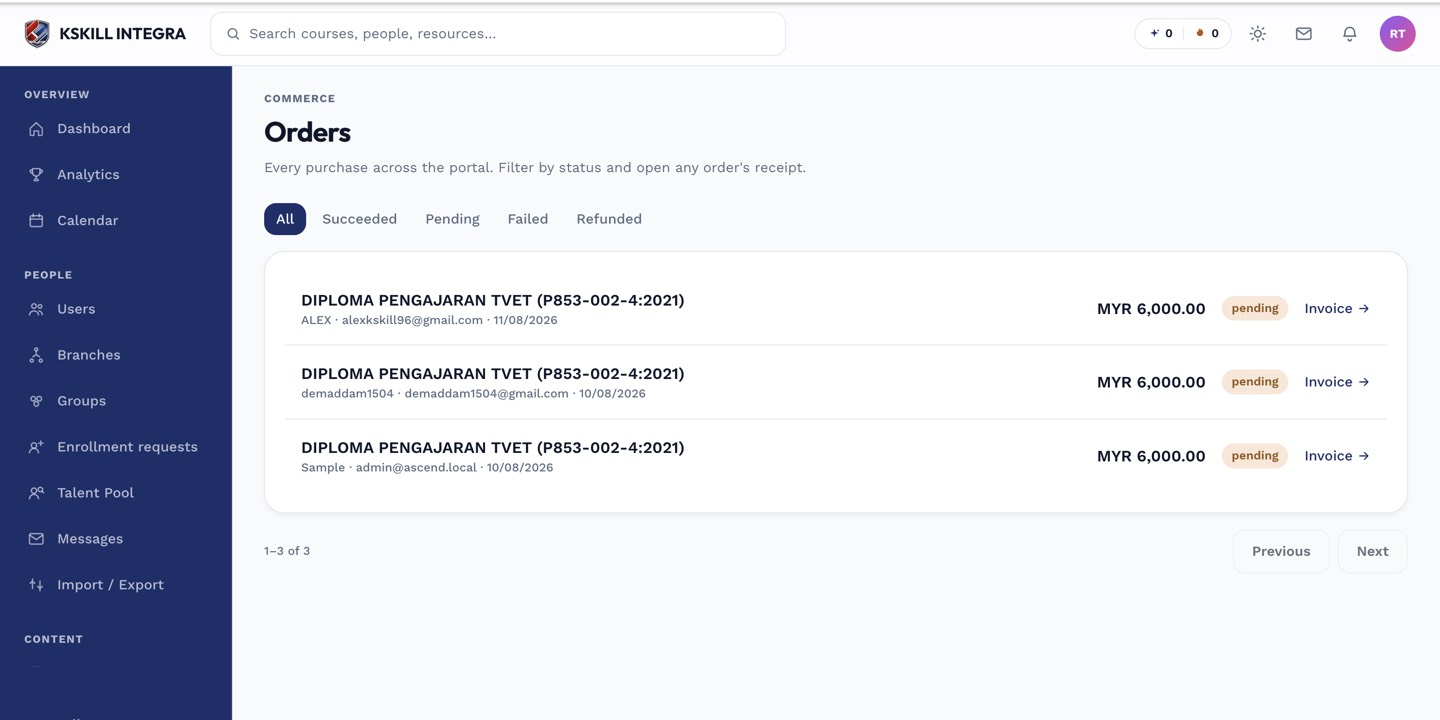 Orders settle once Billplz confirms payment and the learner is redirected back.
Notes
Billplz also has a separate settings section for card tokenization, which is not yet wired up to actually charge recurring payments — see Billplz recurring card settings for the honest current state.