Buy a course from the marketplace
This article covers buying a licence from the marketplace and distributing it to your learners.
Before you start
You need the Admin role and a payment method configured on your tenant.
Step 1 — Find and buy the listing
Open Content → Marketplace. Filter and click a listing to open its storefront page. The storefront is what buyers see before they commit — description, syllabus, sample content, price, seller reputation. Click Buy, pick a seat count, and complete checkout on the platform's hosted page.
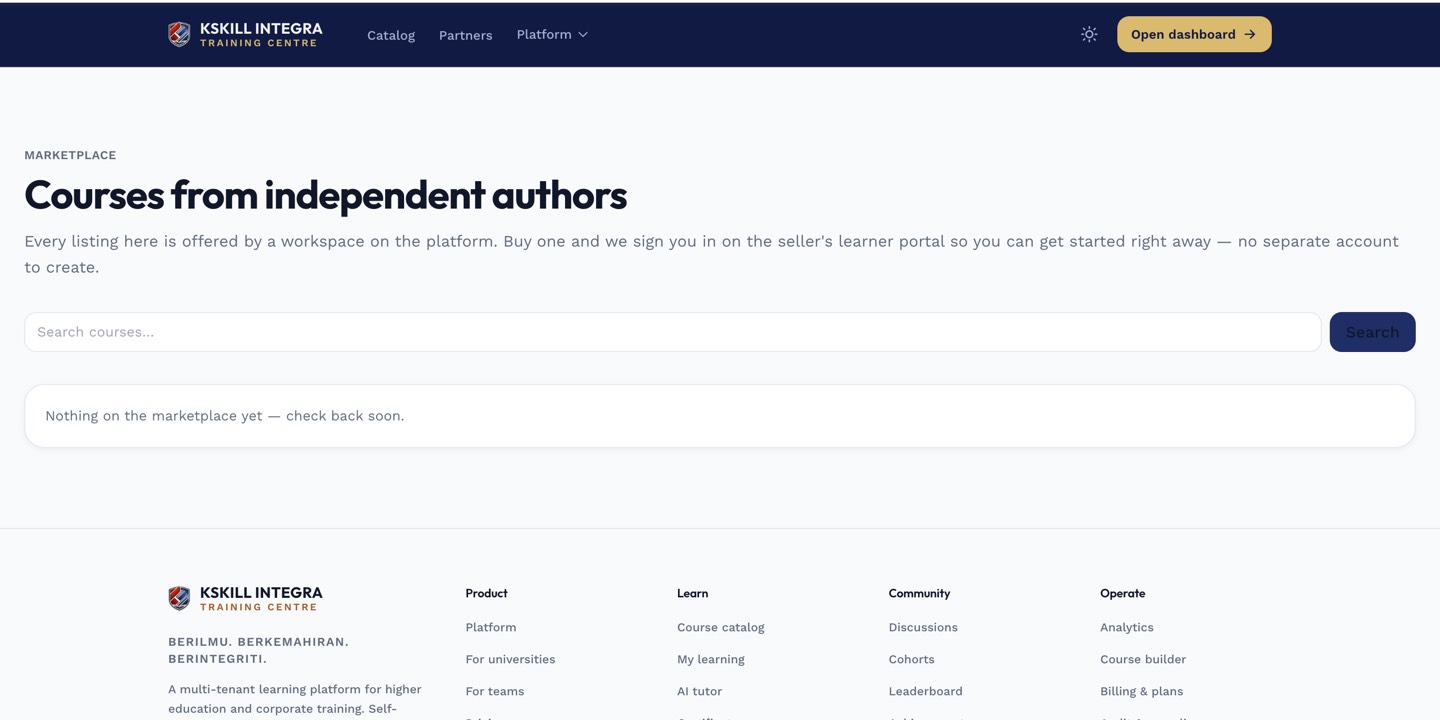
The storefront is what a buyer sees before they click Buy — the copy and imagery earn the click.
Step 2 — Receive the licence
On payment confirmation, a licence appears on your Licences page with the seat count you bought, an expiry (if any) and a launch link. Every seat is one learner-enrolment worth.
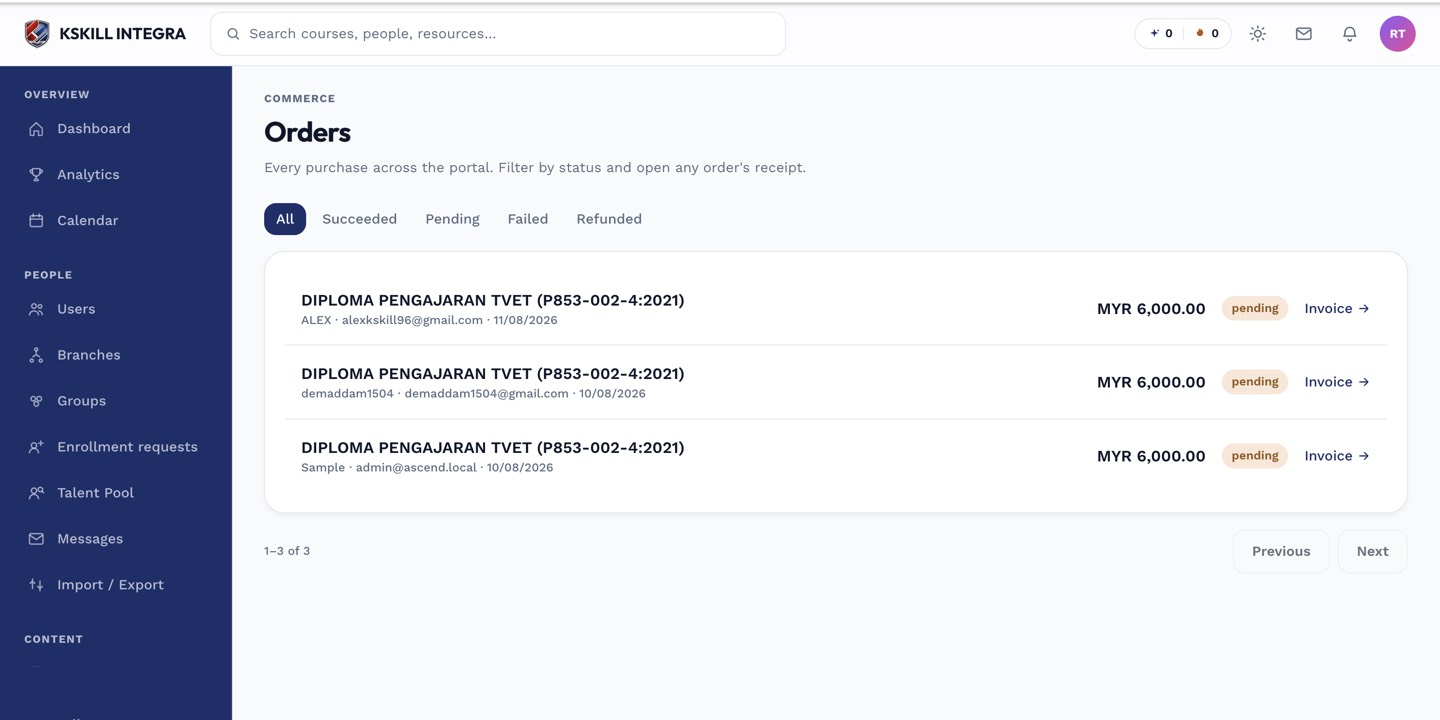
The Orders page is the ledger of every purchase made on the tenant.
Step 3 — Distribute to learners
Attach the licence to a Group or manually enrol learners against it. Each enrolled learner is redirected into the seller's tenant via magic link and enrolled in the course there. Their progress and certificate live seller-side.
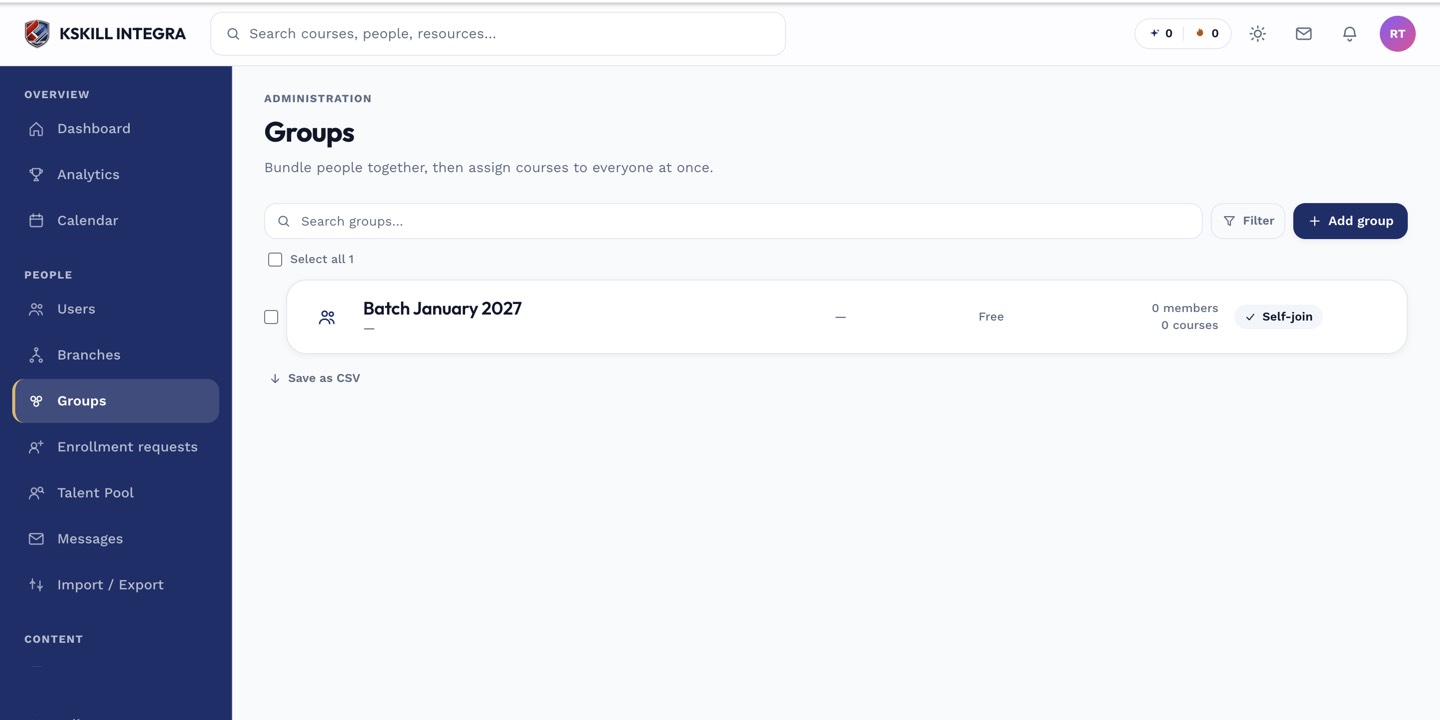
Every group management task starts from this list.
Notes
- Licences that run out of seats can be topped up from the same page.
- The seller controls the course; if it changes, your learners get the update automatically.