Deprecate or unpublish a listing
Deprecating a listing hides it from new buyers without breaking existing customers. This article covers the workflow.
Before you start
You need the Admin role on the seller tenant.
Step 1 — Open the listing
Open Content → Marketplace, switch to My listings, and click the listing. Open the overflow menu at the top right.
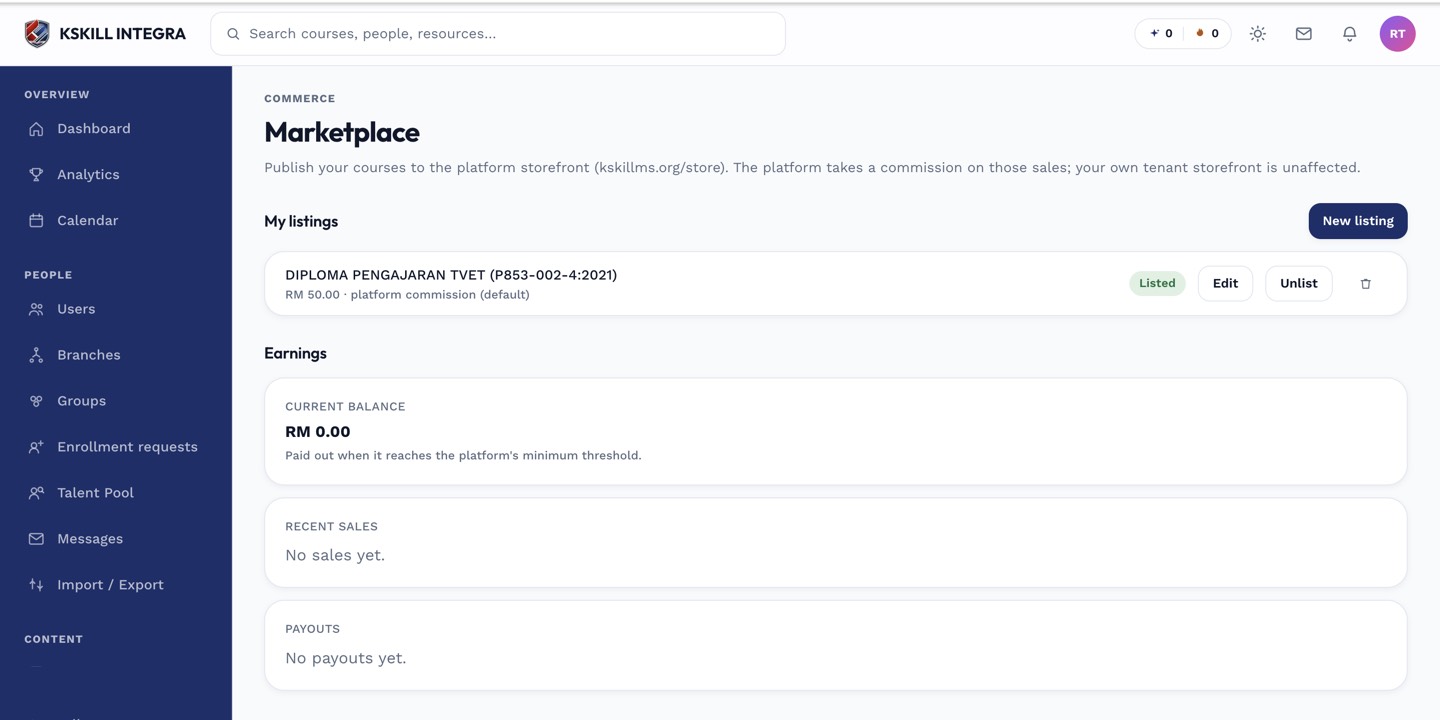
The marketplace is the shared shelf every seller tenant lists into.
Step 2 — Deprecate or unpublish
Pick Deprecate to keep the listing accessible to existing licence holders but hide it from search. Pick Unpublish to hide it completely. Neither action affects existing licences; they continue to work.
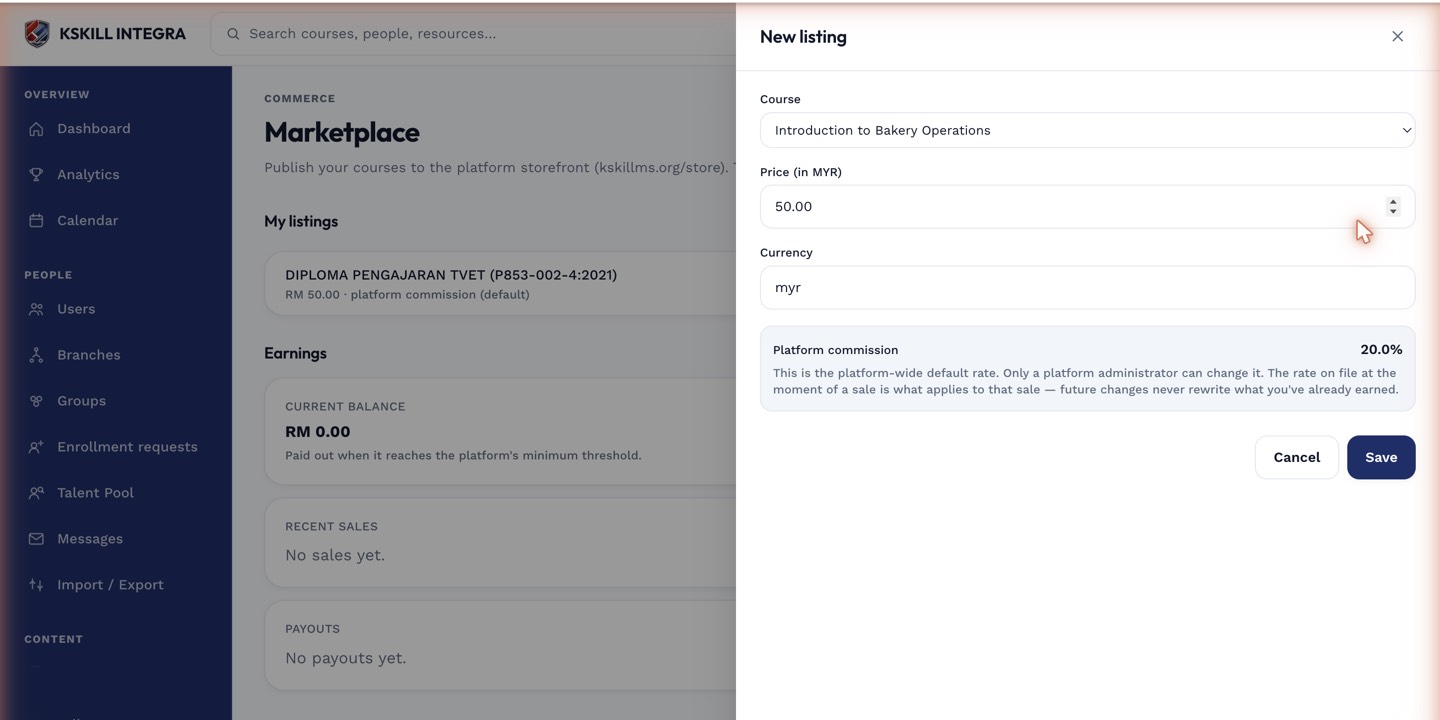
The listing drawer collects the price, payout method and courseware assignments for a new listing.
Step 3 — Communicate the change
Message existing licence-holders (from the buyer contacts list on the listing) to explain the deprecation. Point them at the replacement listing if you have one. Silence produces support tickets.
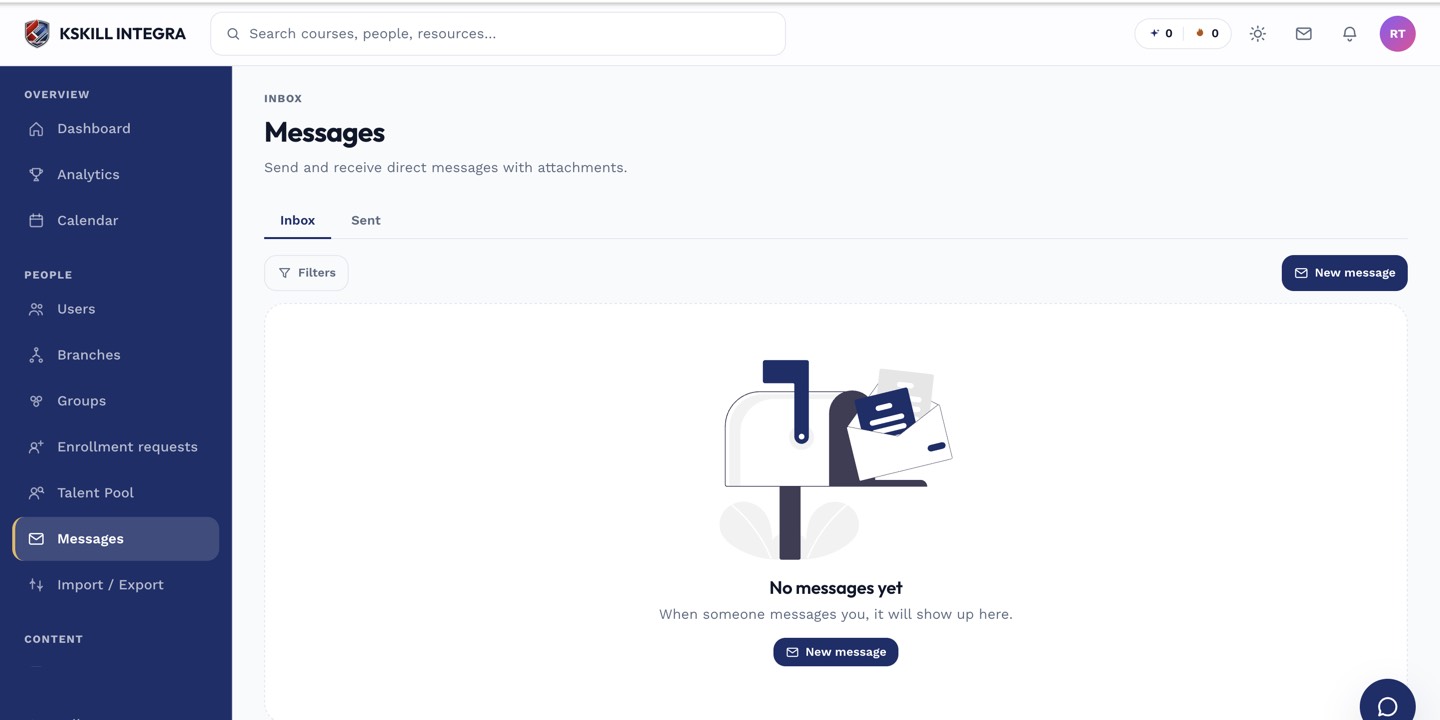
The inbox is where every direct message and broadcast lands.
Notes
- You can re-publish a deprecated listing any time.
- Never delete a listing — deletion breaks existing licences.