Gamification overview and the master toggle
ConfigurationUpdated September 19, 2026
Gamification covers everything that turns learning activity into a game layer: points, badges, a leaderboard, and rewards learners can redeem points for. All of it is controlled by a single tenant-wide switch.
What's included
- Points — earned automatically for learning activity like completing units, passing assessments, or finishing courses.
- Badges — awarded for specific milestones.
- Leaderboard — ranks learners in the tenant by points earned.
- Achievements — a learner's personal history of badges and milestones.
- Rewards — an admin-defined catalog of things learners can redeem their points for.
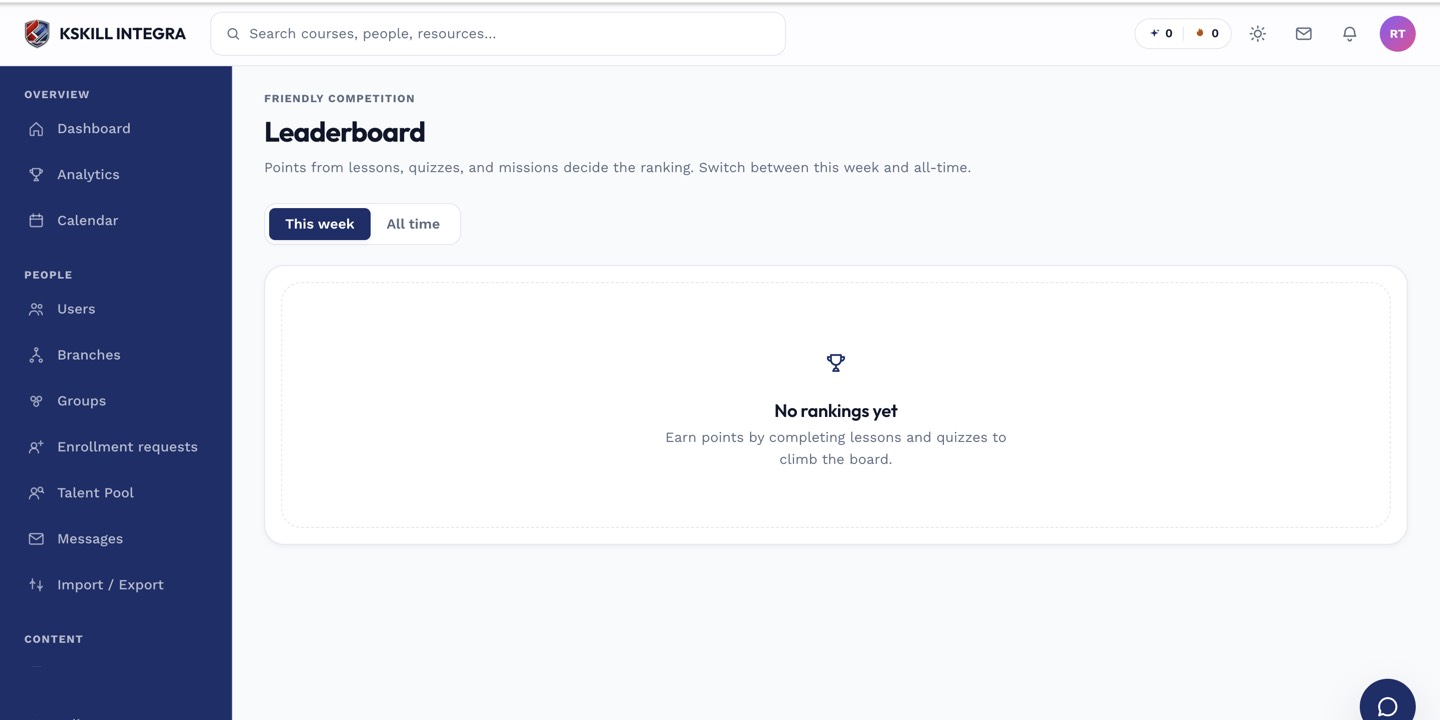 Everything shown here disappears from the learner experience when gamification is switched off.
The master toggle
Gamification is gated by a single tenant-wide feature flag. Turning it off does more than hide the UI — it also blocks the underlying endpoints, so points stop accruing, the leaderboard stops serving data, and rewards can't be redeemed. It's a hard off, not a cosmetic one.
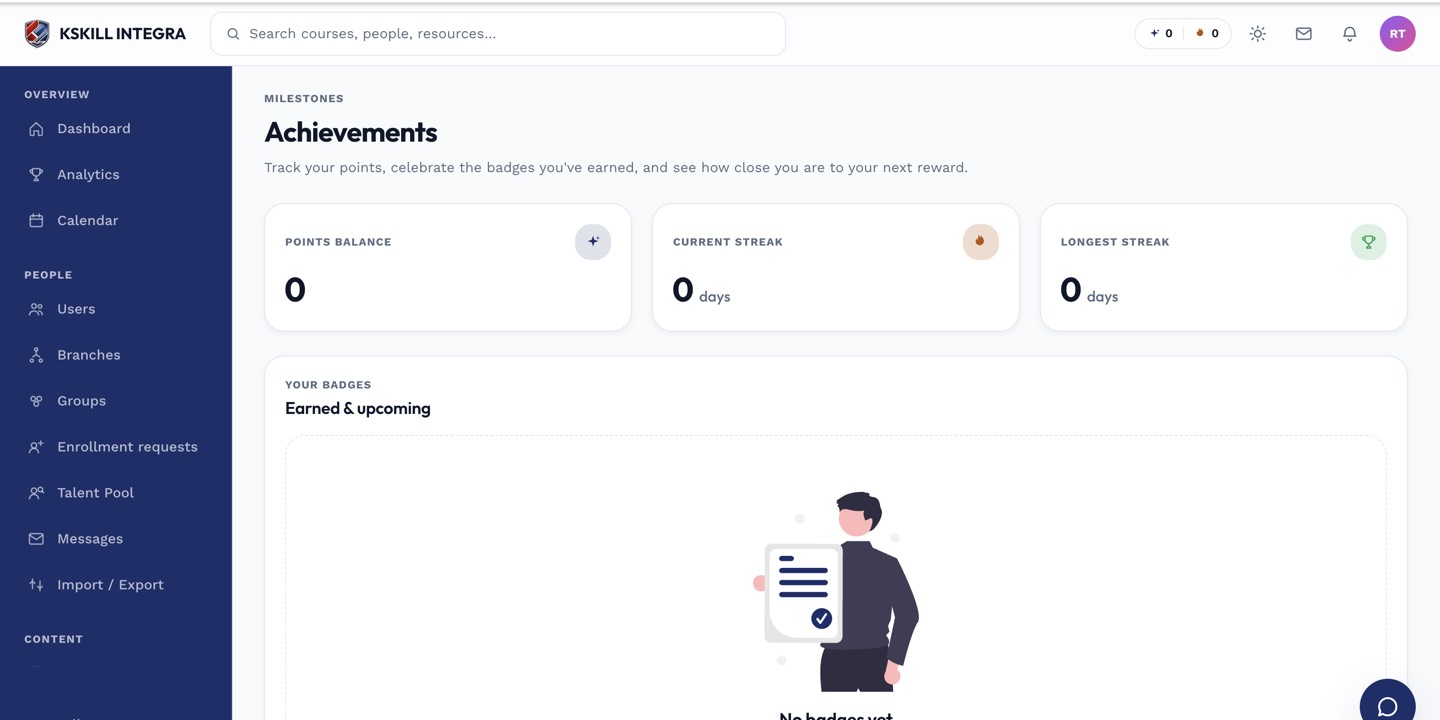 With the flag off, learners simply won't see any gamification surfaces — no leaderboard tab, no points counter, no rewards store.
Notes
Toggling gamification back on later doesn't retroactively award points for activity that happened while it was off — point accrual only resumes going forward.
What next?
#gamification#points#badges#leaderboard#configuration