Marketplace overview
The marketplace is the shared shelf where seller tenants list courses that buyer tenants can license. This tour explains the shape.
Before you start
You need the Admin role. The marketplace feature must be enabled on your tenant.
Step 1 — Open the marketplace
Open Content → Marketplace. The default view is the buyer view — every listing available to license, filterable by category and price. Toggle to the My listings tab to see courses you have listed.
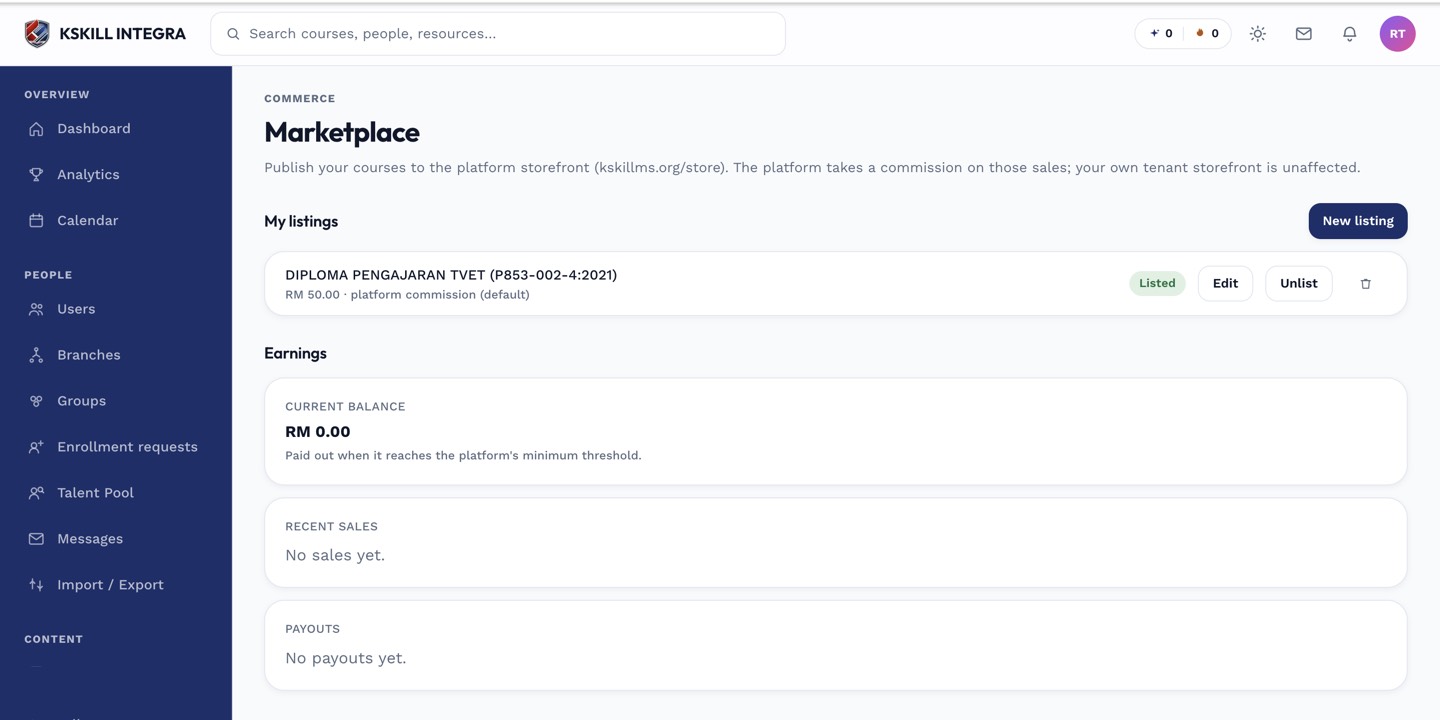
The marketplace is the shared shelf every seller tenant lists into.
Step 2 — How the redirect model works
The marketplace runs a redirect model — buyers pay the platform and are sent to the seller's tenant signed in via a magic link. Nothing is forked into your tenant; the buyer takes the course on the seller's side and their certificate is issued there.
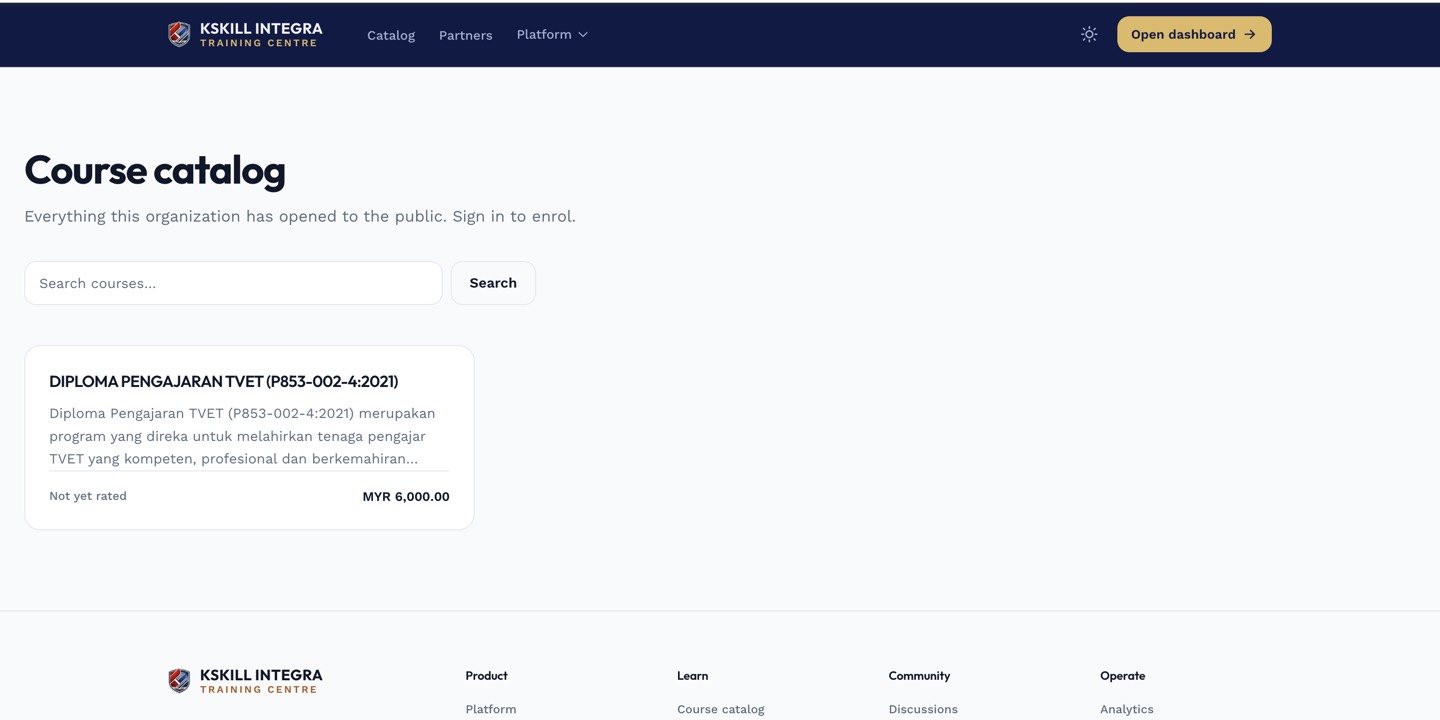
The catalog is the learner-facing shelf of everything a learner is allowed to self-enrol into.
Step 3 — Manage licences you have bought
Bought licences appear on your Licences page. Each licence carries a seat count, an expiry and a launch link. Distribute licences to your learners just like any other course enrolment.
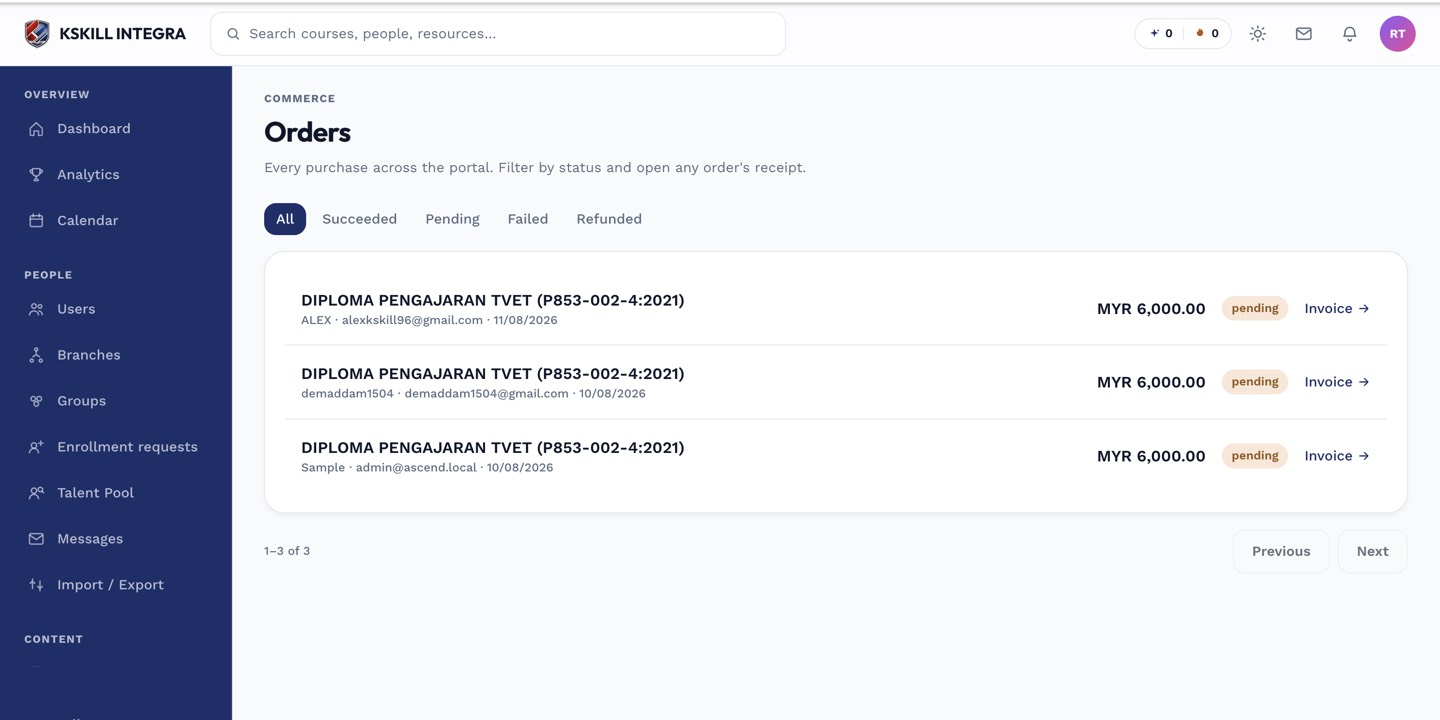
The Orders page is the ledger of every purchase made on the tenant.
Notes
- Sellers keep control of the source course — buyers cannot edit it.
- Historical fork columns still exist in the schema but are deprecated in favour of the redirect model.