Setting a listing's price and payout method
MarketplaceUpdated September 21, 2026
Every listing needs a price and a payout method before it can go live — this is how you actually get paid when another tenant buys it.
Setting the price
Set a price in the listing drawer under Manage → Marketplace. This is what a buying tenant pays for access to the course for their learner.
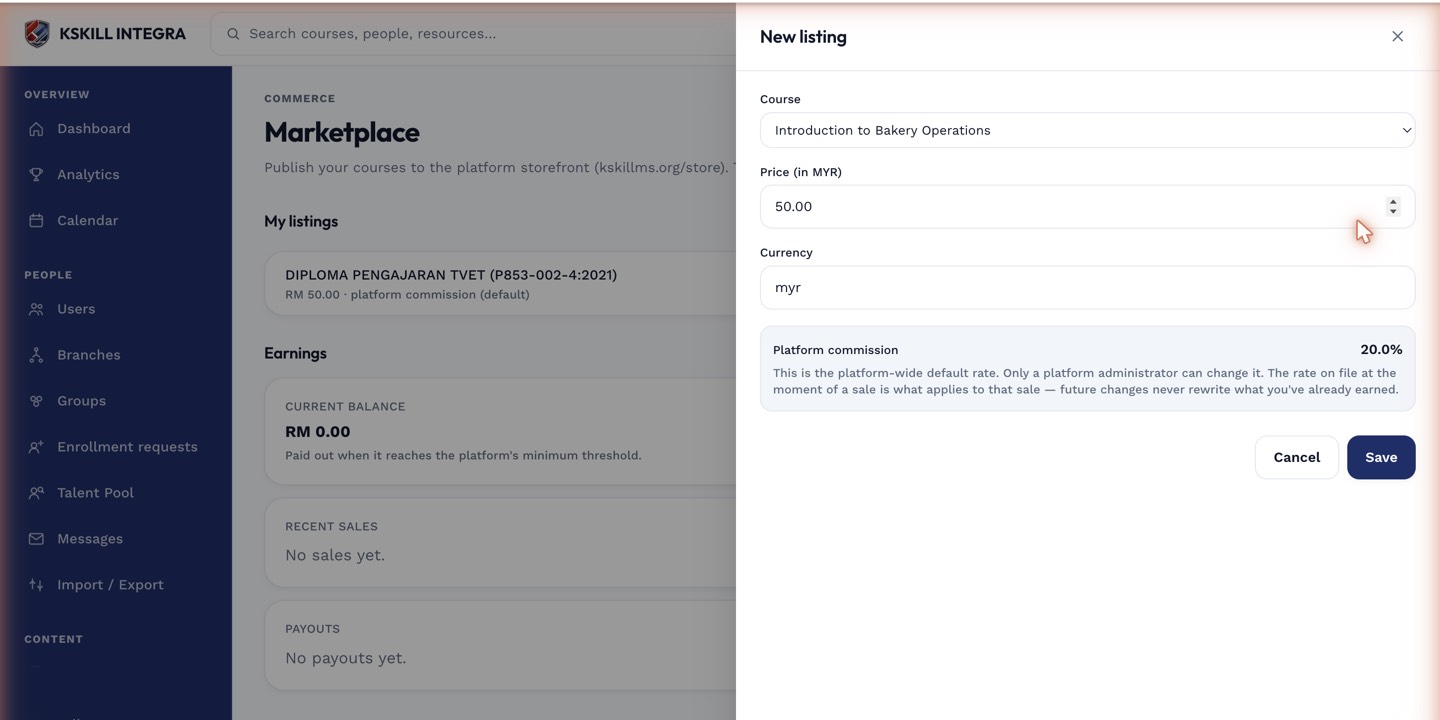 Price and payout method are set together in the same listing drawer.
Choosing a payout method
Payout routes to whichever payment processor your tenant already has connected — the same one you use for your own course sales. If you haven't connected one yet, do that first from your payments settings before listing.
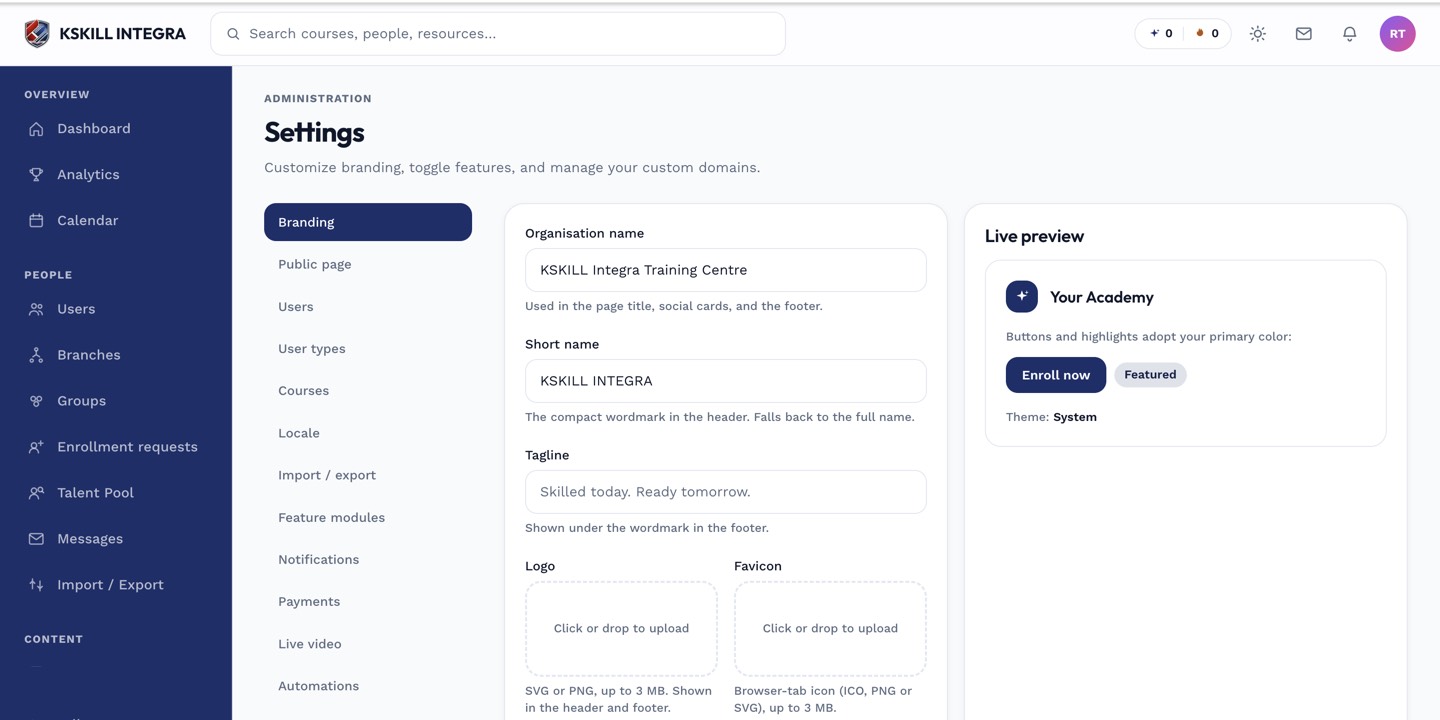 The processor you connect here is what your marketplace payout routes through.
Notes
The platform collects the buyer's payment first, as part of the redirect model — see the marketplace overview for how that flow works end to end. Your payout method determines where your share ends up, not how the buyer pays.
What next?
#marketplace#price#payout#selling#payments