Set listing price and payout method
This article covers pricing a listing and picking a payout method.
Before you start
You need the Admin role and a merchant account with your chosen payout provider.
Step 1 — Open the listing
Open Content → Marketplace, switch to My listings, and click the listing. Open the drawer and scroll to the Pricing section.
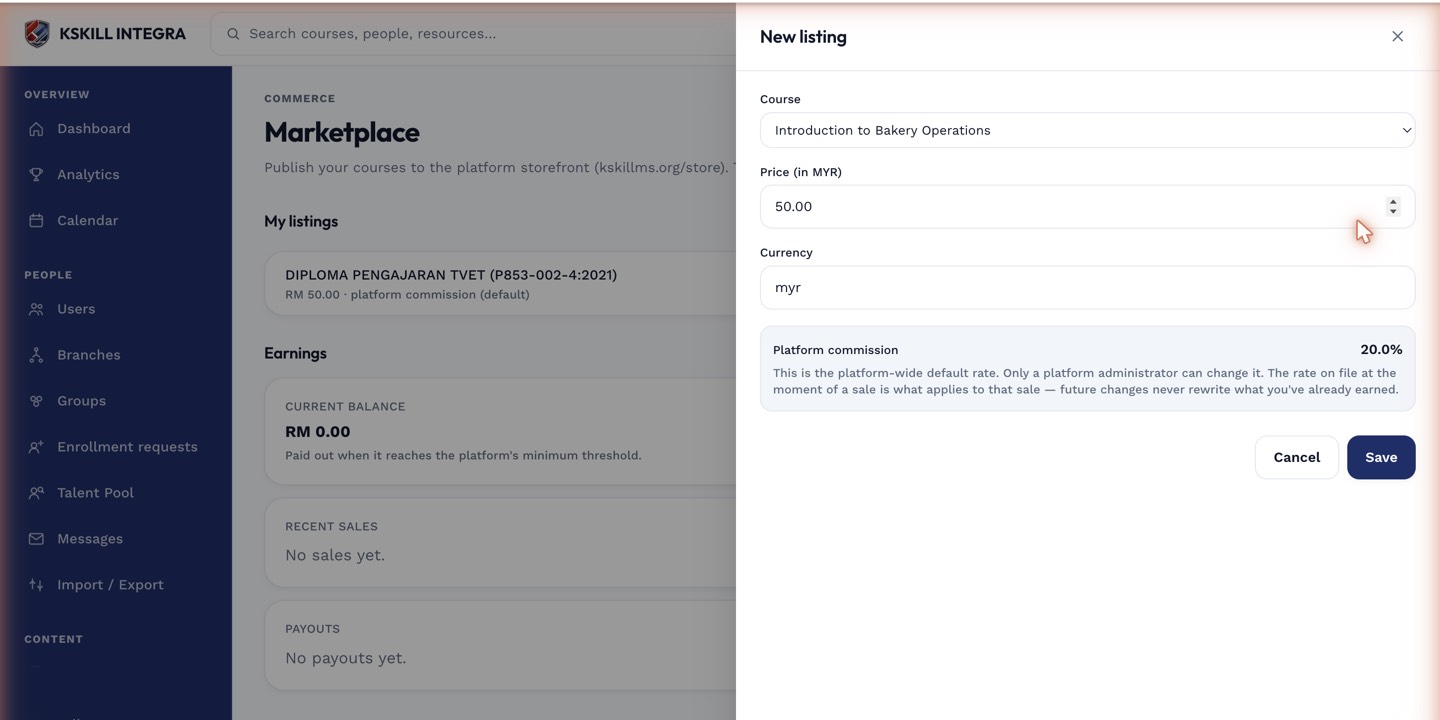
The listing drawer collects the price, payout method and courseware assignments for a new listing.
Step 2 — Set prices per currency
Enter a base price in your default currency. Add other currencies with their own prices (not automatic conversion — you decide the local price). Save. Every buyer sees the price in their preferred currency, defaulting to yours if theirs is missing.
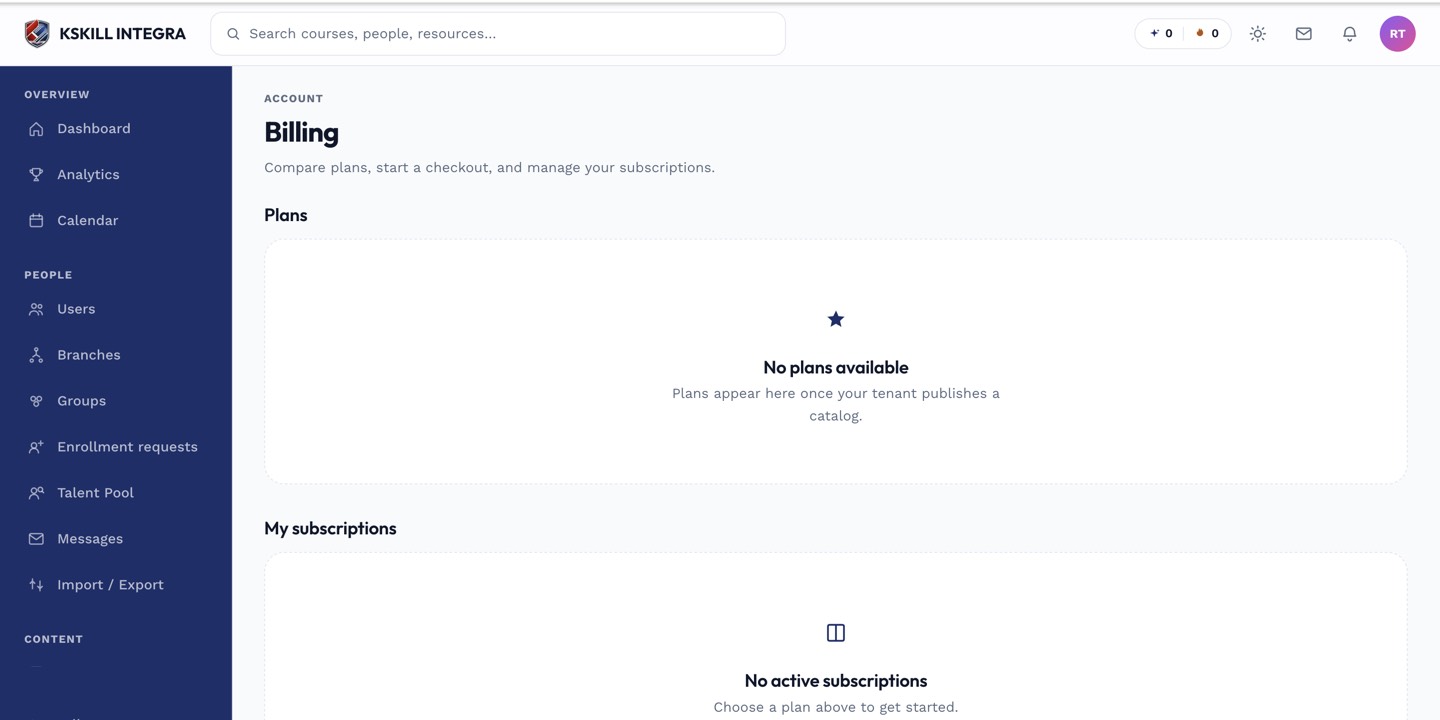
The billing surface reconciles what learners paid against what the tenant collected.
Step 3 — Pick the payout method
Scroll to Payout. Pick Billplz (MYR direct deposit) or Stripe Connect (international bank transfer). Enter or verify the payout account. Save. Future sales pay out on the schedule your provider defines.
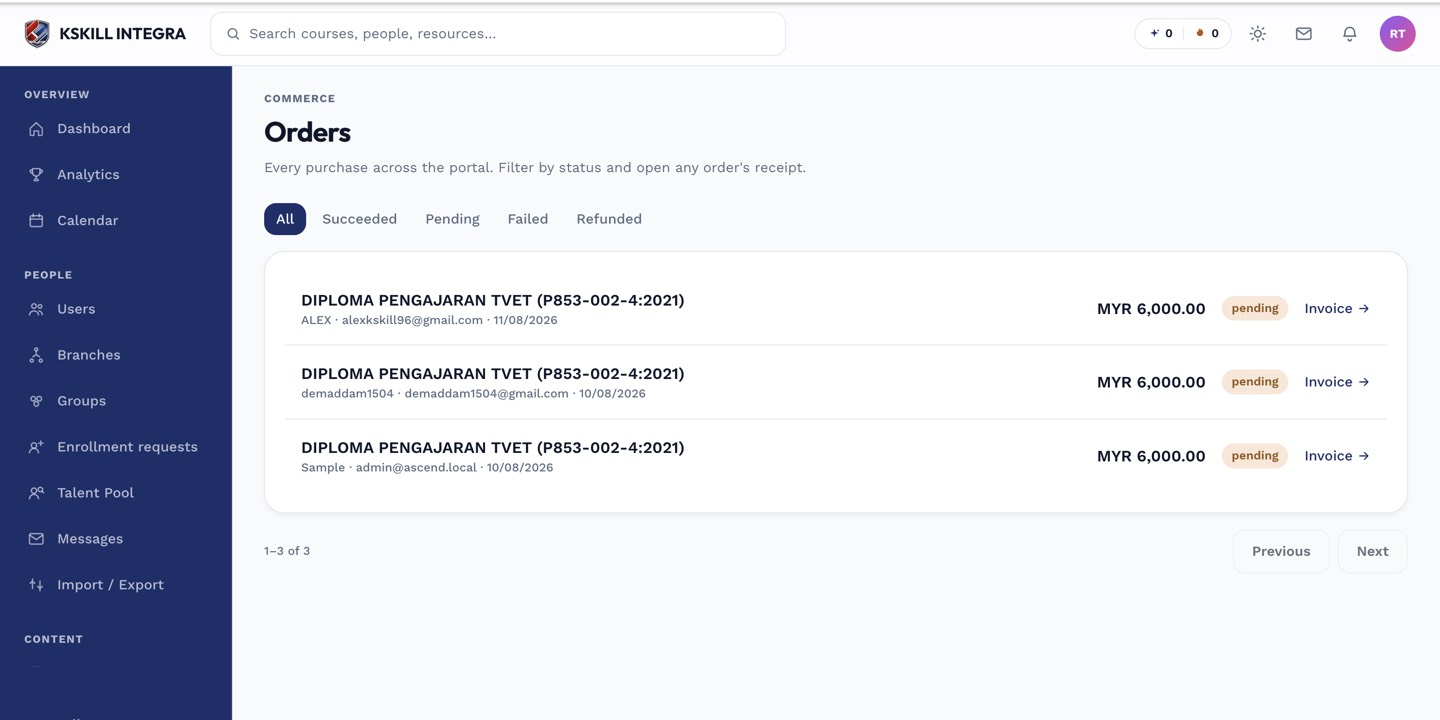
The Orders page is the ledger of every purchase made on the tenant.
Notes
- Platform fees are deducted before payout — the settlement statement shows the split.
- Refunds recoup any already-settled amount at the provider level.