Use the KSKILL Integra API
The KSKILL Integra API lets you script anything the UI can do. This article covers auth, common endpoints and pagination.
Before you start
You need the Admin role to mint an API token. Tokens carry the same scope as the user who minted them.
Step 1 — Mint an API token
Open Configuration → Settings and pick API. Click New token. Give it a descriptive name (e.g. Warehouse sync) and copy the token — you cannot see it again after leaving the page.
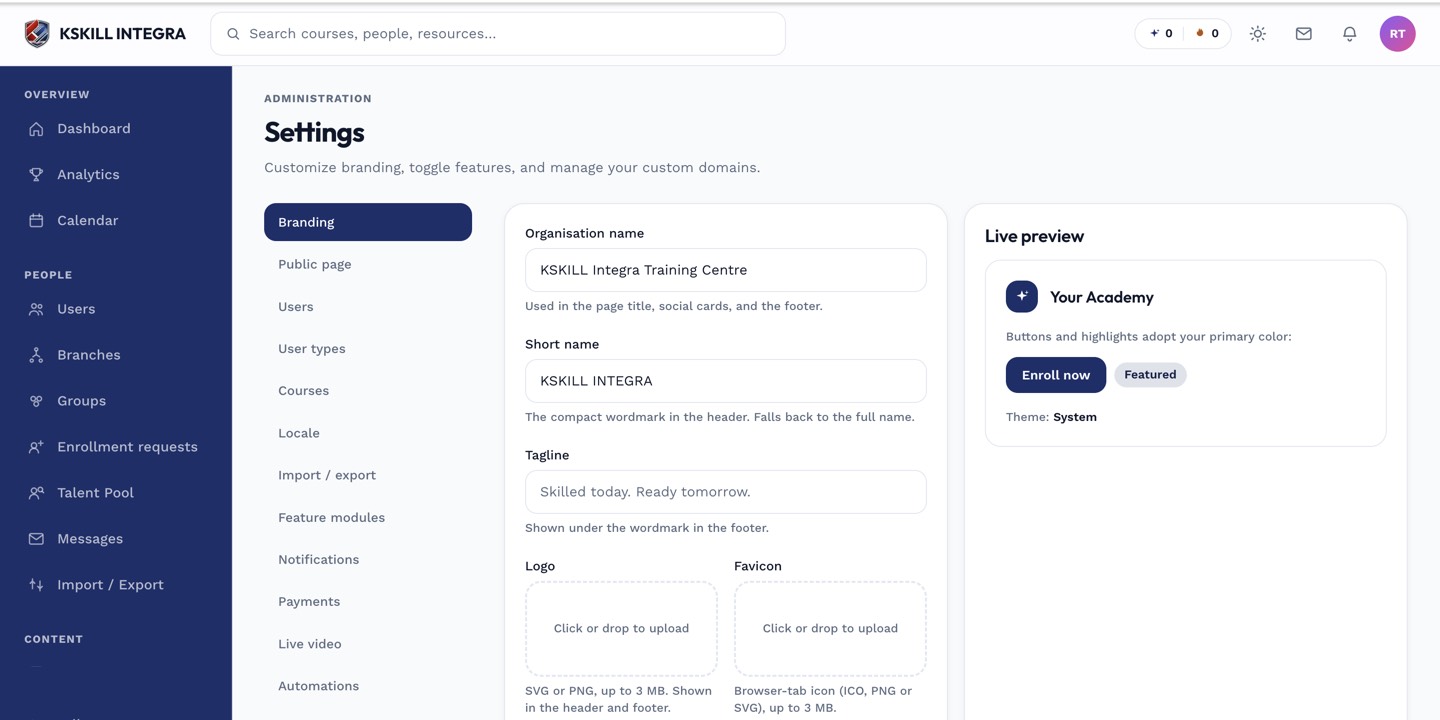
The Settings page is the single home for every tenant-level toggle.
Step 2 — Call the API
Send the token as a Bearer header. Base URL is https://YOUR-TENANT/api/v1. Common endpoints: /users, /courses, /enrollments, /reports. Every response is JSON; every collection paginates with ?cursor=.
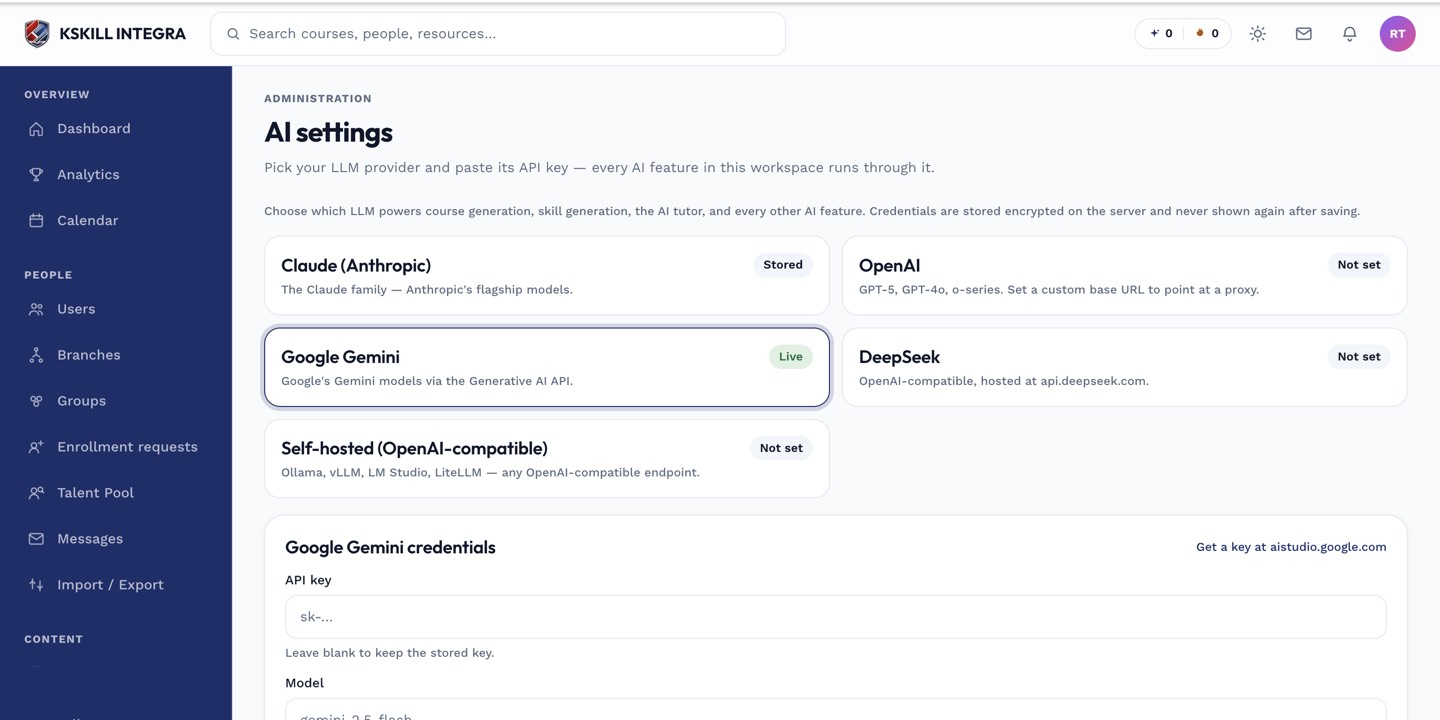
The AI settings page is where every AI-powered feature gets its credentials.
Step 3 — Rate limits and errors
Default rate limit is 60 requests per minute per token; ask your admin to raise it if you need more. 429 responses include a Retry-After header. 4xx bodies always include an error code and human message; log both.
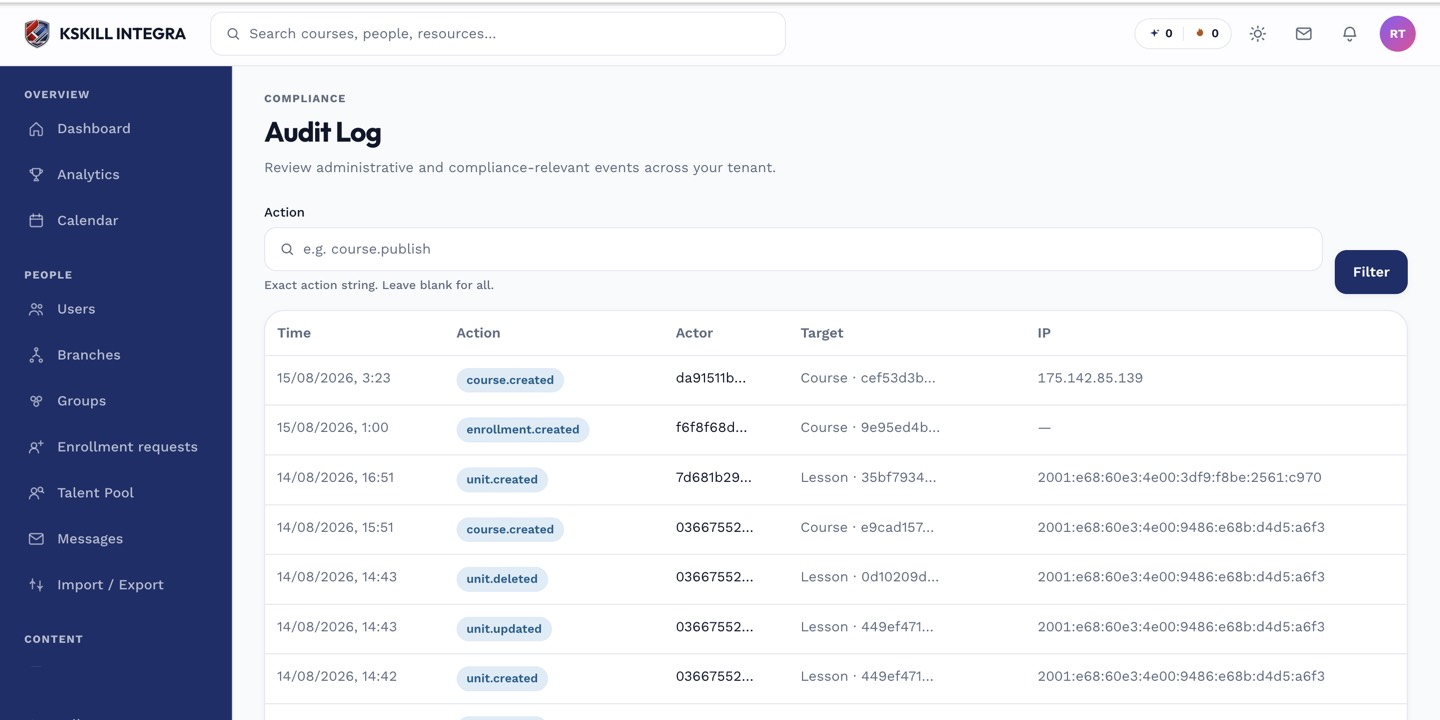
The audit log is your immutable record of who did what.
Notes
- Revoke a token from the same page the moment you rotate it — old tokens keep working until revoked.
- For webhooks, see the webhooks article.