Auto-graded vs. manually-graded question types
Not every question type can score itself. Knowing which ones can helps you predict how much manual grading work an assessment will generate before you publish it.
Auto-graded types
These score the moment a learner submits, with no human involved:
- Multiple choice — single correct answer from a list of options.
- True / false — binary correct answer.
- Match — drag-to-match pairs, scored by comparing the learner's pairing to the correct one.
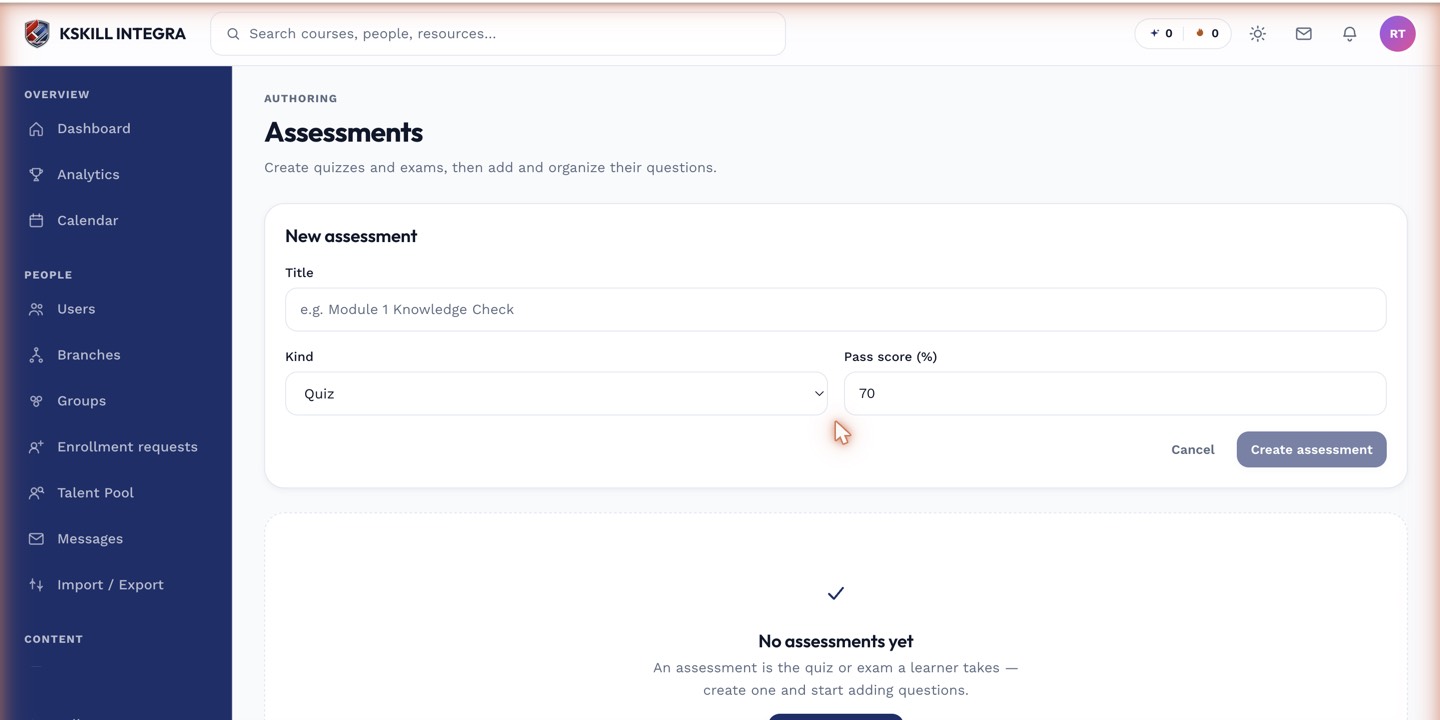 Auto-graded question types show an instant correct/incorrect result to the learner.
Manually-graded types
These require a human judgment call and queue into the Grading Hub:
- Short answer — a few sentences of free text.
- Essay — a longer written response.
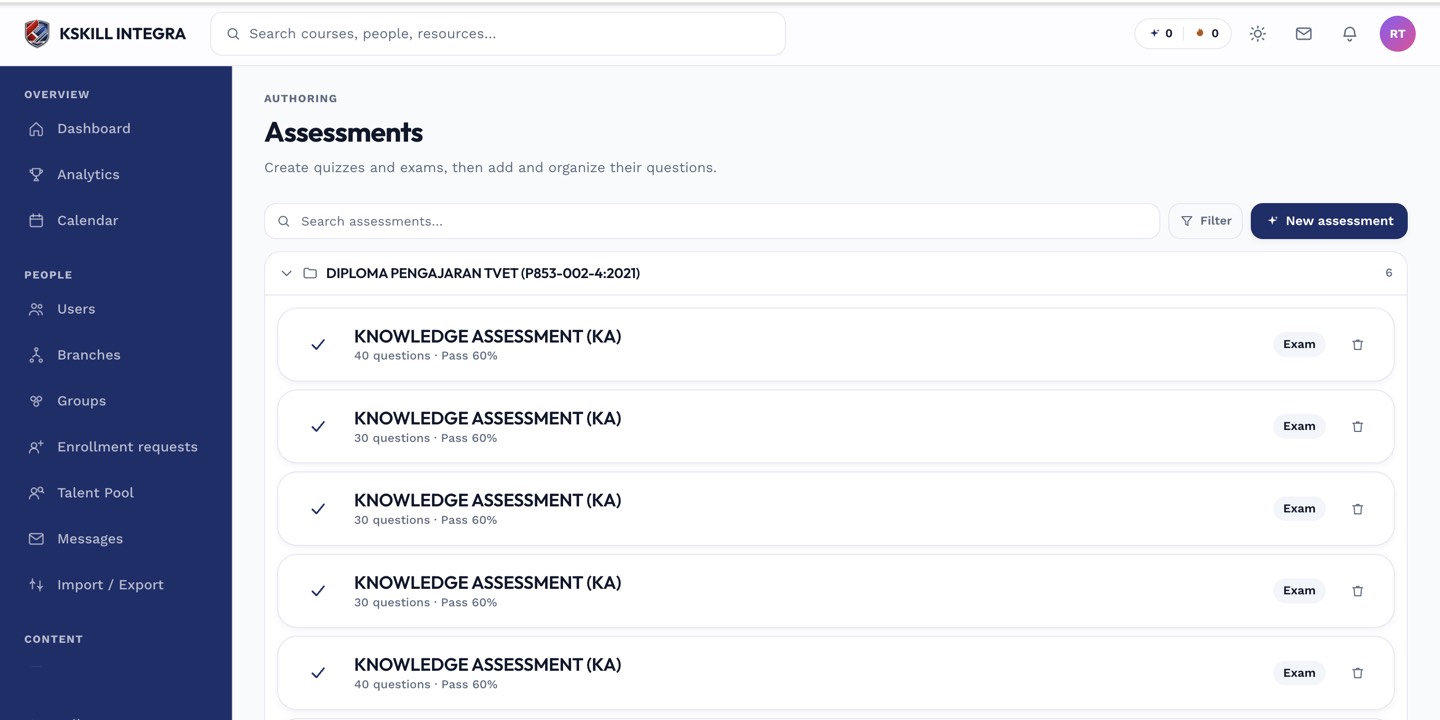 Any assessment containing at least one short answer or essay question will show up in the Exams or Quizzes grading tab.
Why it matters when authoring
An assessment built entirely from auto-graded types gives learners an instant result and needs no instructor follow-up. Mixing in even one essay question means every attempt sits partially pending until someone grades it — plan for that if you're running a large cohort against a deadline.
Notes
Question type is set per question when you build or edit a question bank, not per assessment — an assessment simply pulls whatever mix of question types its bank contains.