Content package troubleshooting
SCORM, cmi5 and H5P packages sometimes misbehave. This article walks the common failures and their fixes.
Before you start
You need the Admin role or access to the affected course.
Step 1 — Diagnose completion issues
If completion never fires, open the SCORM unit in preview and complete it yourself. Watch the browser console for API errors — a red LMSSetValue call means the package is calling something the LMS doesn't expose. Report to the package author.
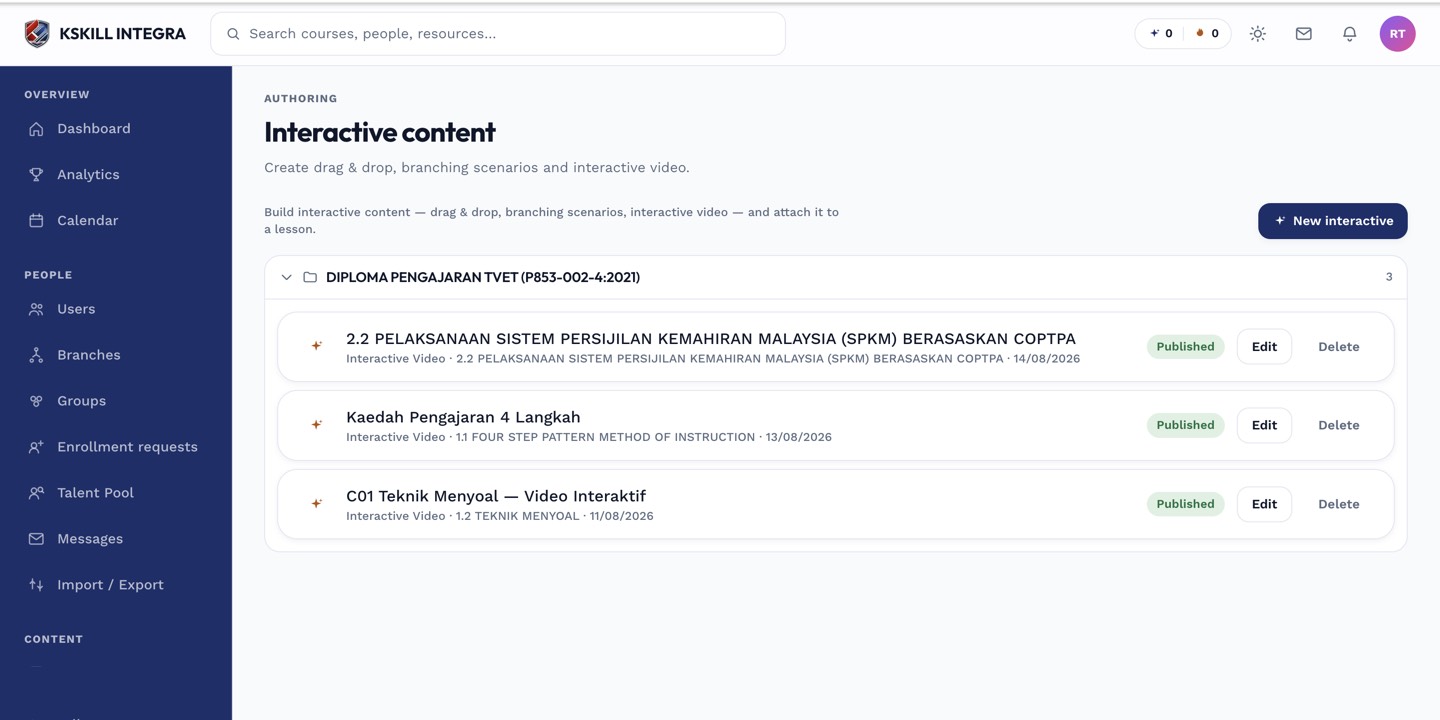
The interactive-content library is where uploaded H5P and SCORM packages are managed.
Step 2 — Fix progress drift
If the platform shows different progress than the package's internal state, reset the learner's registration (see the reset-scorm-registrations article). Fresh start, no confusion.
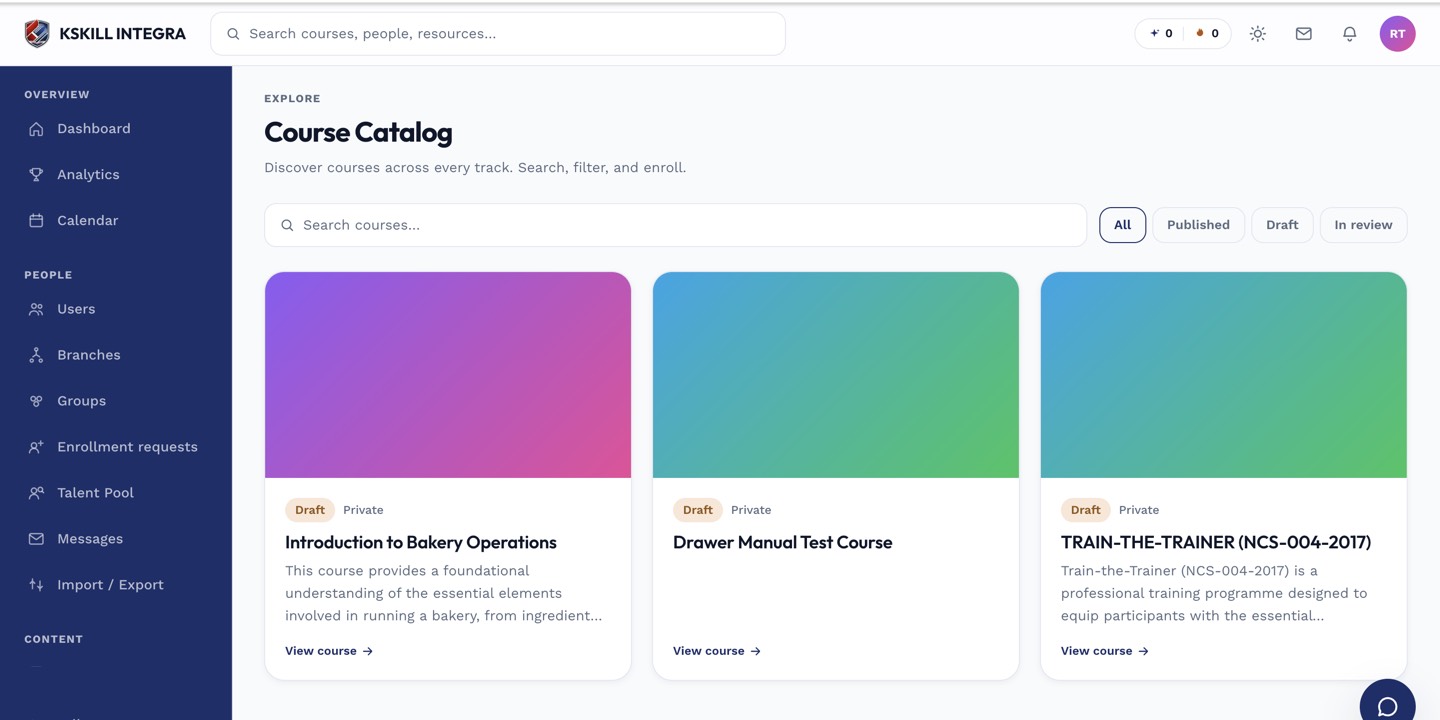
My Courses is the learner's grid of everything they are currently enrolled in.
Step 3 — Handle upload rejections
If a package fails to upload, the parser tells you exactly which schema element is missing or malformed. Fix the source manifest and re-upload. Common issue: an identifier attribute that duplicates another package on the tenant.
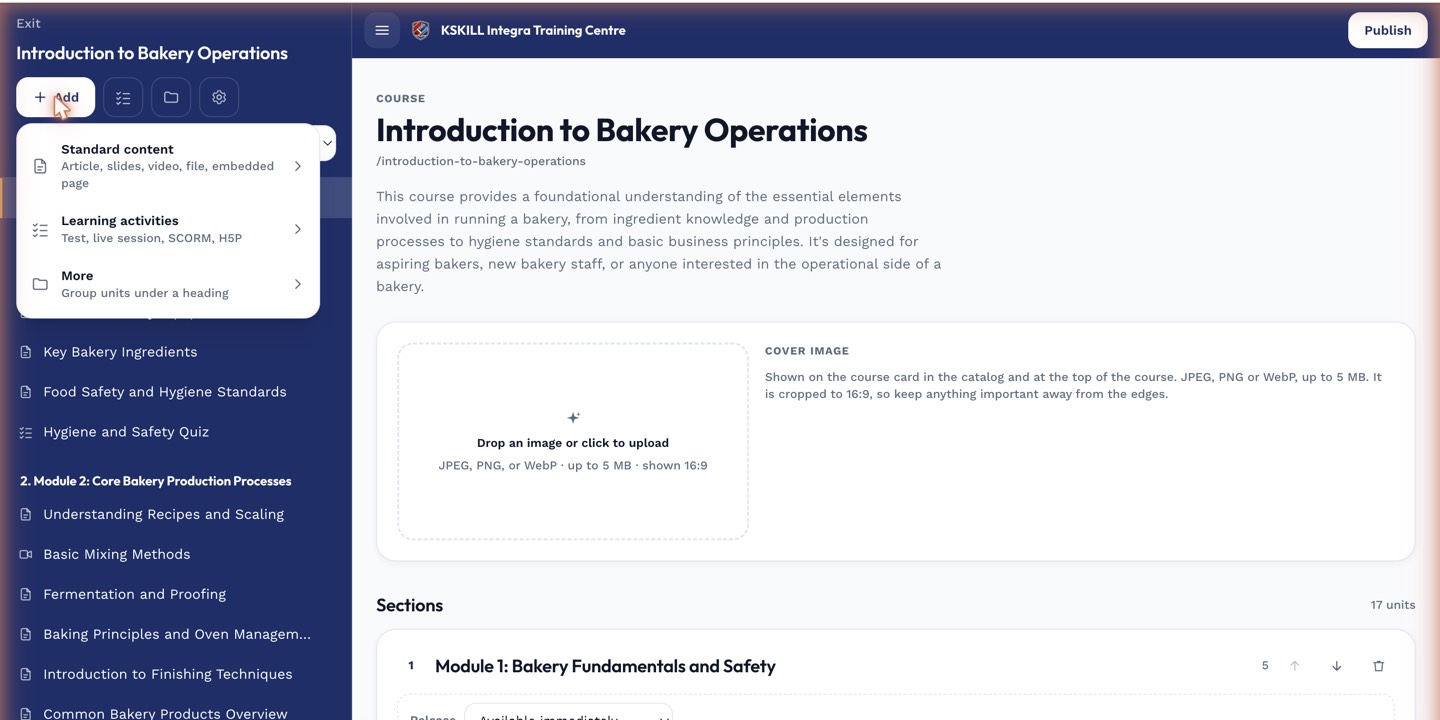
The lesson-type picker is the same one whichever section you add into.
Notes
- Persistent SCORM issues almost always point at the package, not the LMS.
- For cmi5, the platform's built-in LRS handles statement recording — no external LRS needed.