Branch Limits: What Your Package Allows and What Happens at the Cap
How many branches you can create is tied to your subscription package, not to anything you configure yourself. Entry-level packages are deliberately restrictive — the Integra-Start package, for example, allows only a single branch — while higher tiers allow more.
Where to check your limit
Your current branch count and cap are both visible from the branch list, so you always know how much headroom you have before you plan a new sub-branch.
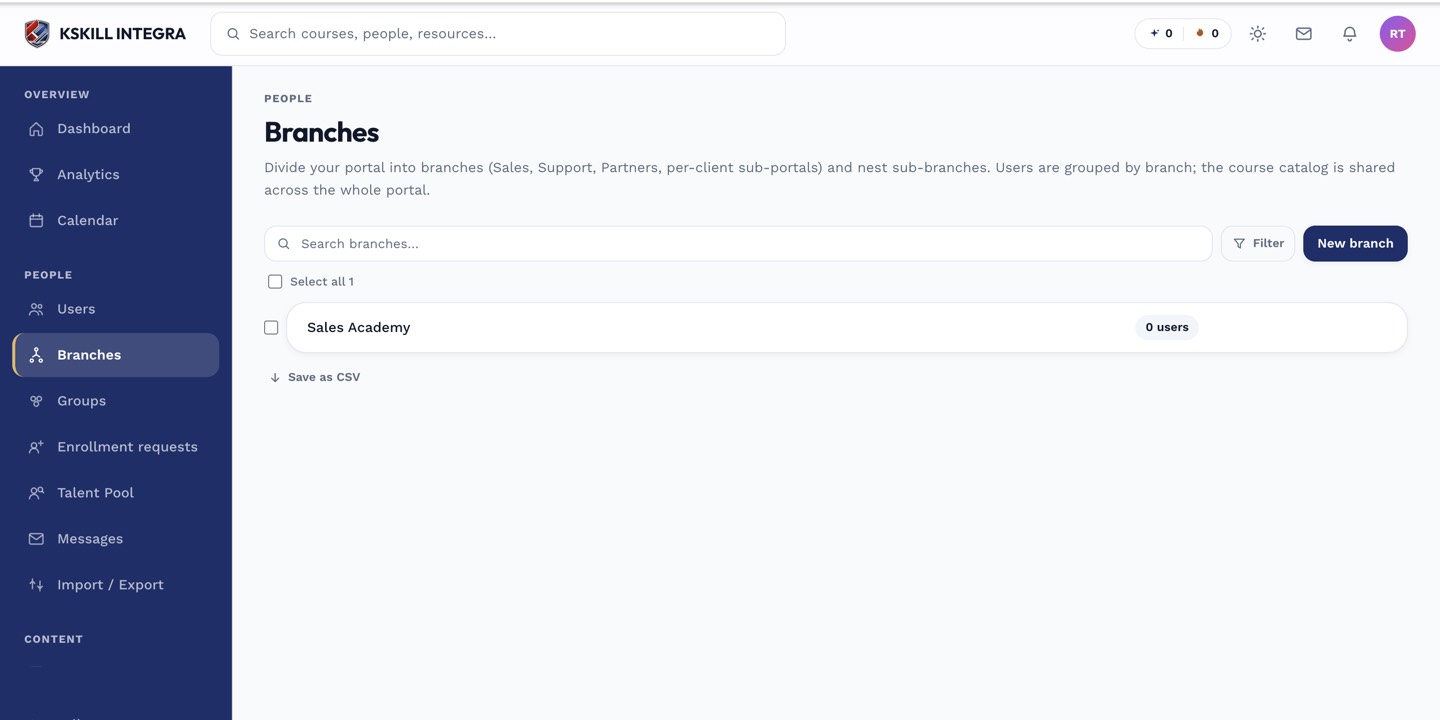 The branch list shows how many branches you have against your package allowance.
What happens at the cap
When you try to create a branch beyond your package's allowance, you don't get a silent failure or a generic error — you get a clear message telling you to either upgrade your package or delete an existing branch to make room. Nothing is created until you resolve one of those two.
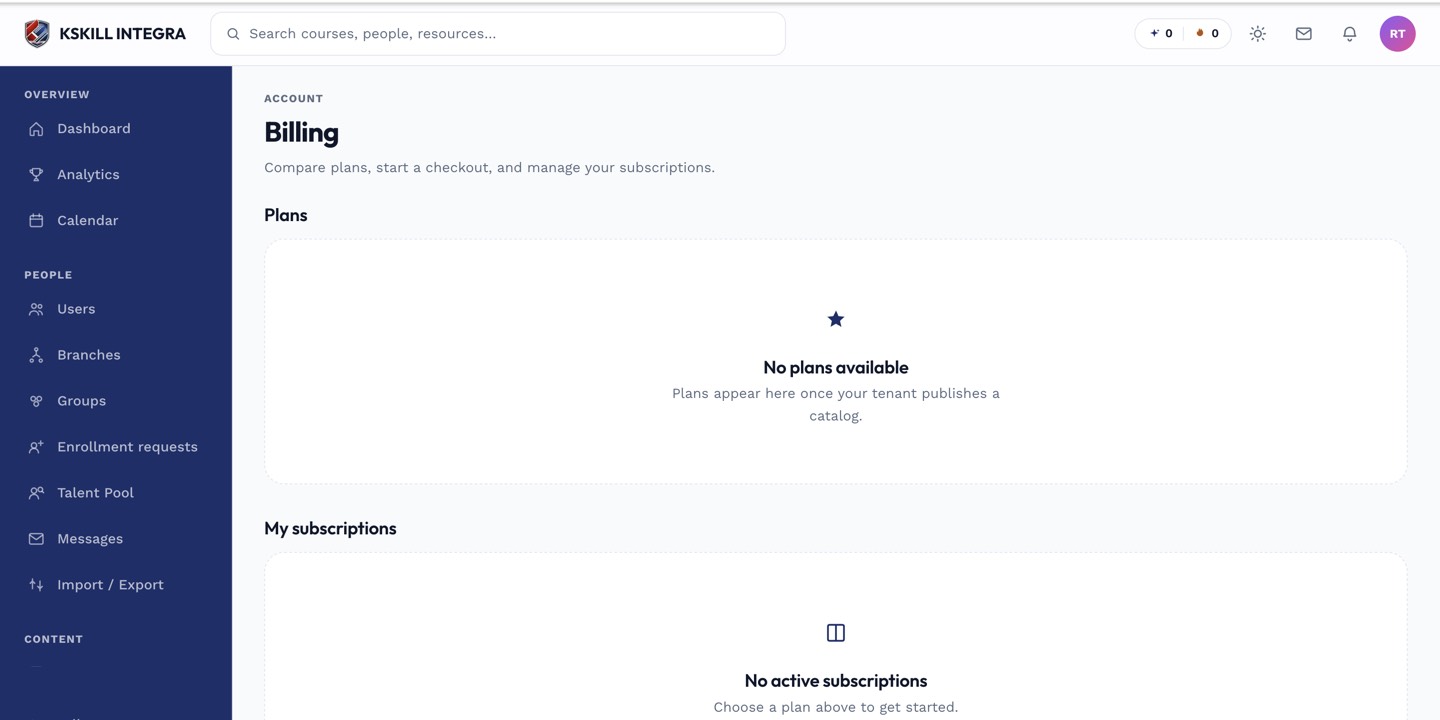 Your package tier, visible from Billing, determines your branch cap.
Notes
Deleting a branch to make room removes that branch's grouping of users, so reassign or migrate its members to another branch first if you don't want them left without one.