What Are Branches, and When Should You Use Them?
A branch divides your portal into separate groups of people — think Sales versus Support, or a dedicated sub-portal for each client — without splitting up your course catalog. If you've ever wanted to organize users into departments or client-facing sub-portals while still managing everything from one admin console, branches are the tool.
What a branch actually separates
A branch groups users. Each user belongs to a branch (or sits at the top level, outside any branch), and branches can be nested, so a client-facing branch can have its own internal sub-branches underneath it. Branches can optionally carry their own payment settings, which is useful when different branches need different pricing or payment providers.
What stays shared
The course catalog is not split by branch. Every course, learning path, and cohort you create is available across the whole portal — branches don't fragment content, they only fragment people. If you need different content per audience, use groups or enrollment rules instead; branches are the wrong tool for that.
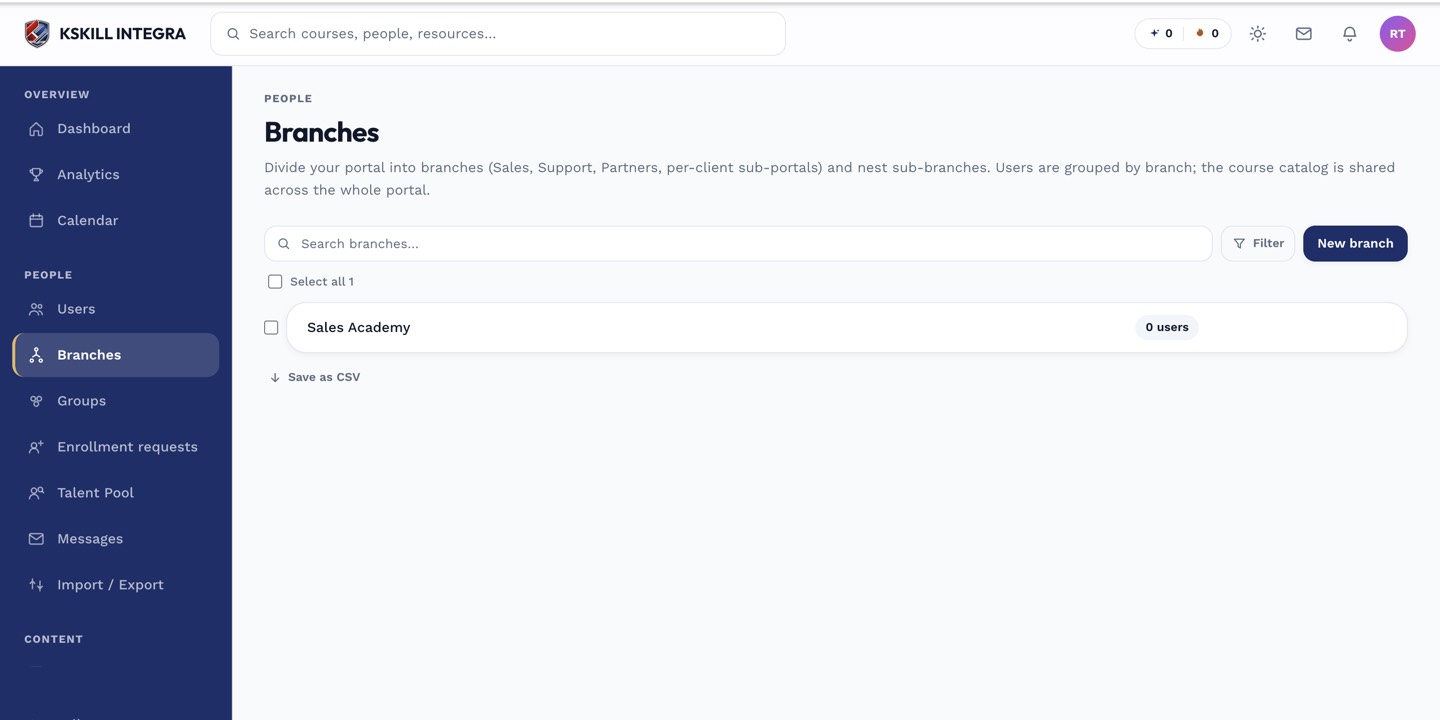 Branches appear as a flat list with nesting shown by indentation.
Typical use cases
- Separating internal departments (Sales, Support, Engineering) so each has its own user roster and reporting.
- Standing up a dedicated sub-portal per client or reseller, with its own branding-adjacent grouping of learners.
- Isolating a seasonal cohort of external partners from your permanent staff, while still training them on the same catalog.
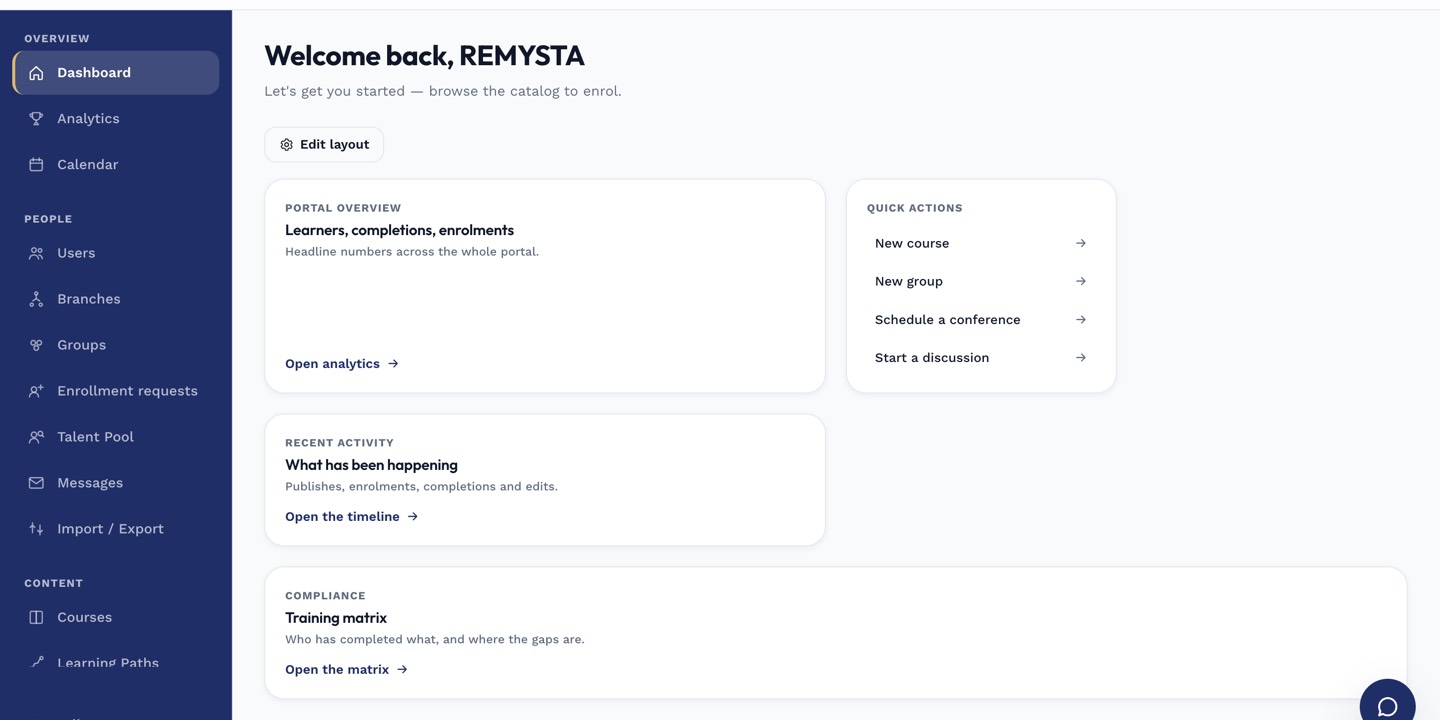 Branches live under Manage in the main admin sidebar, alongside Groups and Cohorts.
Notes
How many branches you can create is capped by your subscription package. Check your current usage and limit before planning a large branch hierarchy.