Enrolment issues
This article covers common enrolment problems — missing courses, prerequisites, and stuck approval requests.
Before you start
You need to be signed in. Some enrolment issues need admin help; the article calls out which.
Step 1 — Course doesn't appear on My Learning
Sign out and back in — enrolments can be cached briefly. If it still doesn't appear, check with your admin that the enrolment was recorded. Auto-enrol via a Group only fires when the group-course link is present with auto-enrol on.
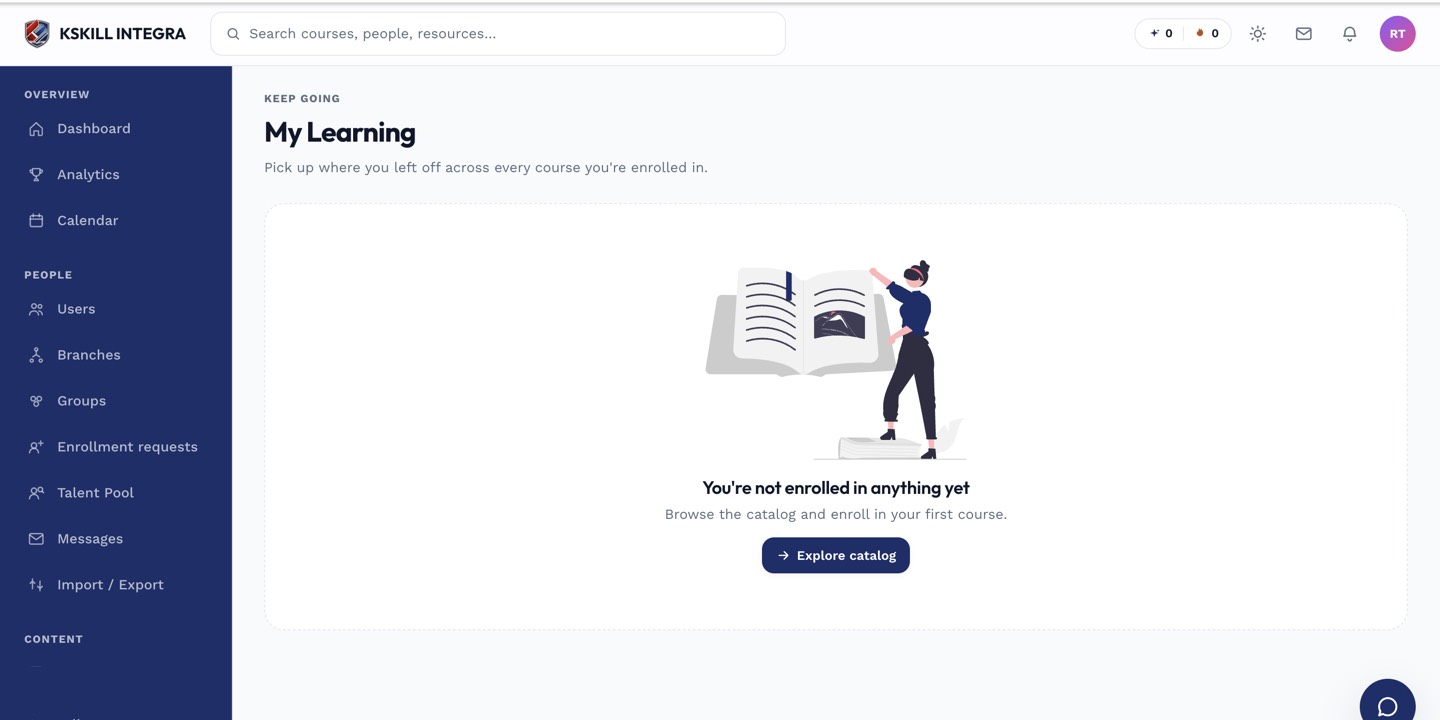
My Learning is the learner's default landing page — every enrolled course is one click away.
Step 2 — Enrol button is disabled
The button greys out when a prerequisite hasn't been met. Hover it for the tooltip explaining which prerequisite. Complete the prerequisite and the button lights up. If the button reads Request enrolment, submit the request and wait for admin approval.
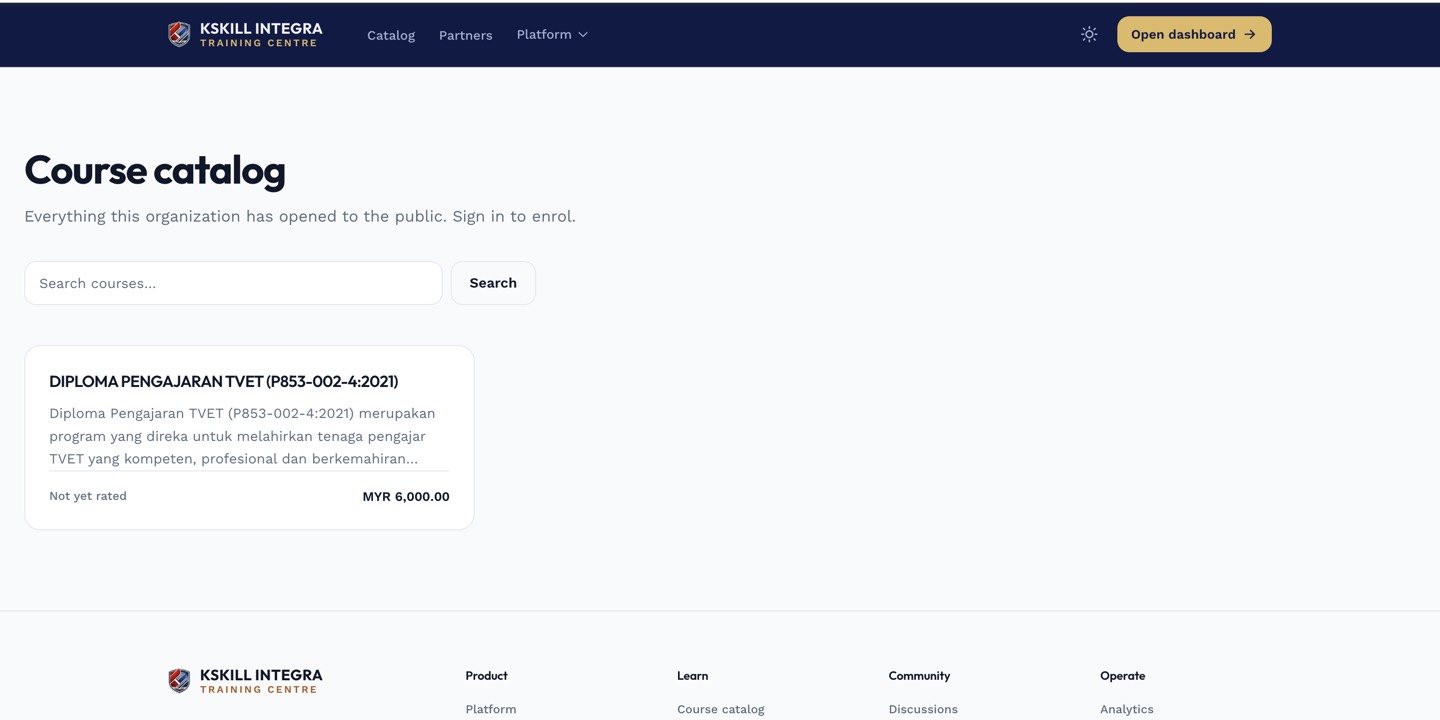
The catalog is the learner-facing shelf of everything a learner is allowed to self-enrol into.
Step 3 — Approval request is stuck
If your enrolment request has been pending for days, message your admin directly. They may not have noticed the notification. Some tenants have longer SLAs than others — ask upfront how long approvals usually take.
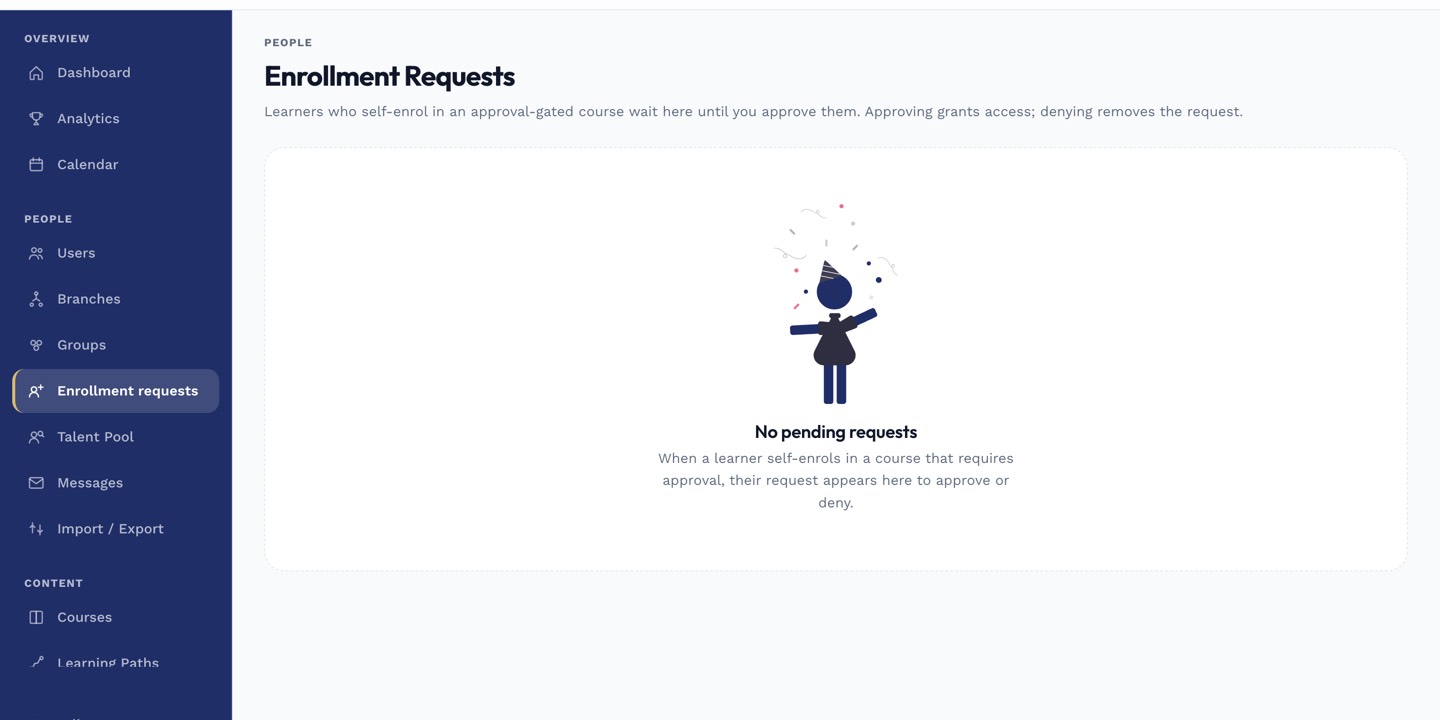
The enrolment-requests page is where restricted-course requests are approved or rejected.
Notes
- Bulk enrolment issues usually stem from a CSV column mismatch — check the import error report.
- Cohort-scheduled courses can't be started before the cohort's start date unless the admin enables early-start.