Leaderboards
The leaderboard ranks learners by points earned this period. This article covers reading it.
Before you start
You need to be signed in. The leaderboard is on by default; some tenants hide it.
Step 1 — Open the leaderboard
Open Leaderboard from your sidebar. The default view is this period's rankings — you at the top of your position, top 10 above, and everyone else below you.
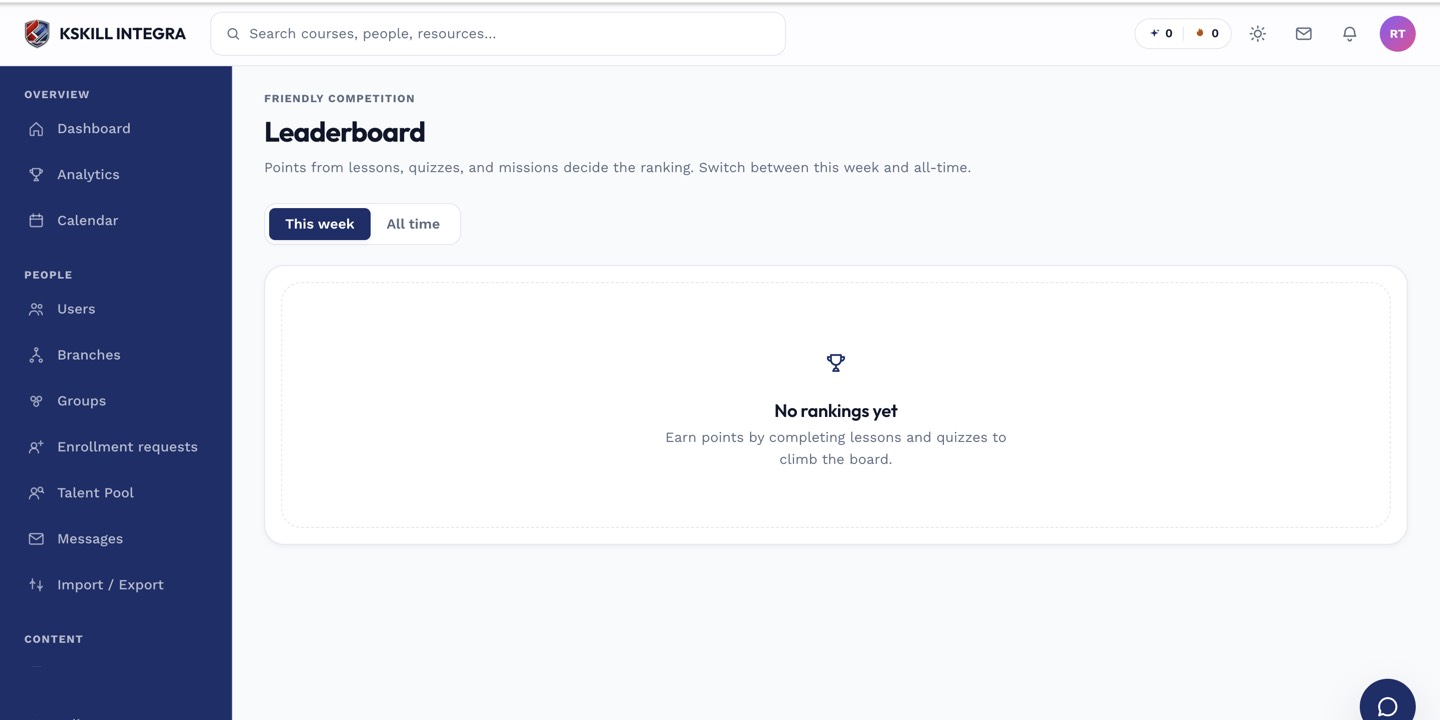
The leaderboard is a gamified snapshot of who's on top this period.
Step 2 — Switch scope and period
The period dropdown flips between this week, month and all-time. The scope dropdown flips between everyone and your group. Combine to answer 'am I in the top 10 of my sales team this month?'.
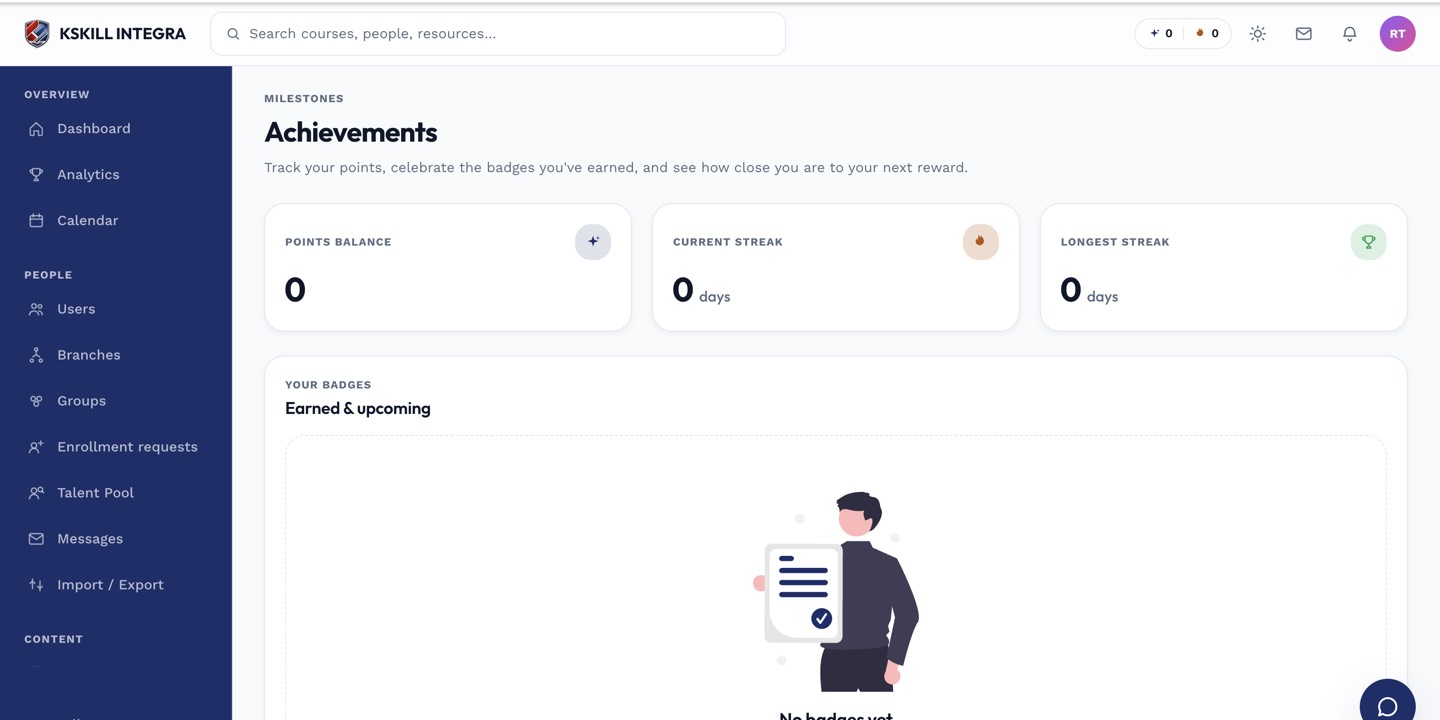
Achievements are the badges a learner has earned and can show off on their profile.
Step 3 — Opt out if you want
Open account settings and turn Show me on the leaderboard off. You still earn points and badges; you just don't appear on the public ranking. Others can still see the leaderboard normally.
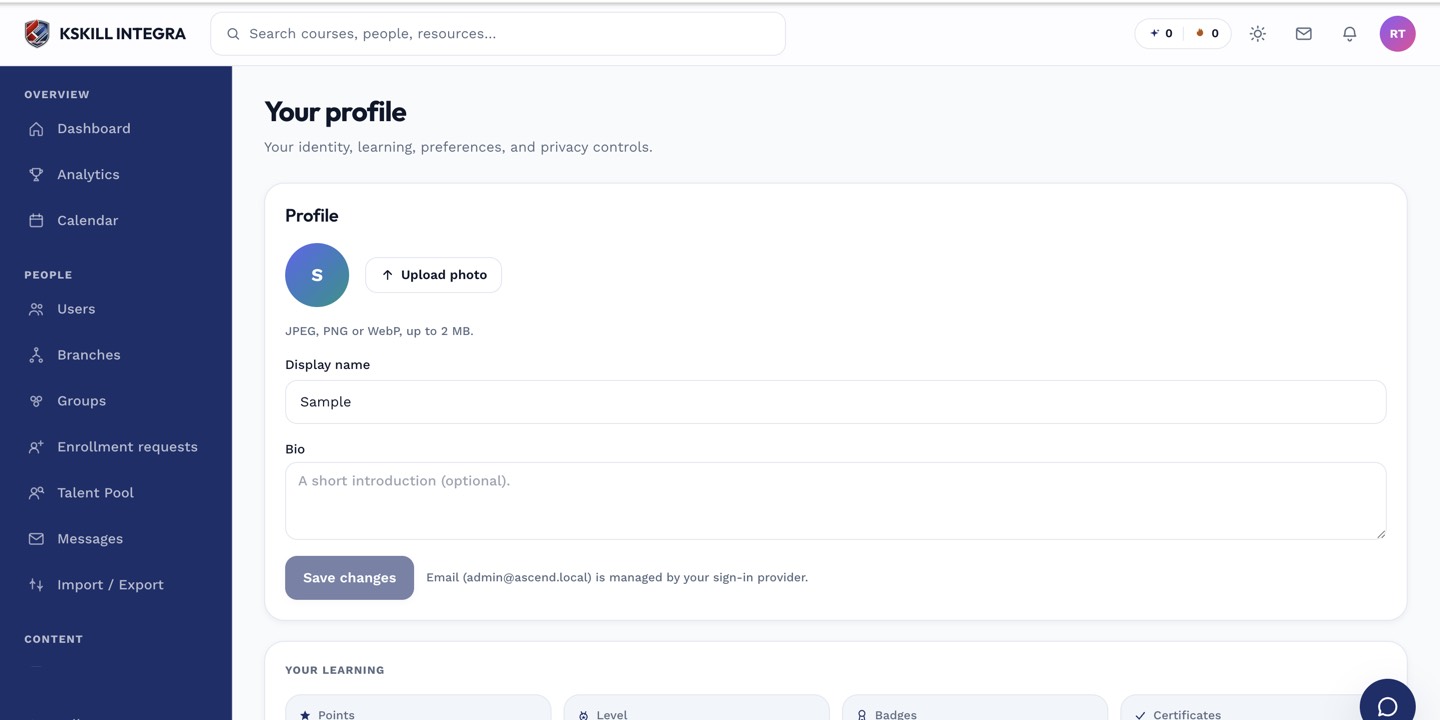
The account settings page is where a learner controls their own personal data.
Notes
- Leaderboards are scoped to your tenant — you never compete against people from other tenants.
- Point values per action are set by your admin; ask them if the scoring feels off.