Building a Learning Path
LearningUpdated September 24, 2026
A learning path strings existing courses together into a required order — course A before B before C — so learners follow a curriculum instead of picking courses at random.
Before you start
Build the individual courses first. A learning path only sequences courses that already exist in your catalog; it doesn't create new content of its own.
Create the path
- Open Manage → Learning paths from the sidebar.
- Click New path and give it a name and description.
- Add courses from your catalog one at a time, in the order you want learners to take them.
- Reorder by dragging if you need to adjust the sequence.
- Save and assign the path to users or groups.
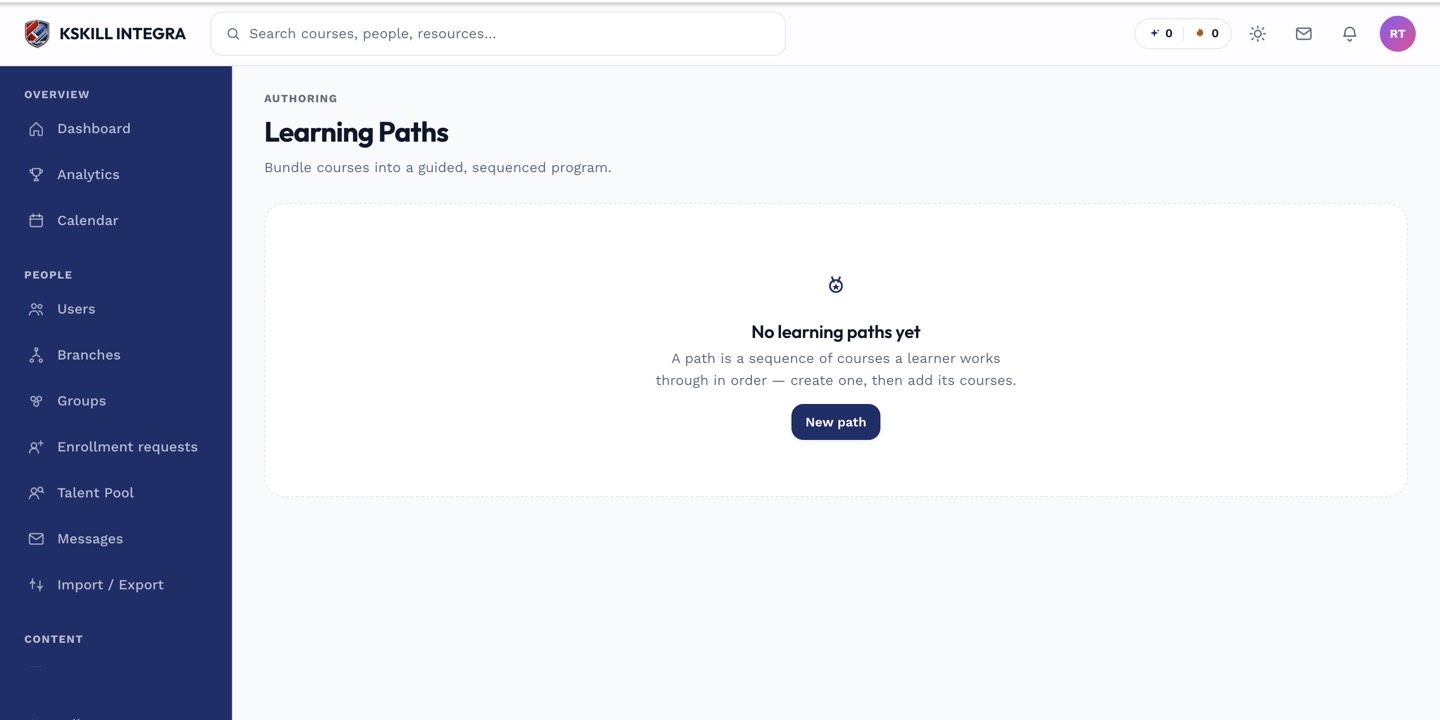 Courses are added in sequence — the order here is the order learners must follow.
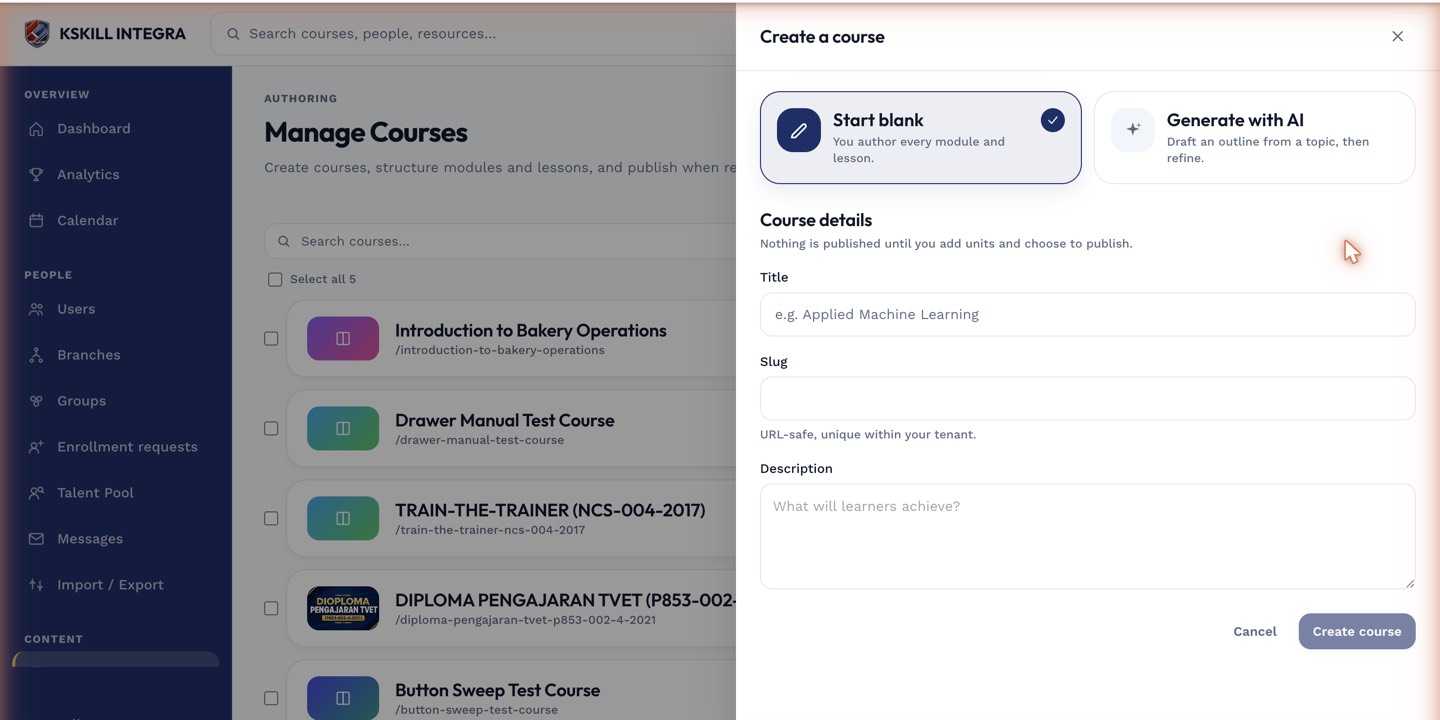 Adding a course to a path pulls from your existing published catalog.
Notes
A learning path enforces order but doesn't carry a schedule of its own — if you need a start/end date and auto-enrollment, pair the path with a cohort or assign a course-level deadline instead.
What next?
#learning paths#courses#sequencing#admin#curriculum