Assigning and Tracking Progress Through a Learning Path
LearningUpdated September 23, 2026
Once a learning path exists, assigning it to learners and watching how far they've gotten is the day-to-day work of running it.
Assigning a path
Assign a learning path to individual users, or attach it to a group so everyone in that group picks it up. Assigned learners see the path appear in their own learner view, with the next course in the sequence highlighted as their current step.
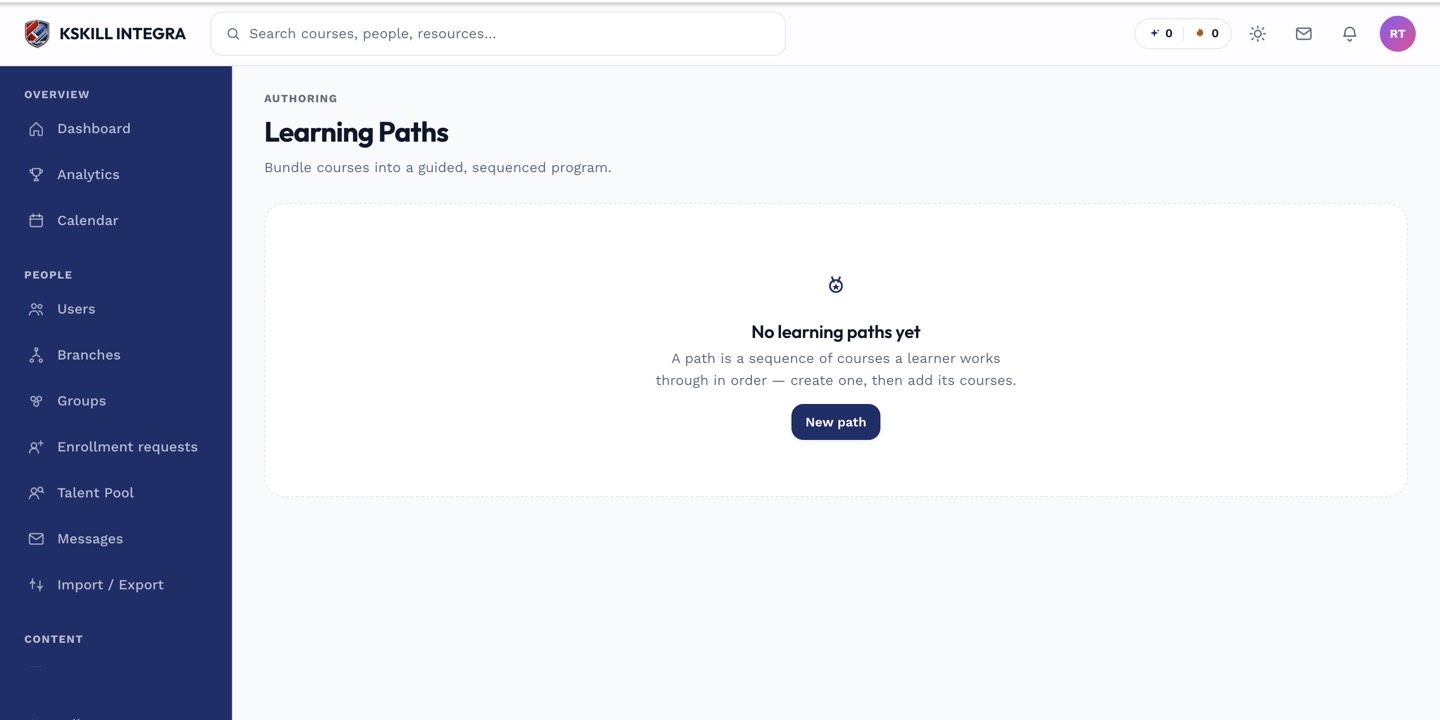 Each assigned learner's current position in the sequence is visible from the path's detail page.
What the learner sees
Learners view their assigned and in-progress paths from their own learning-paths view, showing which course they're on and which are still locked until they finish the one before it.
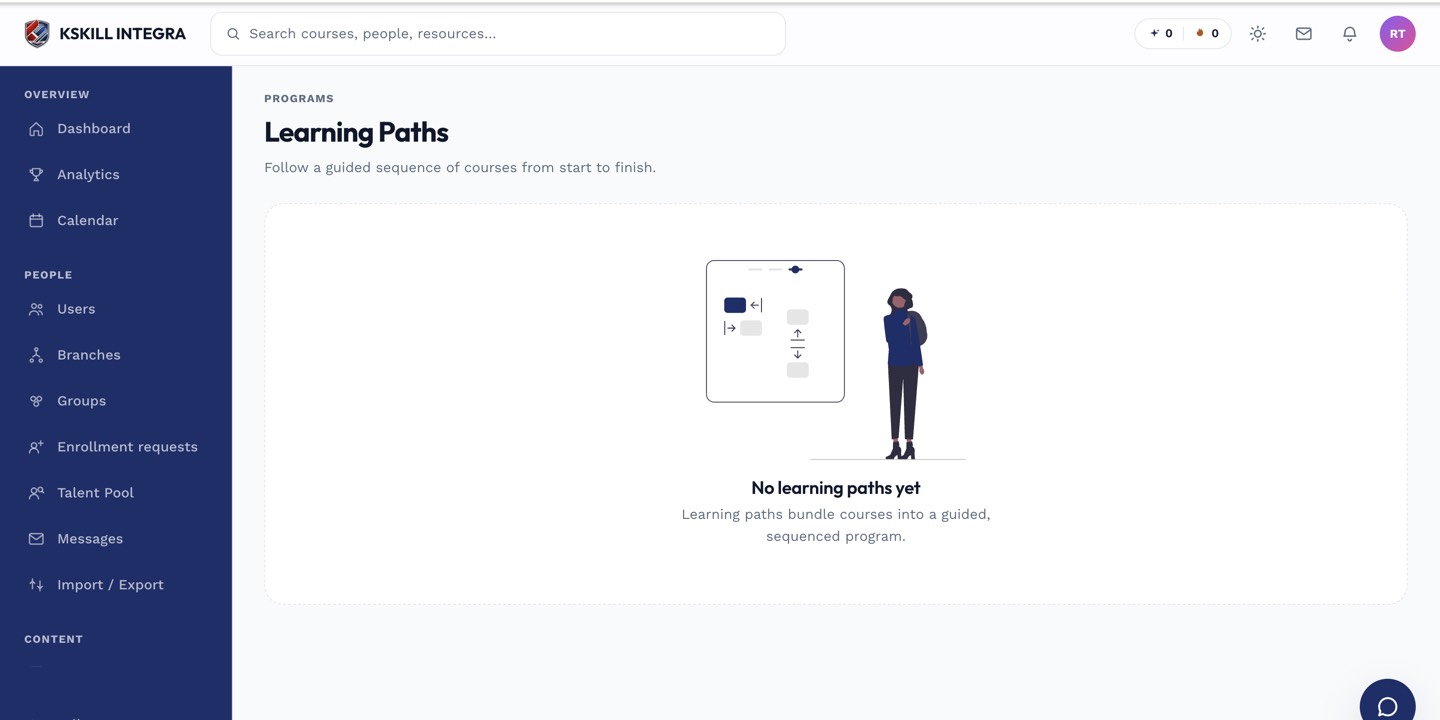 Locked courses further down the path unlock only once the prior course is complete.
Notes
Progress through a path is really just progress through its individual courses in sequence — there's no separate path-level completion tracking beyond having finished every course in order.
What next?
#learning paths#progress#learner#tracking#assignment