AI-generating a starter skill set
SkillsUpdated September 24, 2026
Building a skills taxonomy from a blank page is slow. AI generation gives you a first draft in seconds — describe what you need in a sentence or two, and it proposes a set of skills with levels for you to review before anything is actually created.
Before you start
You need the Admin role, a configured AI provider on your tenant, and skills enabled in your Skills settings. If you have set an AI phrasing instruction, generation will follow it automatically.
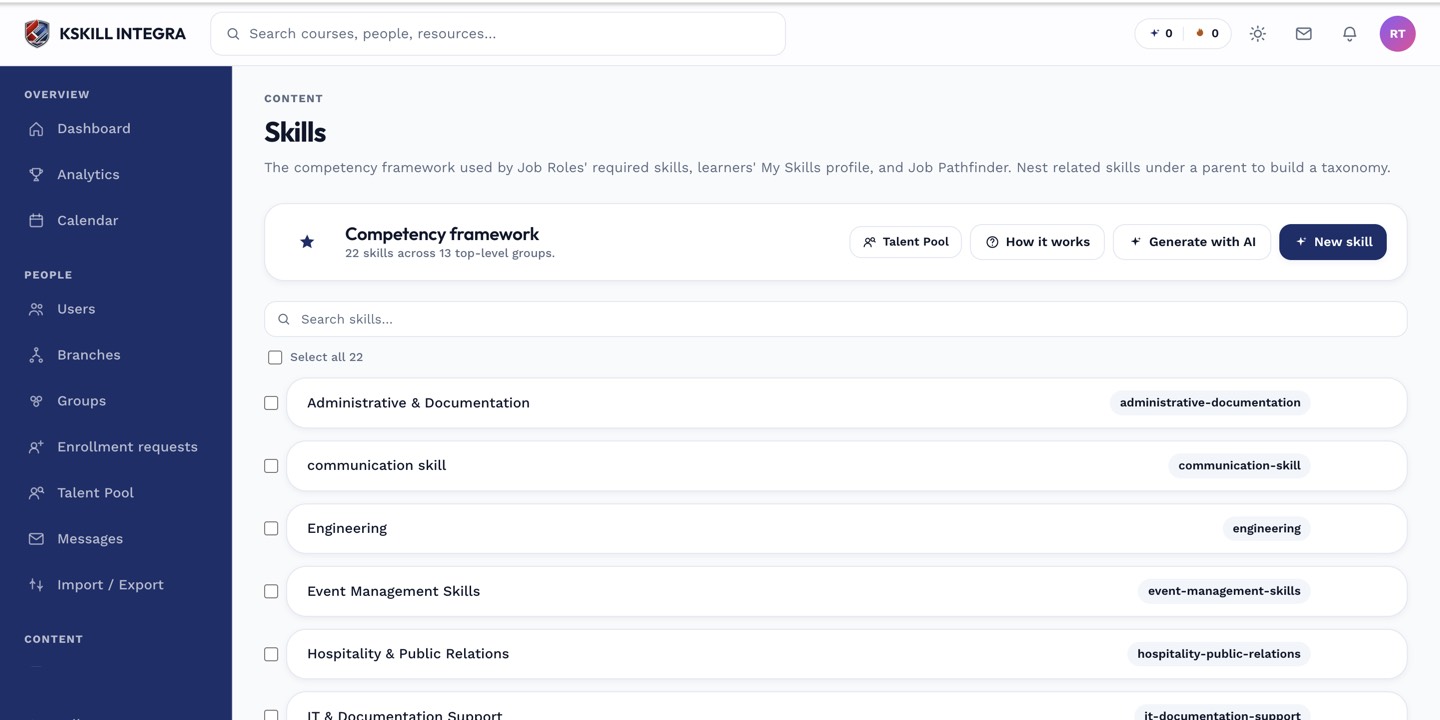 The AI generate button sits alongside the manual New skill button in the Skills manager.
Generate a draft
- Open Manage → Skills.
- Click AI generate.
- Type a short instruction describing what you need, for example "Skills for a customer support team, covering communication, product knowledge, and escalation handling."
- Submit and wait a few seconds for the draft to come back.
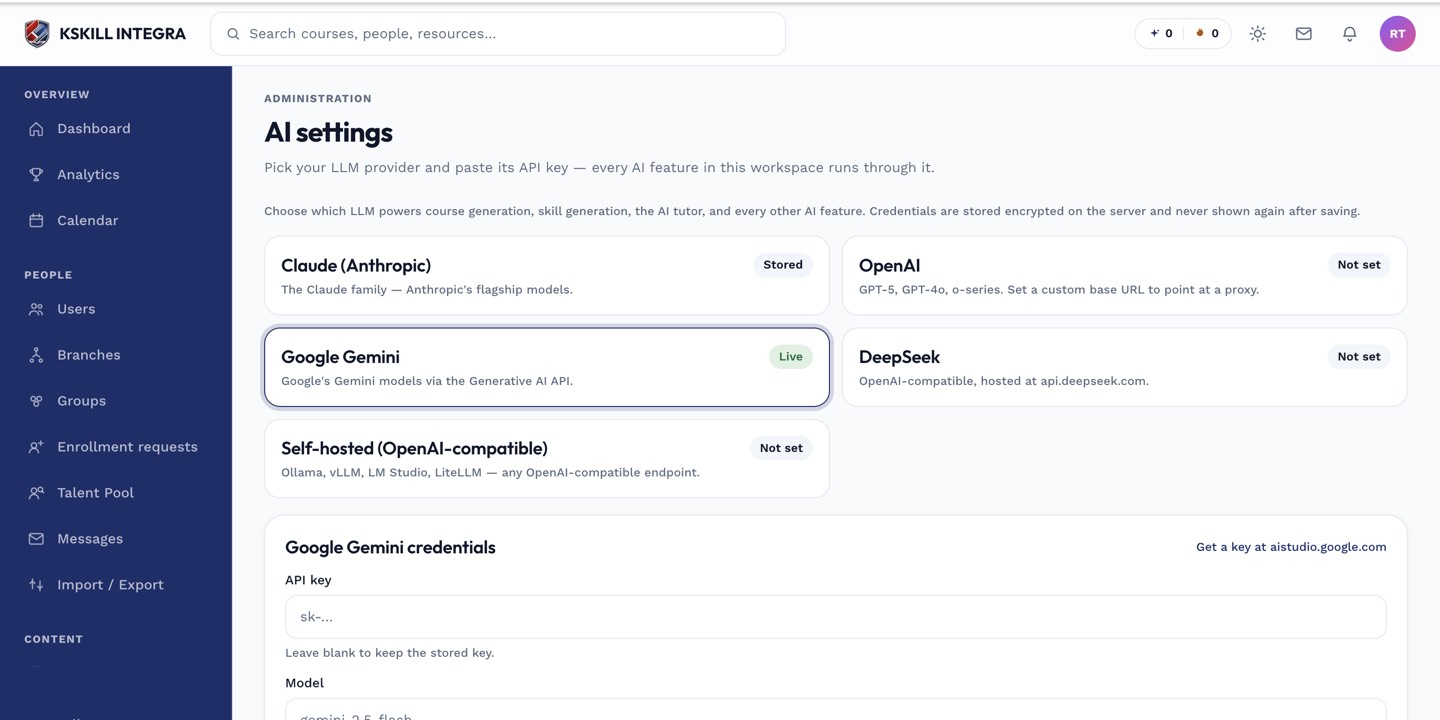 Generation runs through whichever AI provider your tenant has configured on the AI settings page.
What happens next
Nothing is created yet. The draft opens in a review screen where you can edit, remove, or approve each proposed skill before anything touches your taxonomy — see reviewing and applying AI-generated skills.
What next?
#skills#ai#taxonomy#generation