Approving or rejecting upgrade requests
SkillsUpdated September 24, 2026
Every skill upgrade a learner requests lands in one place: the Upgrade requests tab inside the Talent Pool admin drawer. From there, an admin or reviewer decides whether the evidence supports the higher level.
Before you start
You need the Admin or reviewer role.
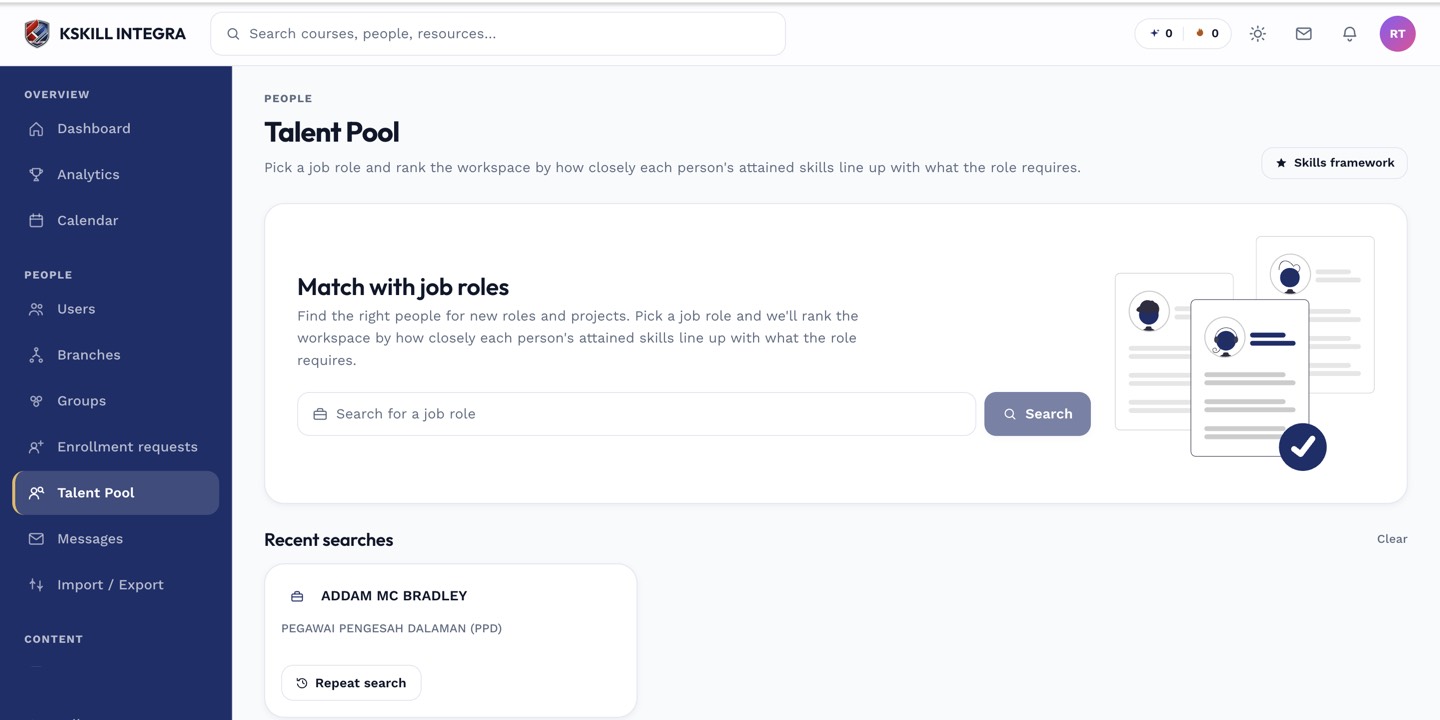 Upgrade requests live inside the Talent Pool admin drawer, alongside the role-based search.
Reviewing a request
- Open Manage → Talent Pool.
- Open the Upgrade requests tab.
- Review the learner's current level, requested level, and any supporting notes.
- Approve to grant the new level, or reject with an optional note back to the learner.
 Each request shows the learner's current level next to the requested one before you decide.
Notes
Approving an upgrade request records it the same way a manual grant would — durable, no expiration — regardless of how the learner originally earned the lower level. The learner sees the outcome reflected on their own My Skills page and in their request history.
What next?
#skills#talent pool#upgrade#review