Skill development plan (learner)
The skill development plan is your personalised roadmap to a target role. This article covers reading it as a learner.
Before you start
You need to be signed in. Pathfinder must be enabled on your tenant.
Step 1 — Open Pathfinder
Open Pathfinder from your sidebar. The role picker asks 'what do you want to be?'. Pick a target role — the platform maps your current skills to the role's requirements.
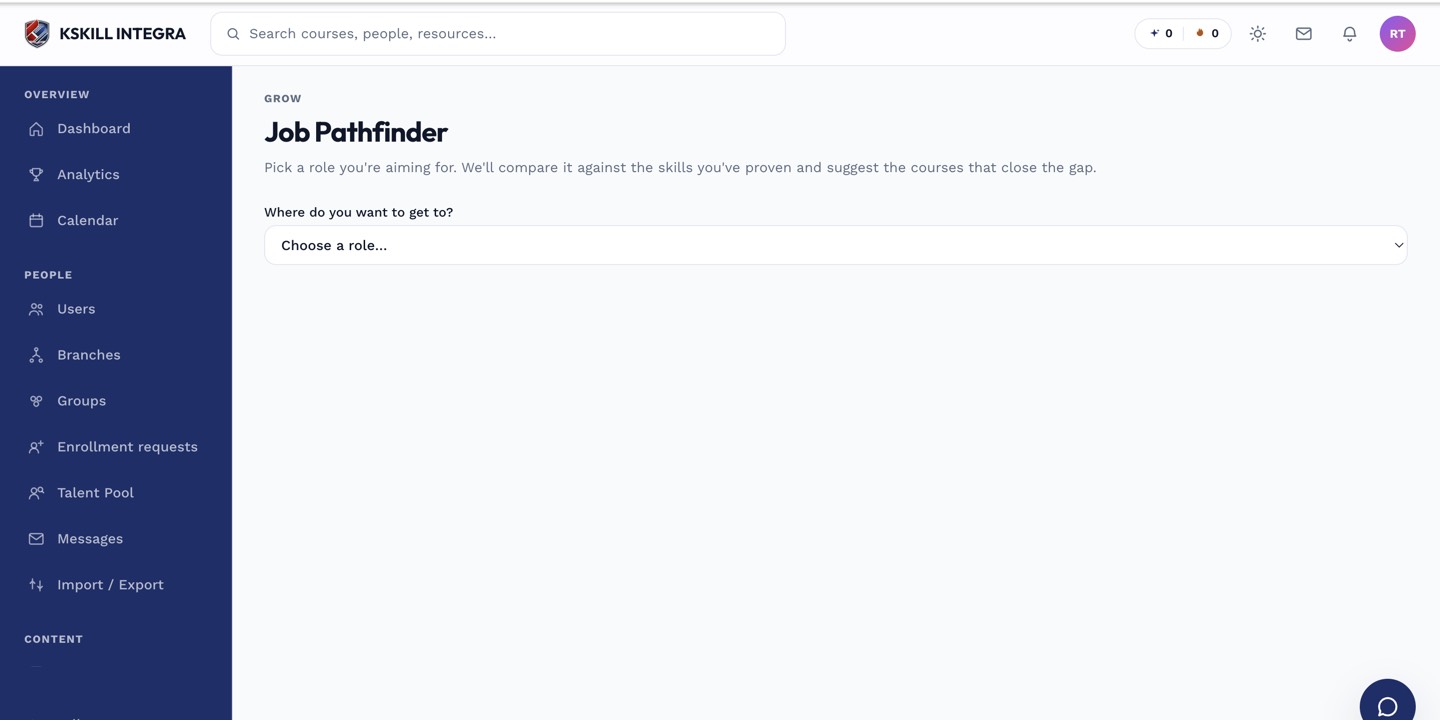
Pathfinder is the learner's tool for finding the shortest path to a target role.
Step 2 — Read your gap
The result shows every skill the role needs, coloured green (held), amber (partial) or red (missing). The percentage at the top is your overall match. This is the current-state snapshot.
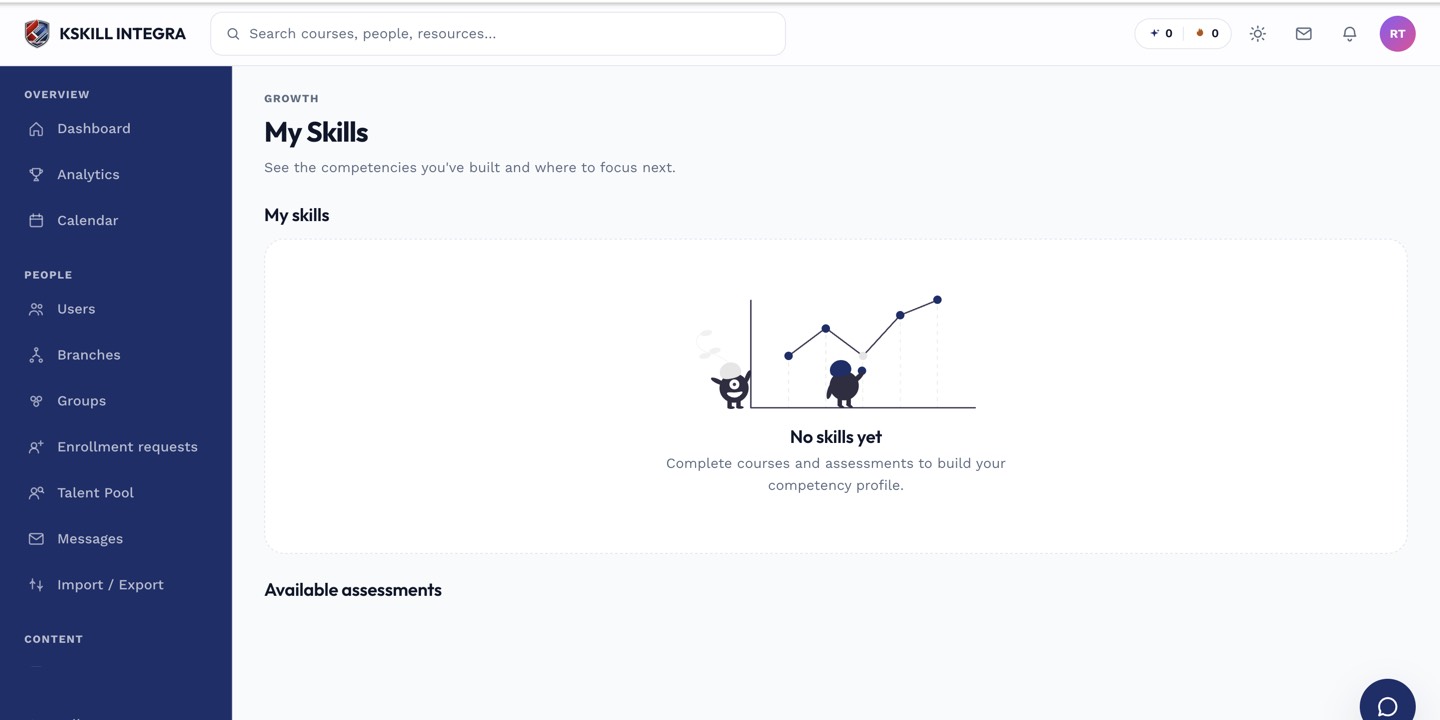
My Skills is the learner's own view of what they have proven so far.
Step 3 — Follow the recommended path
Below the gap, the platform recommends courses that grant the missing skills, ordered by shortest path. Enrol in one or two to start. Return to Pathfinder to see the match percentage climb as you complete them.
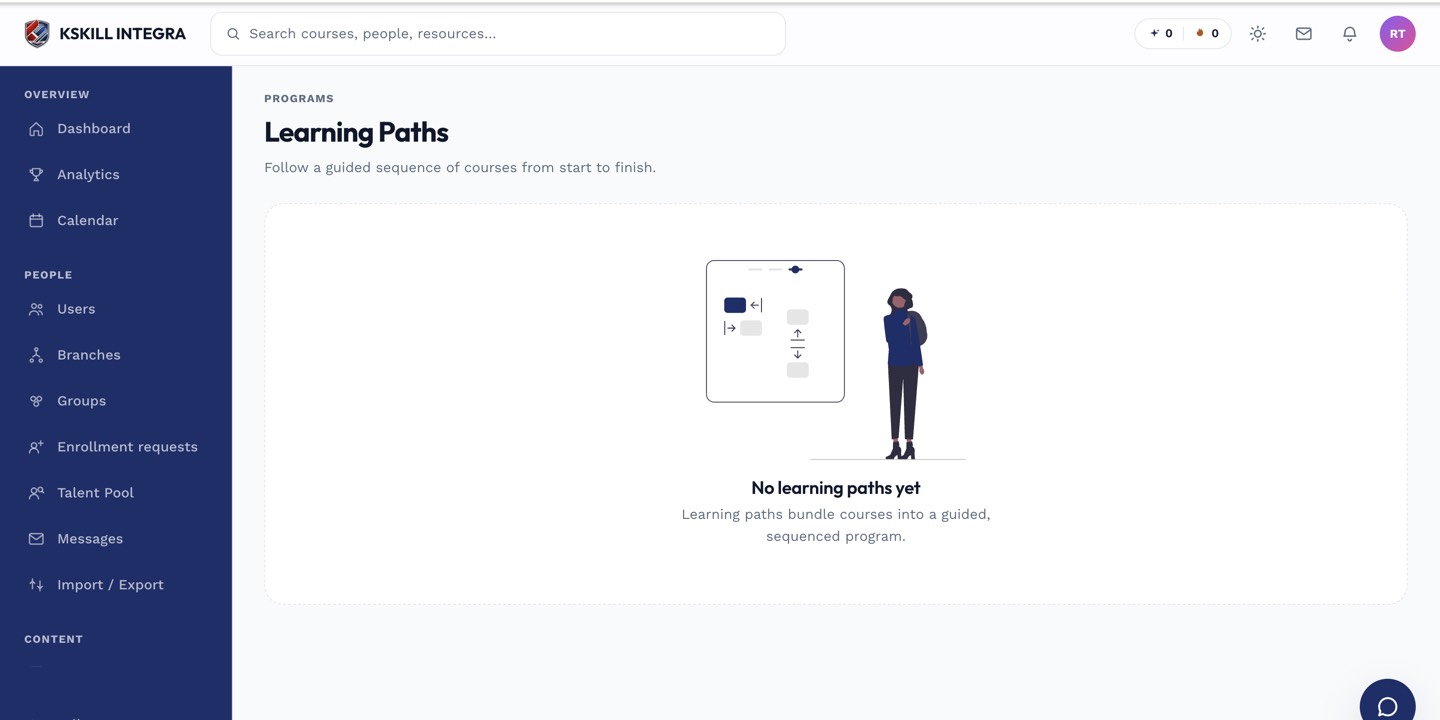
Learners open Learning paths to see the sequence they are working through.
Notes
- The plan updates in real time as you complete courses.
- For roles that don't exist yet on your tenant, ask your admin to create them.