The internal messages inbox
LearnerUpdated September 20, 2026
The messages inbox is direct, internal messaging between people on the platform — a learner reaching an instructor, an admin reaching a learner, and everything in between.
Sending and reading messages
Open Messages from the main navigation to see your inbox. Compose a new message to any user you can reach, and replies thread together like a normal conversation.
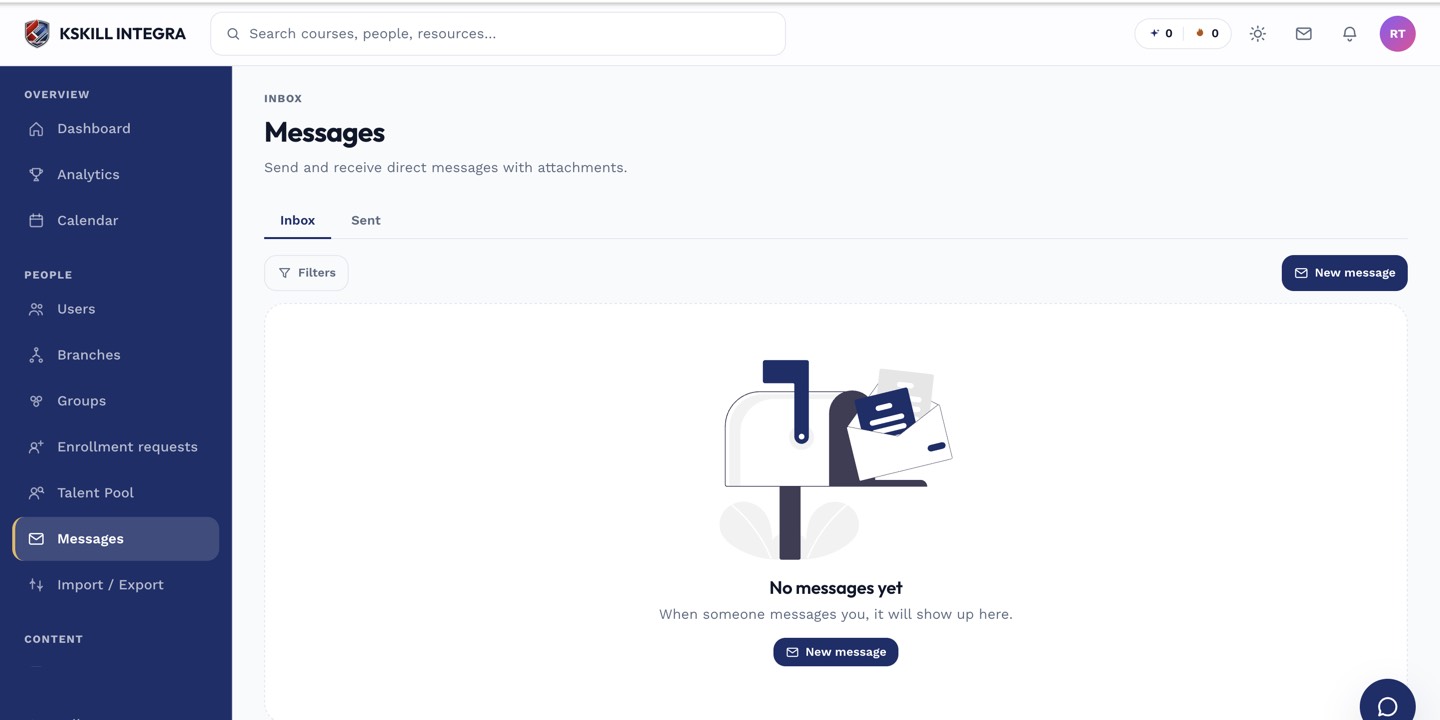 Conversations thread by participant, not by a single one-off message.
How it differs from chat and community
Messages are one-to-one (or small-group) and private, unlike live chat, which is specifically routed to support, or the community space, which is open discussion visible to more than just the participants.
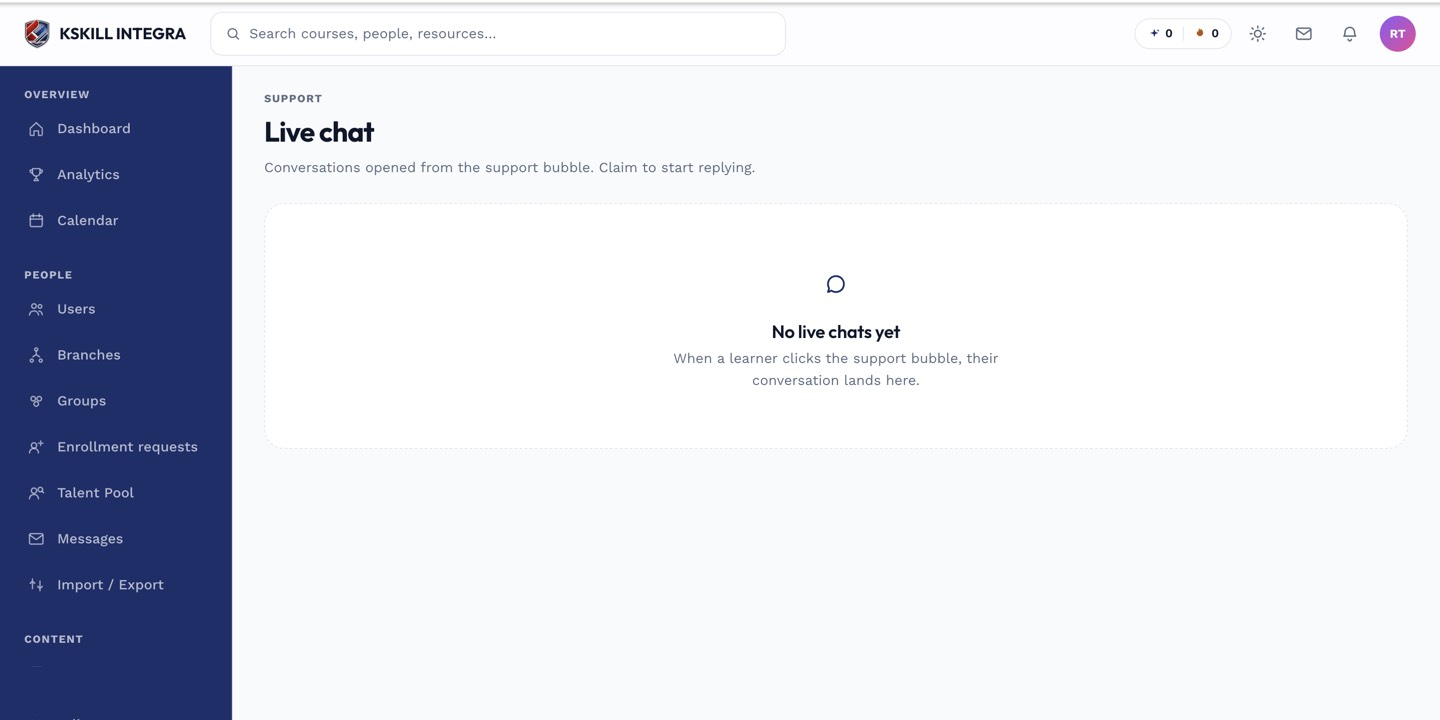 Messages stay private between the people on the thread.
Notes
Unread messages typically surface a badge on the Messages entry in navigation, so a new message doesn't go unnoticed.
What next?
#messages#inbox#communication#learner