Troubleshooting: a marketplace buyer can't sign in
TroubleshootingUpdated September 22, 2026
A tenant you sold a marketplace listing to reports that their learner can't sign in after purchasing. Because of the redirect model, this usually isn't a normal sign-in problem — it's specific to how the magic link handoff works.
What should have happened
After purchase, the buyer's learner is meant to be sent through a magic link that signs them directly into your (the seller's) tenant with a fresh account — no password to set up, no separate registration step.
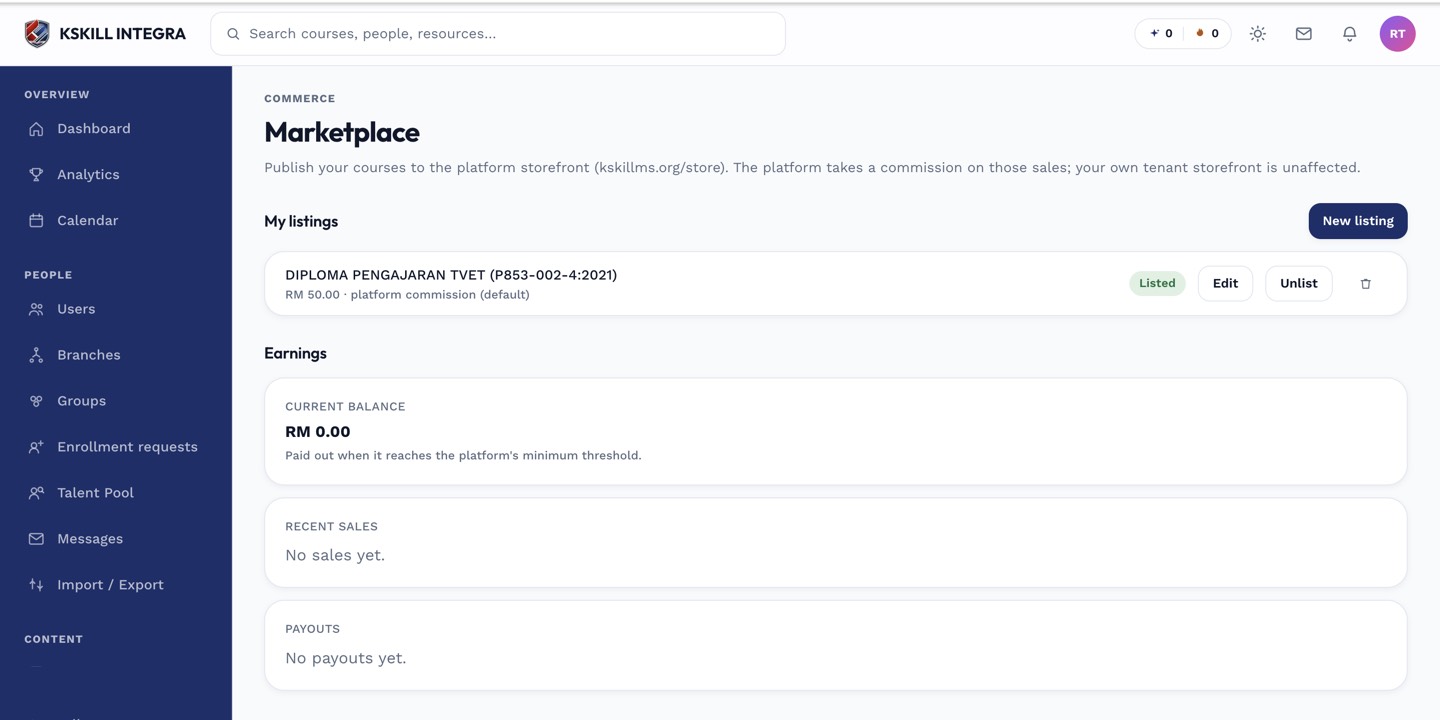 The magic link is a one-time entry point into the seller's tenant, not a permanent login page.
Common causes
- The magic link expired or was already used. These links are typically single-use and time-limited — if the learner waited too long or clicked it twice, it may no longer work. Have them purchase again or ask the buying tenant to have the platform resend it.
- The learner is trying to sign in the normal way instead of using the link. Because the account is freshly created on your tenant, there's no pre-existing password to sign in with directly — they need the link, not a manual login.
- Wrong tenant. A learner used to signing into their own organization's tenant may be confused landing on yours — confirm they understand the course lives on the seller's infrastructure, per the redirect model.
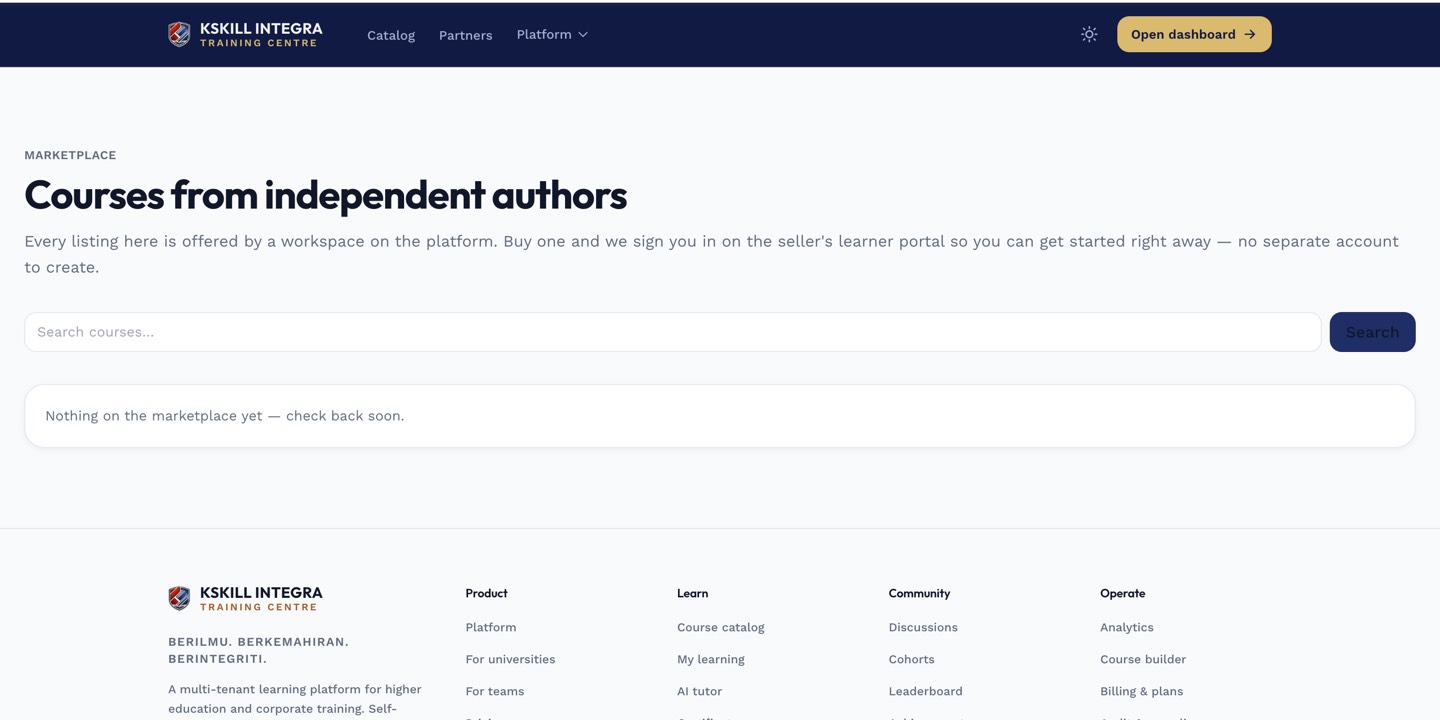 The purchase happens on the storefront, but sign-in happens on the seller's tenant — two different places.
Notes
See buying from the marketplace for the full purchase-to-handoff flow this is meant to follow, and the marketplace overview for why the redirect model works this way at all.
What next?
#marketplace#troubleshooting#sign-in#magic-link#buyer