Configure Skill expiration
Some skills need refreshing — first-aid certifications, cyber training. This article covers configuring an expiration policy per skill.
Before you start
You need the Admin role. Only self-assessment grants carry expiration by default; course and reviewer grants stay durable.
Step 1 — Open Skills settings
Open Configuration → Settings and pick Skills. The Skills settings page controls the default expiration for self-assessment grants and the daily reaper that cleans up expired grants.
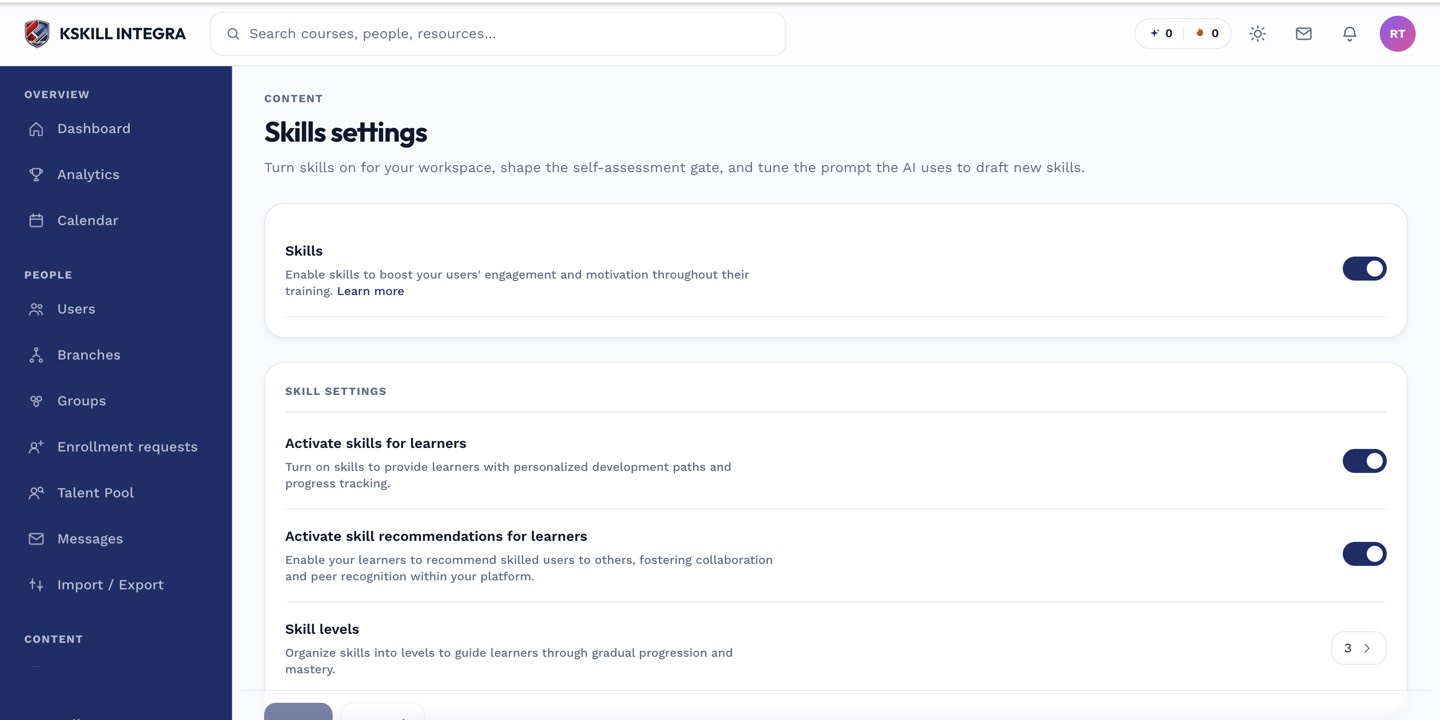
The Skills settings page controls the AI instruction, expiration defaults and taxonomy rules.
Step 2 — Set the default expiration
Choose Never, After N months, or On a fixed date. Save. New self-assessment grants after this point inherit the policy. Existing grants keep their current expiration.
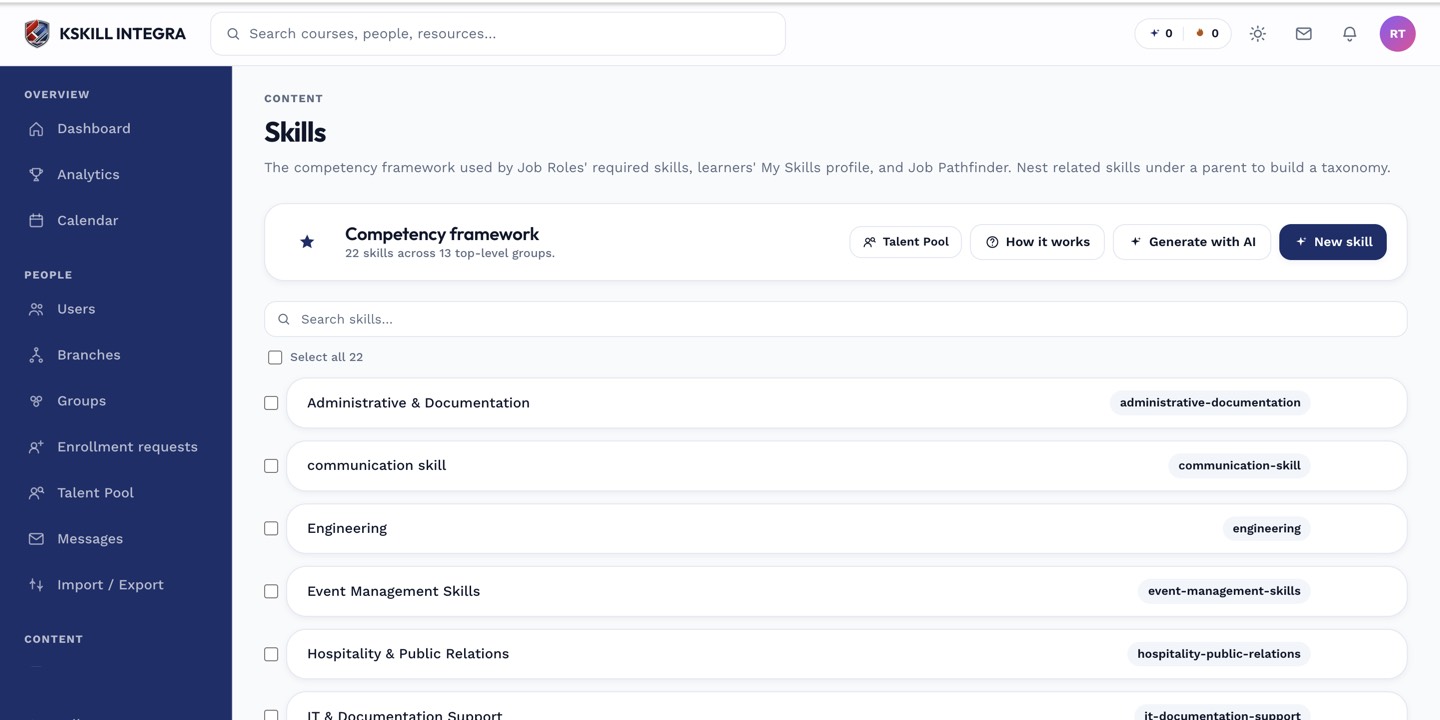
The Skills manager is the source of truth for every skill your tenant tracks.
Step 3 — Watch the reaper do its work
The daily worker runs once a day and revokes expired self-assessment grants. Learners get a SKILL_EXPIRED notification before revocation. Historical grants stay in the audit log for compliance reporting.
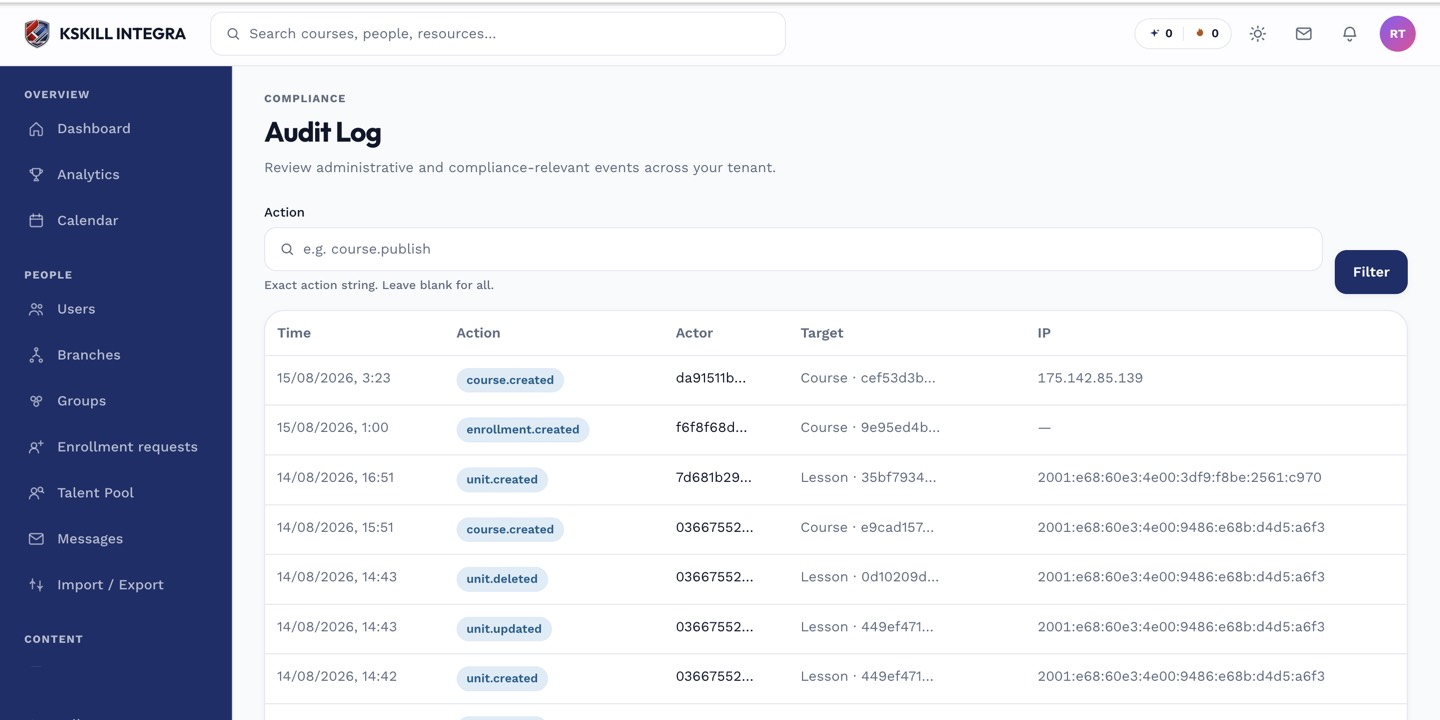
The audit log is your immutable record of who did what.
Notes
- Only self-assessment grants carry expiration; reviewer and course grants stay durable by design.
- Turn the reaper off if you want to inspect expirations manually — the flag is in Skills settings.