Pathfinder: seeing your gap to a target role
SkillsUpdated September 19, 2026
Pathfinder is the learner-facing mirror of the Talent Pool's fit score: instead of an admin searching for candidates against a role, you see exactly where you stand against a role you are targeting, and what is left to close the gap.
Before you start
You need a target job role set on your account, either by an admin or by picking one yourself if your tenant allows self-selection.
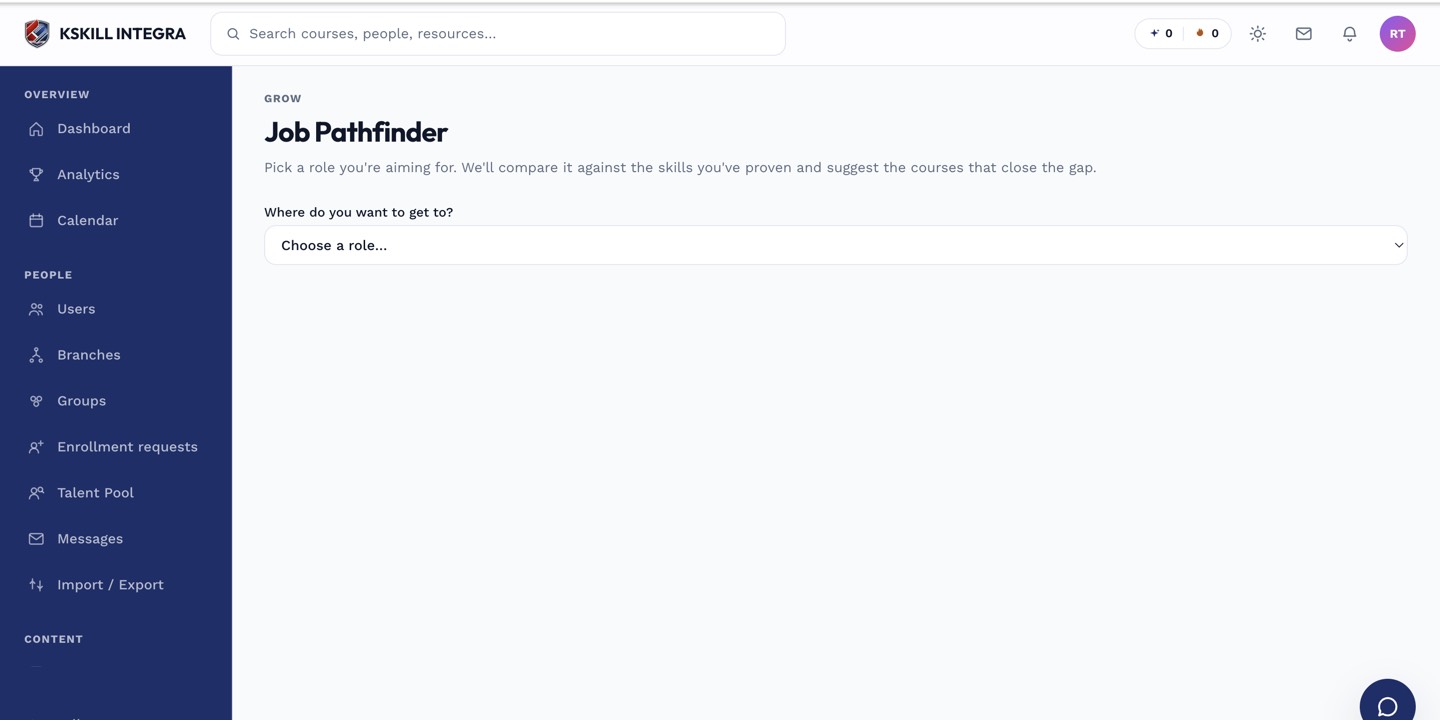 Pathfinder lays out each required skill for your target role next to where you currently stand.
Reading your gap
- Open Pathfinder from your account menu or from a link on My Skills.
- Review each required skill: met, partially met, or not yet started.
- For any gap, jump straight to the relevant self-assessment or course.
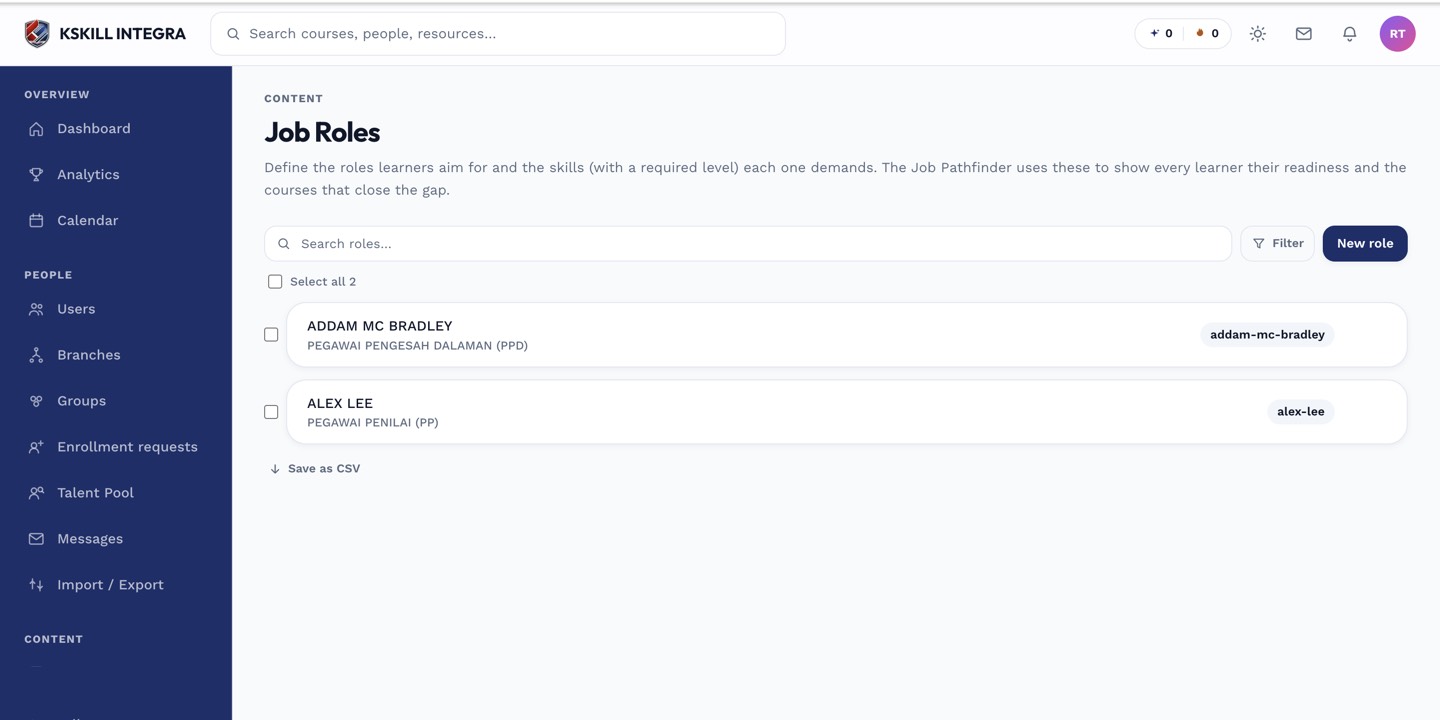 Pathfinder measures you against the exact bundle defined for the role in Job Roles.
Notes
Pathfinder only shows the gap — it does not grant anything on its own. Closing a gap still means earning the skill through one of the three normal paths: self-assessment, a reviewer grant, or a course exam.
What next?
#skills#learner#job roles#pathfinder