SCORM completion issues
SCORM completions sometimes don't register. This article walks the common causes and fixes.
Before you start
You need to be signed in and enrolled in the affected course.
Step 1 — Force a fresh registration
If the SCORM shows complete internally but the LMS still shows in-progress, ask your admin to reset your registration. Reset clears the SCORM bookmark and lets you retake fresh. Progress you already made is lost — that's the trade-off.
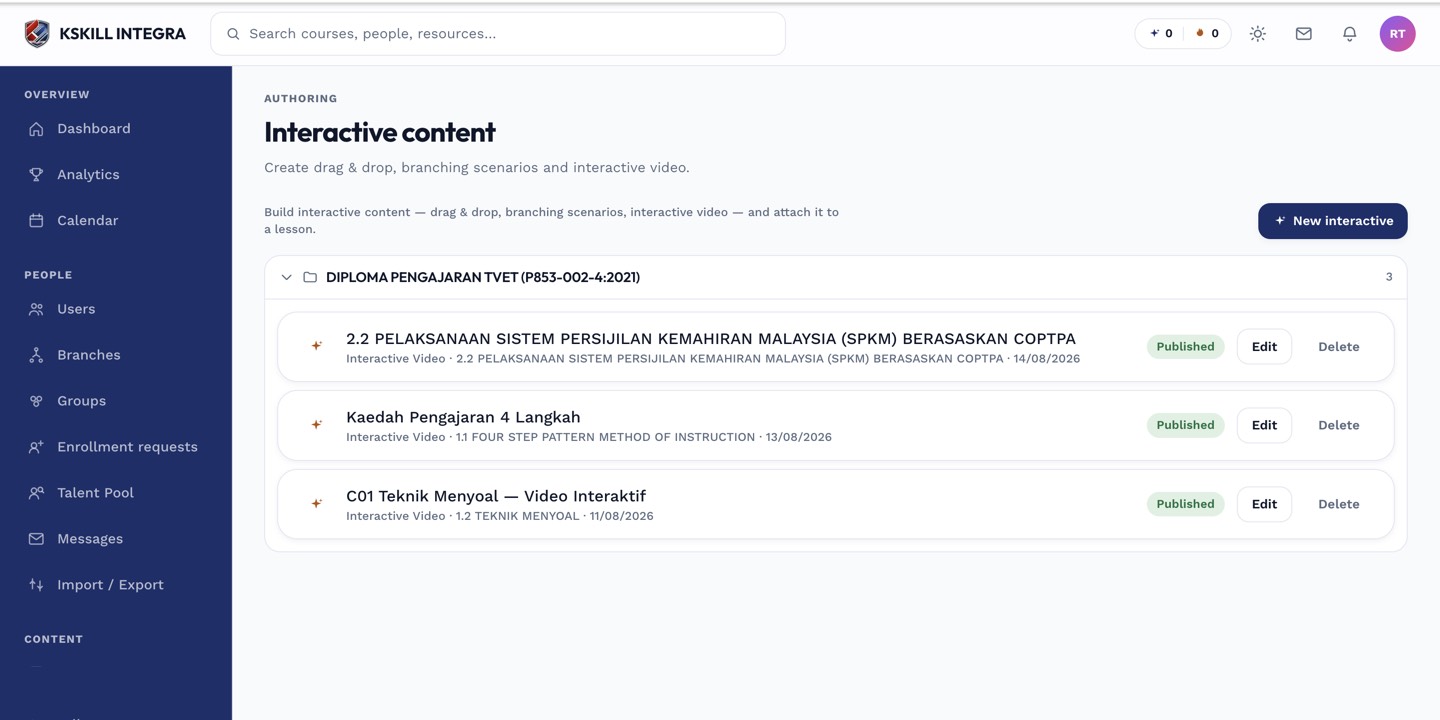
The interactive-content library is where uploaded H5P and SCORM packages are managed.
Step 2 — Watch the browser console
For advanced users: open browser devtools and watch the console while the SCORM plays. LMSSetValue calls should complete without errors. Red errors indicate the package is calling an unsupported API — report to your admin with the exact error text.
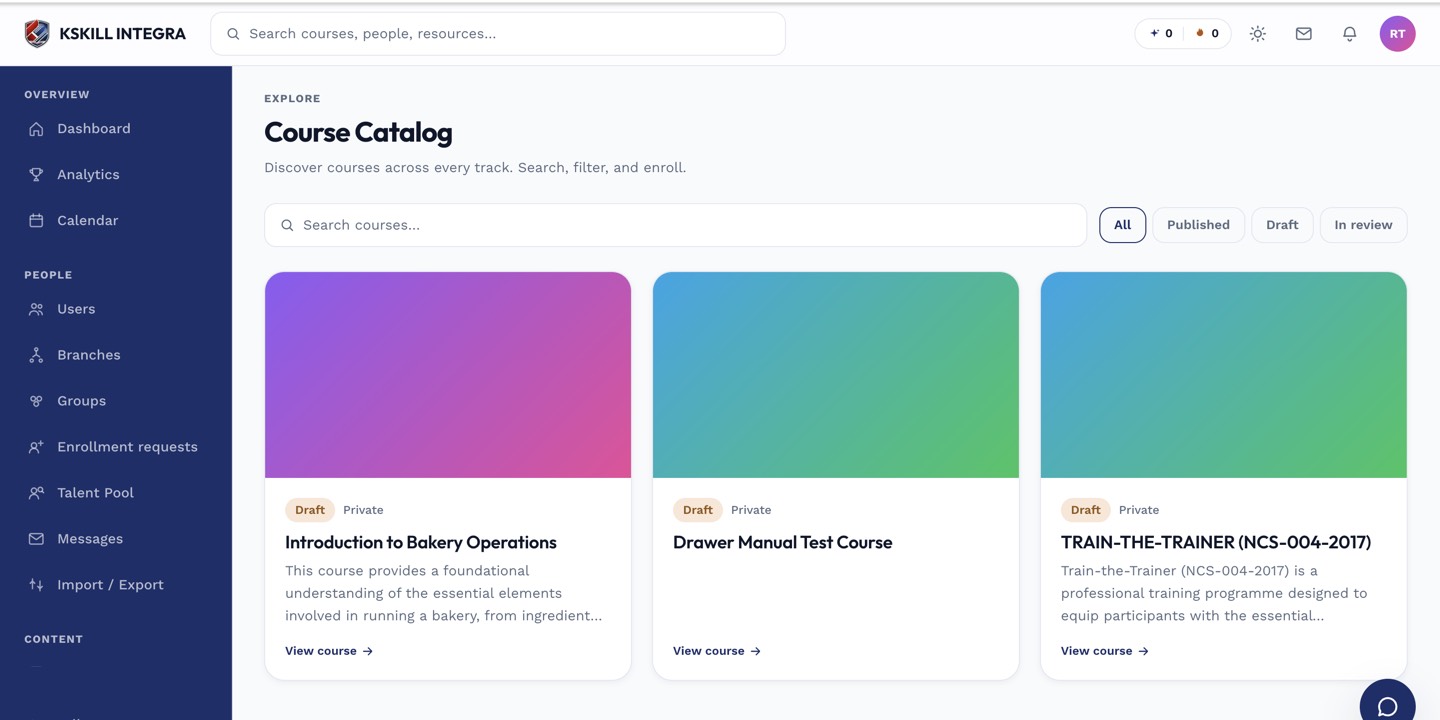
My Courses is the learner's grid of everything they are currently enrolled in.
Step 3 — Escalate to the author
Persistent SCORM completion issues usually point at the package, not the LMS. If reset and retry both fail, the package author needs to look at their SCORM manifest and completion rules. Share the exact steps that fail.
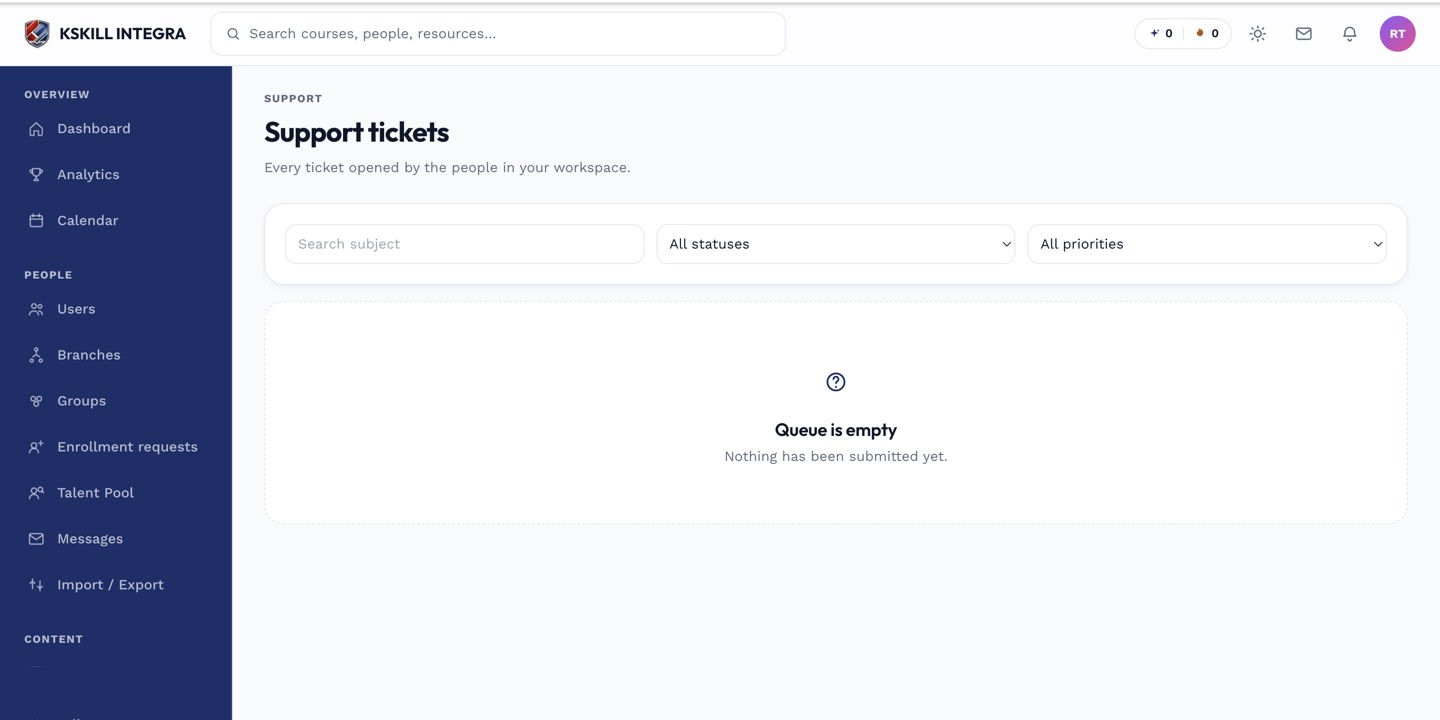
The admin queue is where every open ticket for the tenant lands.
Notes
- SCORM 1.2 completes via cmi.core.lesson_status; SCORM 2004 uses cmi.completion_status and cmi.success_status separately.
- For persistent issues, consider re-authoring in Slide Builder — it produces cleaner packages.