Self-assess a Skill (learner)
Learners can self-assess a skill by taking a short quiz. This article covers the learner flow.
Before you start
You need to be signed in. The skill must have a self-assessment attached — not every skill does.
Step 1 — Open My Skills
Open My Skills from your sidebar. The Available self-assessments section lists every skill you could earn or upgrade by taking a short quiz.
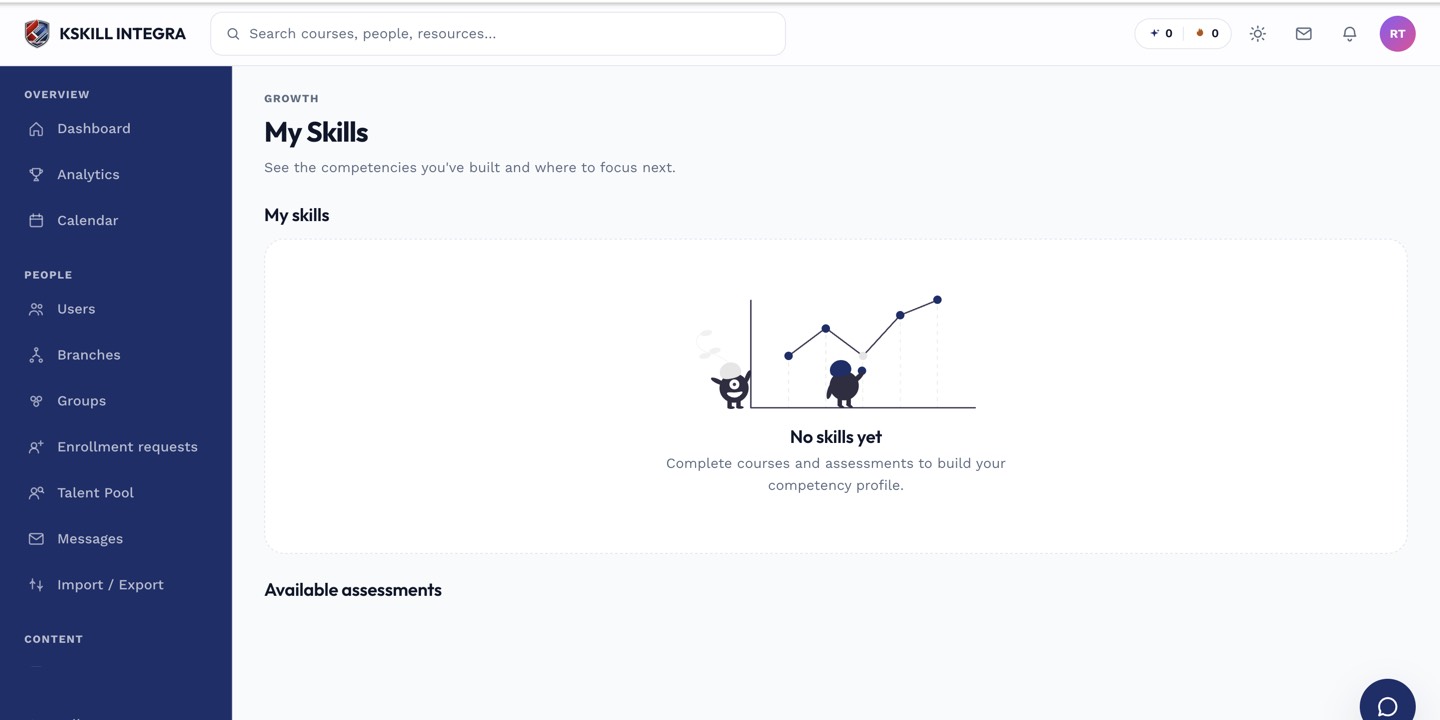
My Skills is the learner's own view of what they have proven so far.
Step 2 — Take the quiz
Click a skill card to start. The quiz is timed and pulled from the same QuestionBank the admin defined — same rules as any course assessment. Answer, submit, and see your score immediately.
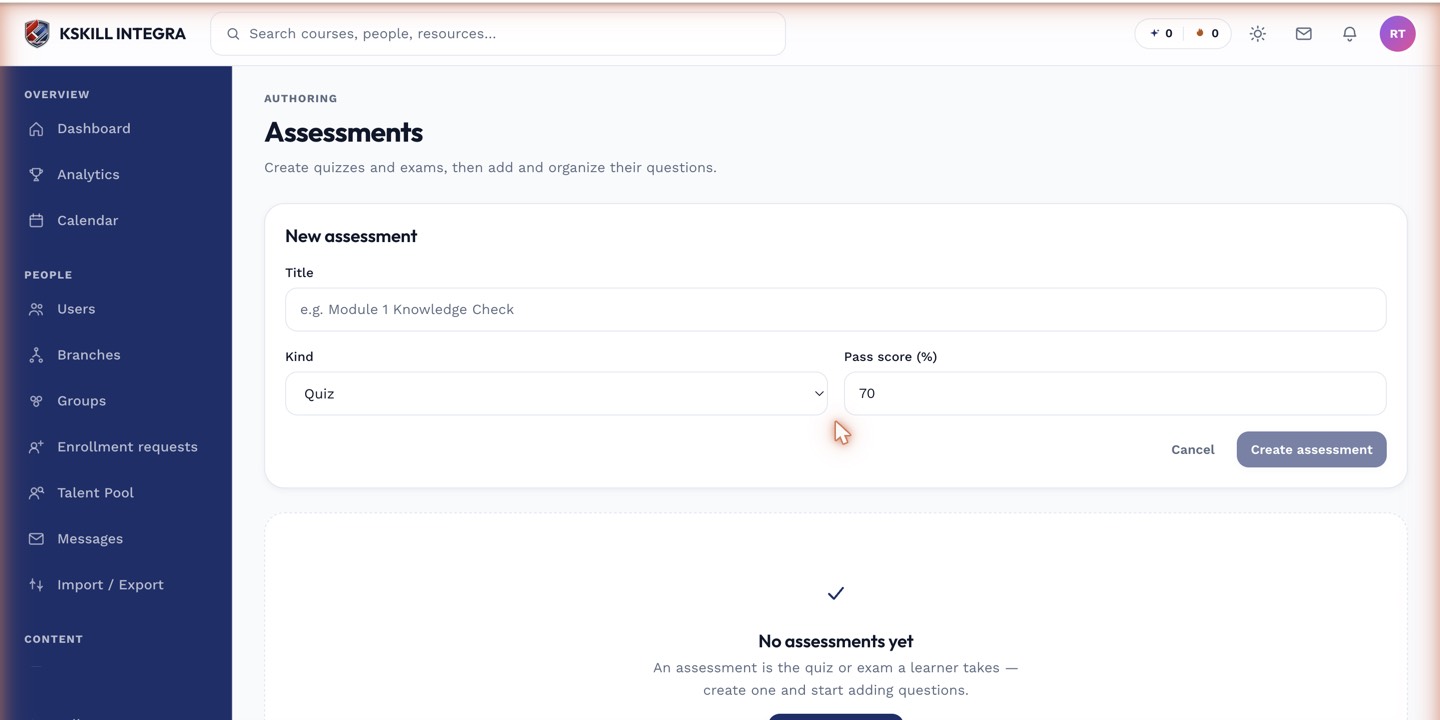
The builder combines the settings panel and the question list on a single screen.
Step 3 — How the grant lands
If you scored above the threshold, the skill is granted at the matching level. It appears in your Skills list with a source of self-assessment and an expiration date. Retake at any time to bump the level or refresh the expiry.
My Skills is the learner's own view of what they have proven so far.
Notes
- Only auto-gradable question types are used in self-assessments.
- Self-assessment grants expire on the schedule the admin set — the daily reaper handles cleanup.