Set skill levels and thresholds
Skill levels let you say 'a Practitioner in SQL is different from an Expert'. This article covers defining levels and mapping score thresholds.
Before you start
You need the Admin role. Decide the number of levels first — three is common, five works for very granular taxonomies.
Step 1 — Open the skill's Levels section
Open Content → Skills, click a skill, and scroll to Levels. If none are set, the skill is binary — held or not. Add levels to make it graduated.
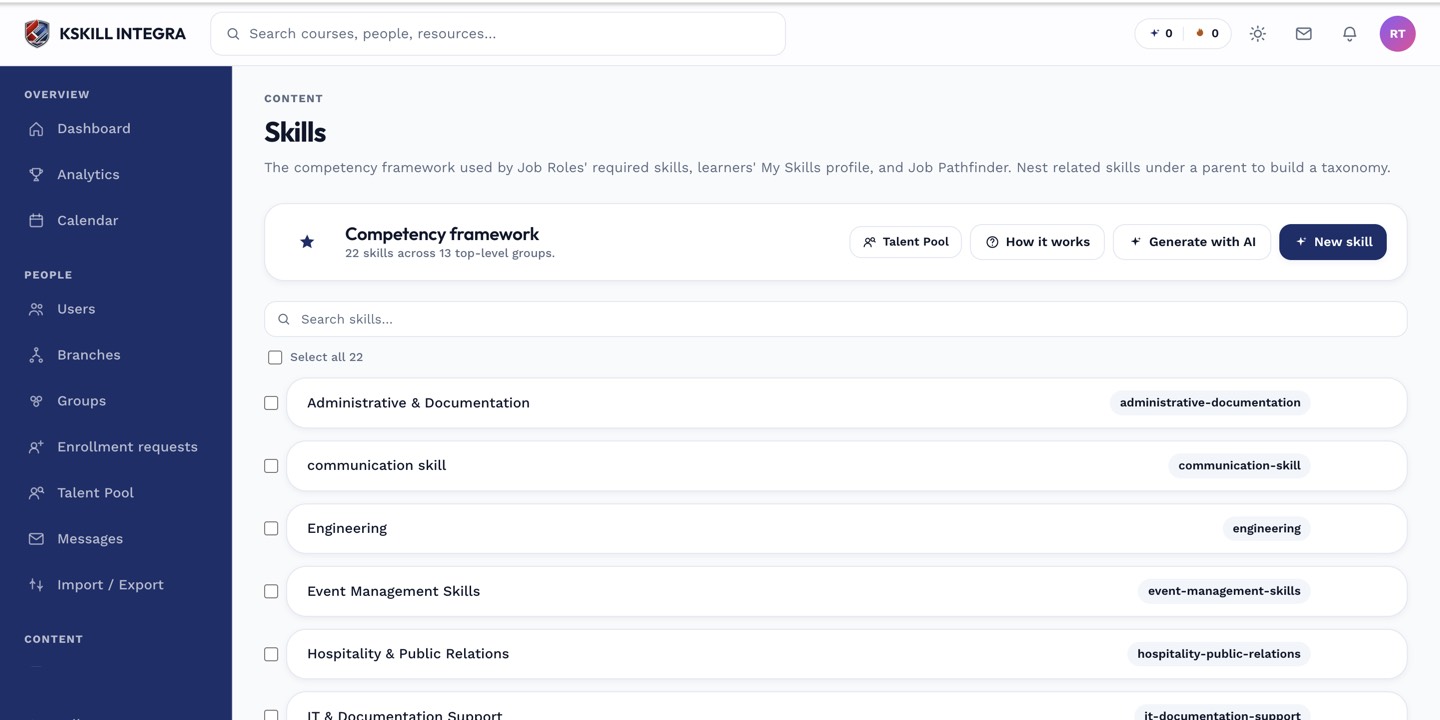
The Skills manager is the source of truth for every skill your tenant tracks.
Step 2 — Define each level
Add a level per named tier. Give each a name (Novice, Practitioner, Expert), a short definition, and a score threshold if the grant source is an exam. For example, Novice = 60%, Practitioner = 75%, Expert = 90% on the same assessment.
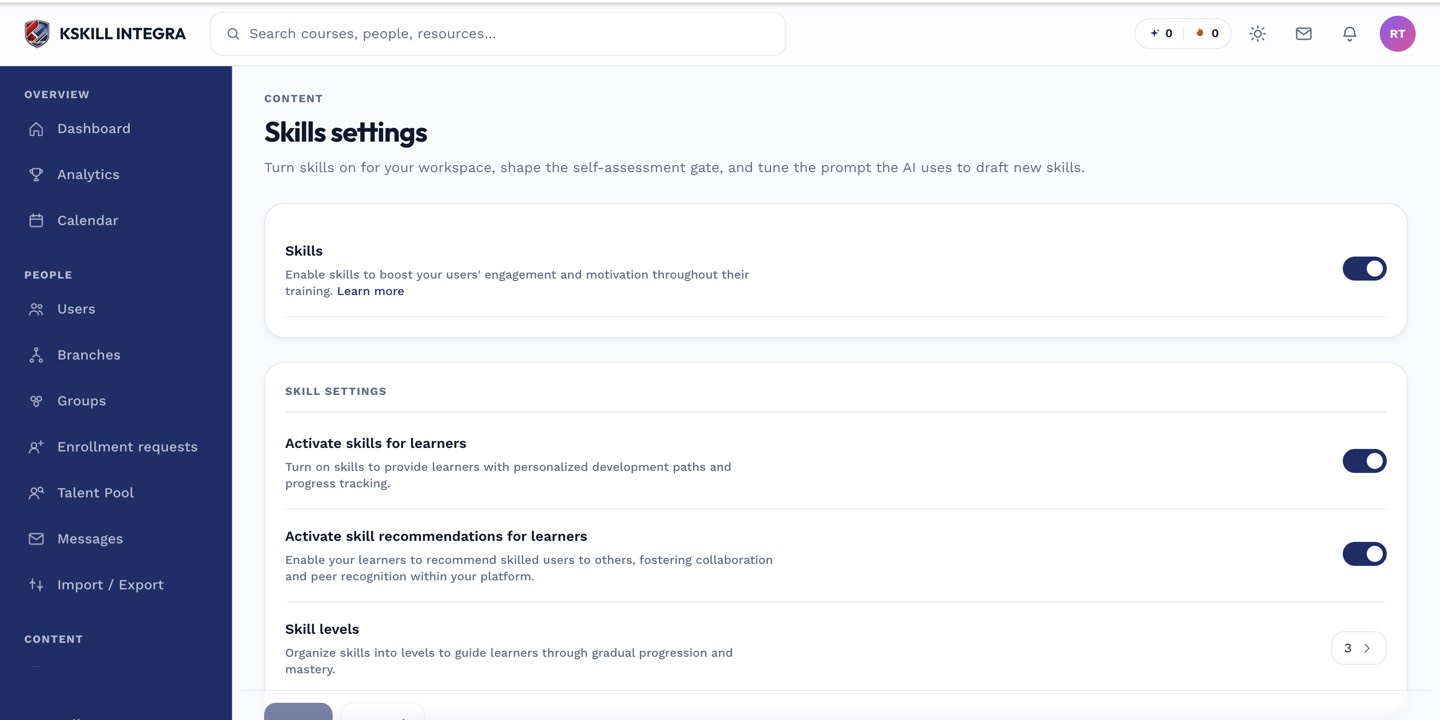
The Skills settings page controls the AI instruction, expiration defaults and taxonomy rules.
Step 3 — Map thresholds to graders
On the source assessment, switch on Awards skill level and pick the skill. The pass thresholds you set on the levels now decide which level the learner earns. Save the assessment and the mapping is live.
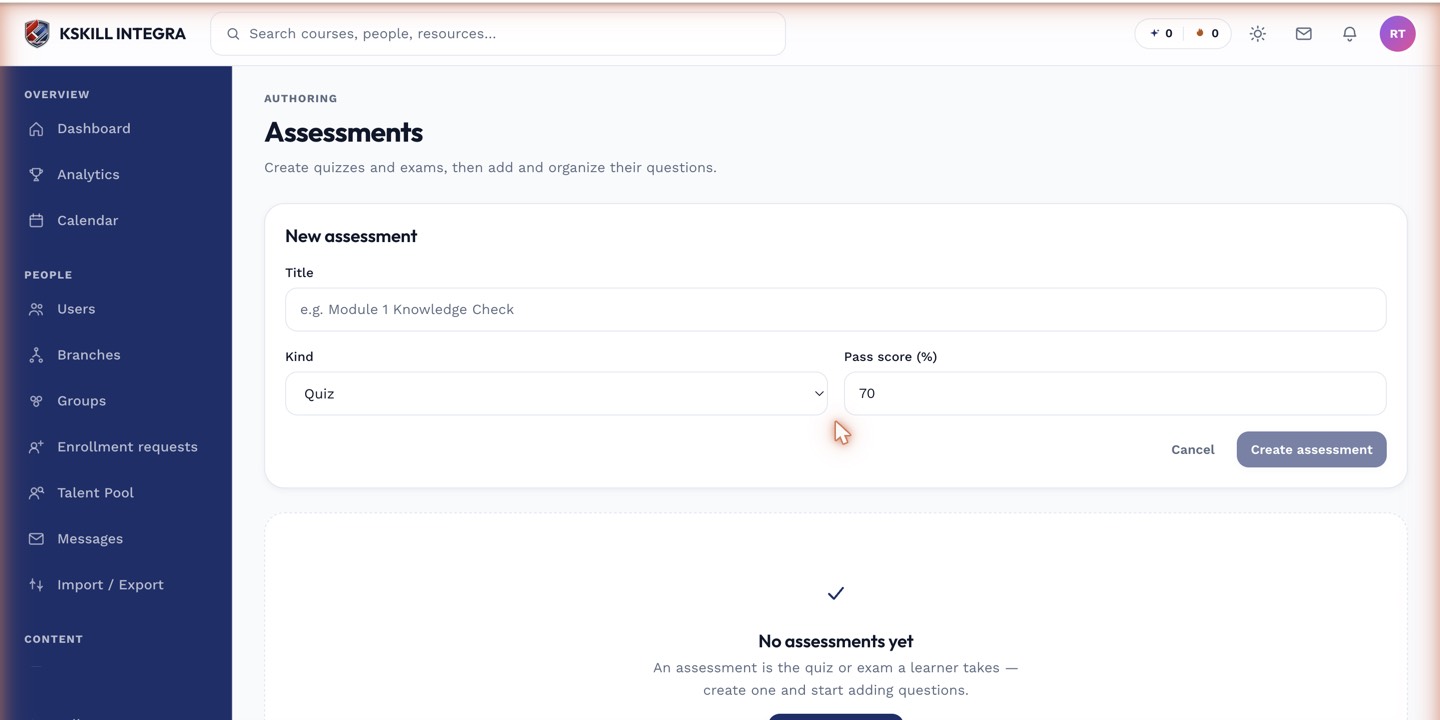
The builder combines the settings panel and the question list on a single screen.
Notes
- Level upgrades are additive — a learner who holds Practitioner earns Expert if they later score high enough.
- For binary skills, leave the level list empty.