Set up Job Roles
A job role names a target skill mix once and reuses it everywhere — role-based search, Pathfinder, training-matrix reports. This article covers setting one up.
Before you start
You need the Admin role. Create the underlying skills first — a role is only useful when its constituent skills exist.
Step 1 — Open Job Roles
Open Content → Job roles. The list shows every existing role with its skill count and current holder count. Click New role to open the drawer.
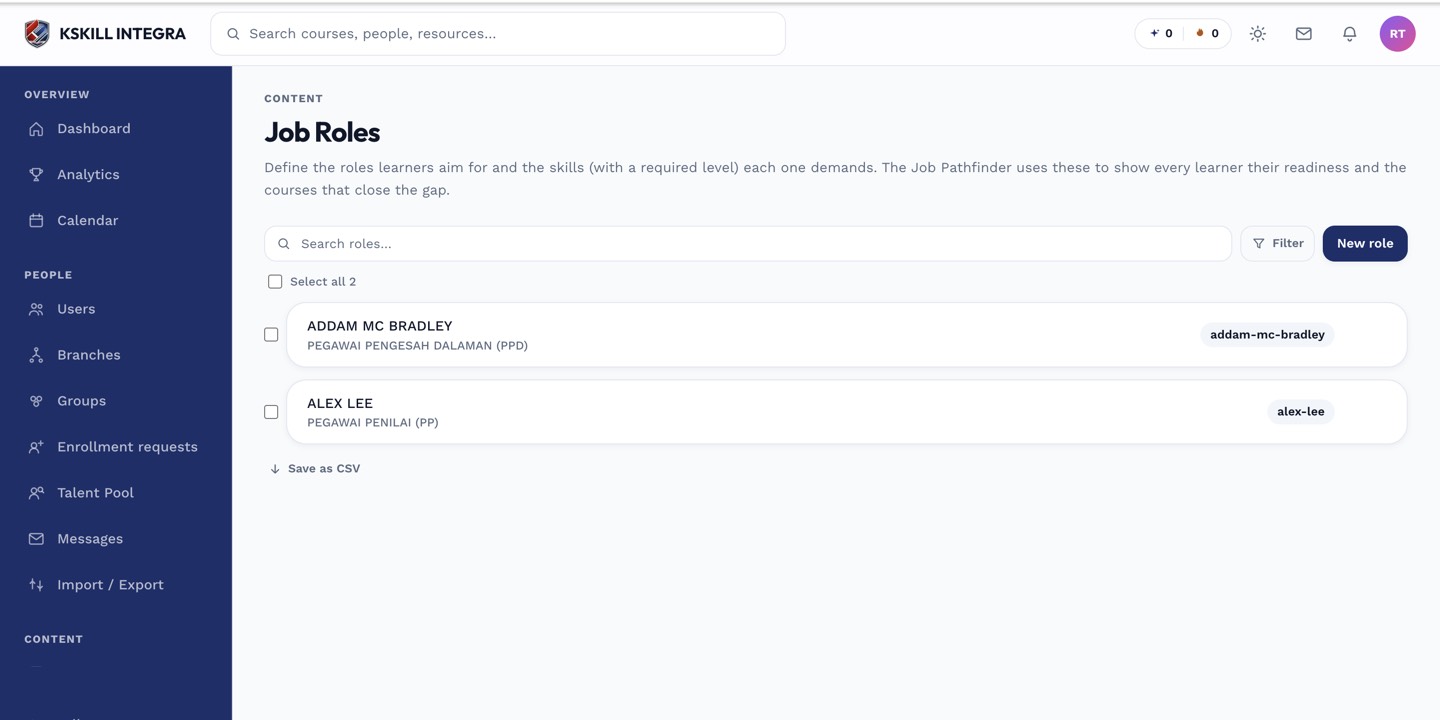
Job roles let you name a target skill mix once and reuse it everywhere.
Step 2 — Fill the role drawer
Enter a role name (e.g. Data Analyst) and a short description. Add each constituent skill and (if levelled) the minimum level required. A holder of the role needs every listed skill at or above the required level.
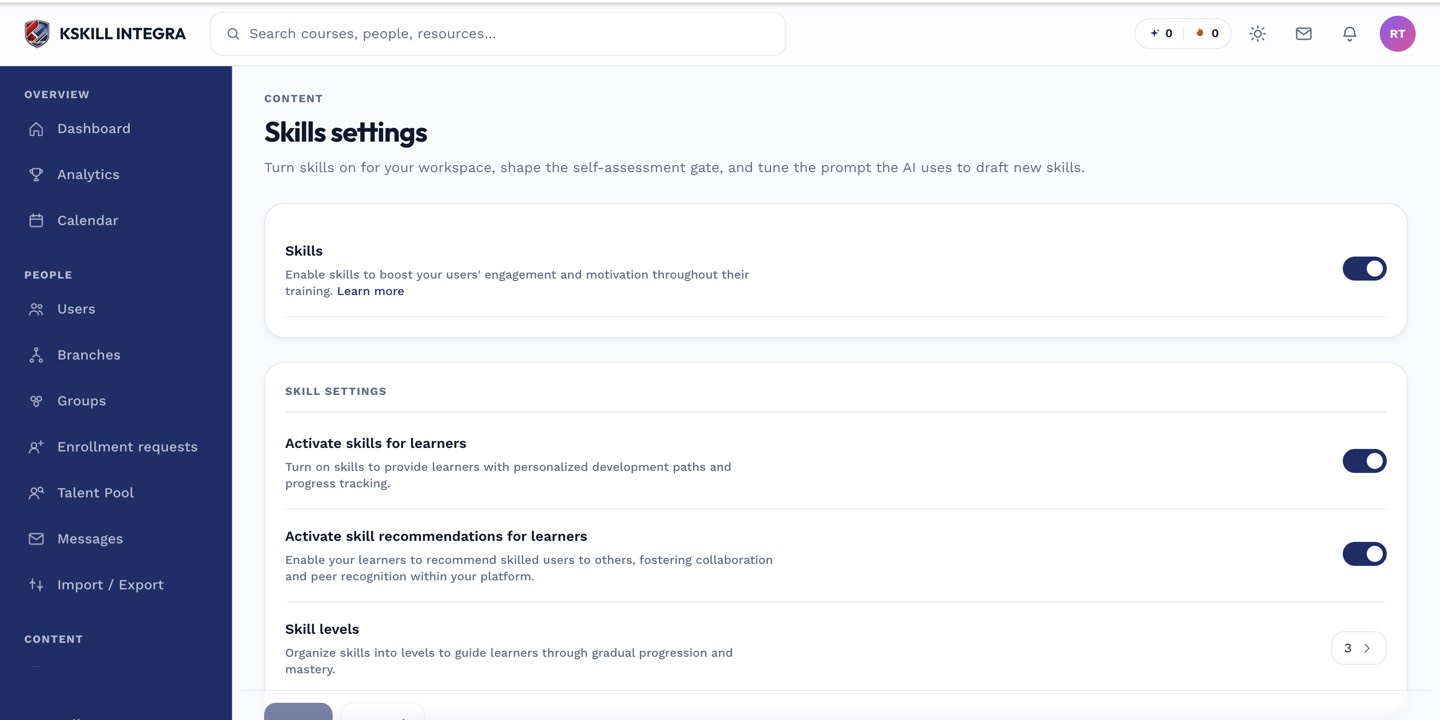
The Skills settings page controls the AI instruction, expiration defaults and taxonomy rules.
Step 3 — Use the role in Pathfinder and Talent Pool
Once a role exists, learners see it in Pathfinder and pick it as a target. Admins see it in the Talent Pool as a search filter. The training-matrix report also uses roles to compare learners against a target mix.
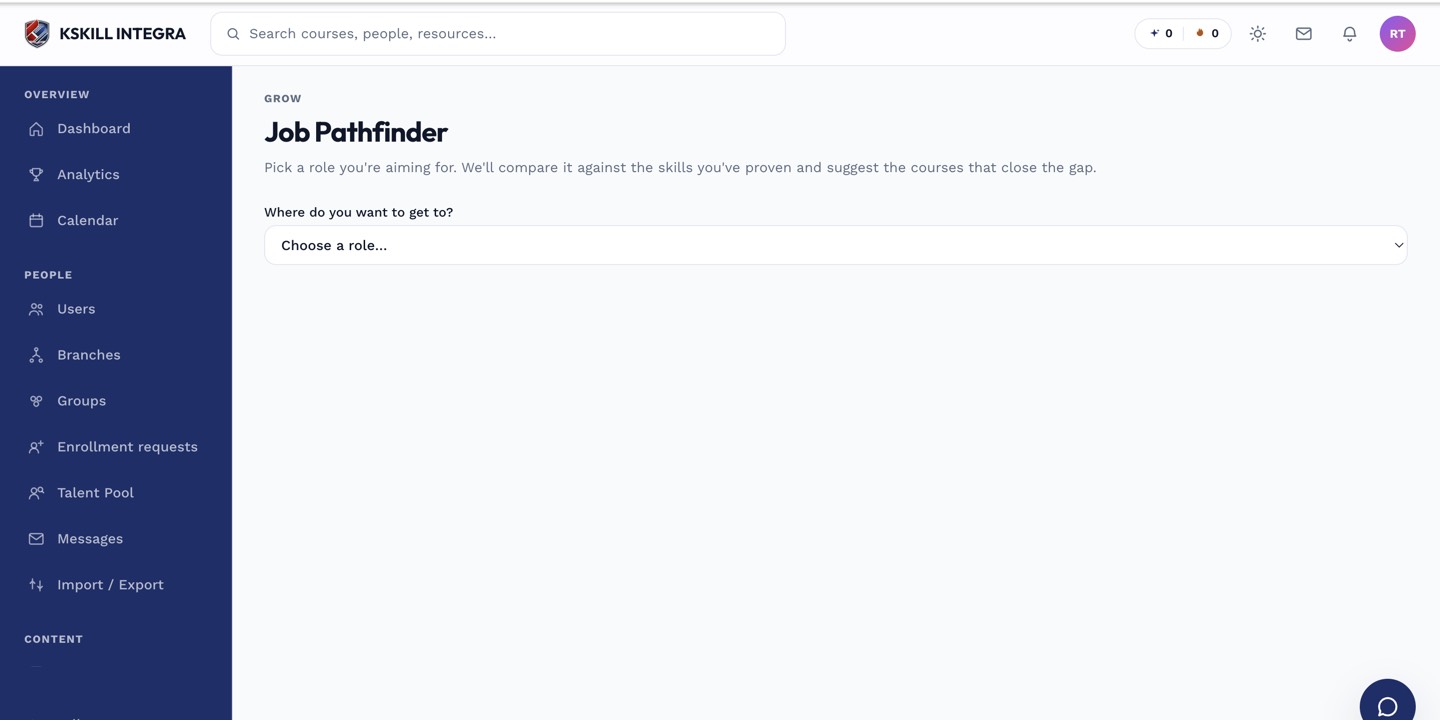
Pathfinder is the learner's tool for finding the shortest path to a target role.
Notes
- One learner can qualify for many roles at once — roles are non-exclusive.
- Editing a role recomputes qualifying learners in the background.