Sign-in issues
This article walks the most common sign-in problems and their fixes.
Before you start
You need to be attempting sign-in. If you can't reach the sign-in page at all, this is a network problem, not sign-in.
Step 1 — Wrong email or password
Confirm the email is spelled correctly and matches the one on your invite. Use Forgot password if you're not sure. Reset links expire in an hour, so click quickly. Multiple wrong attempts lock the account temporarily — wait 15 minutes.
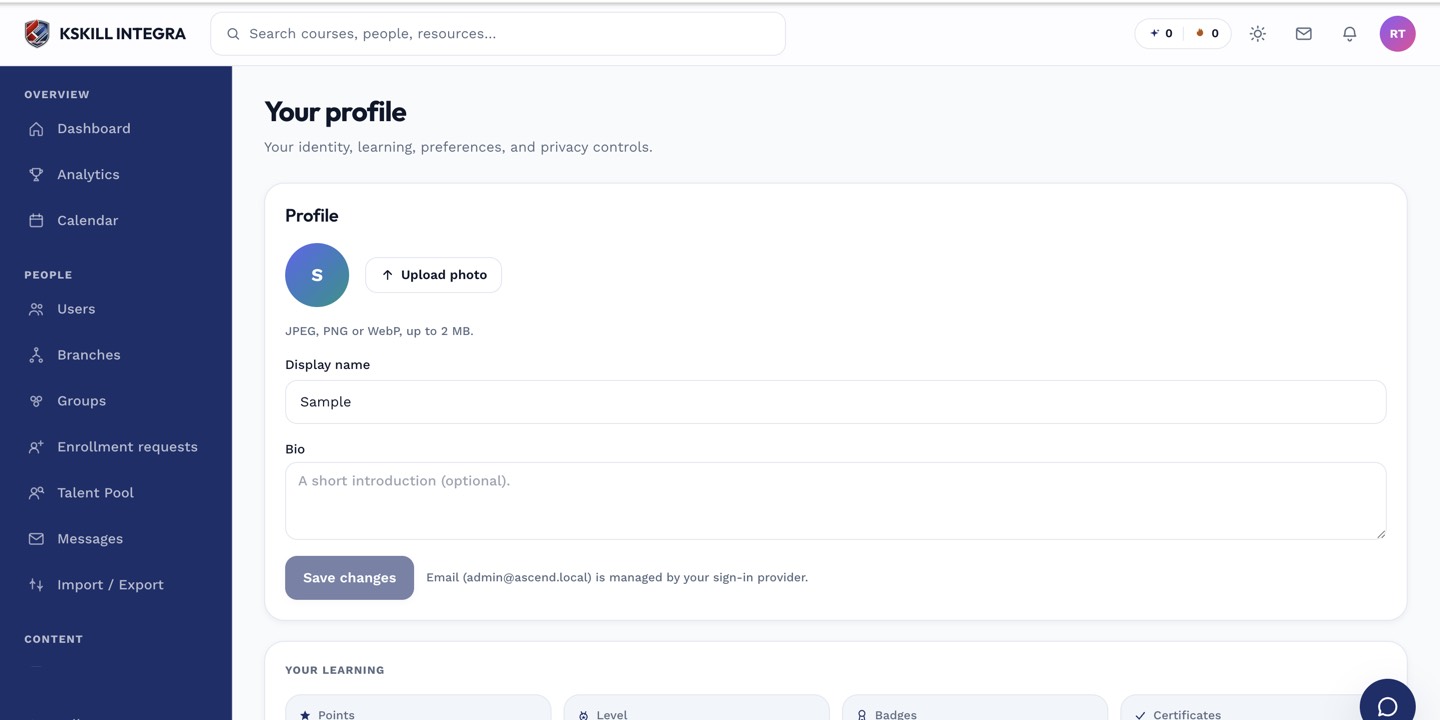
The account settings page is where a learner controls their own personal data.
Step 2 — SSO redirect loop
If you get bounced between the LMS and your identity provider, your IdP session may be broken. Sign out of the IdP entirely, close all browser tabs, and try again. Persistent loops need admin help — the SAML metadata may be stale.
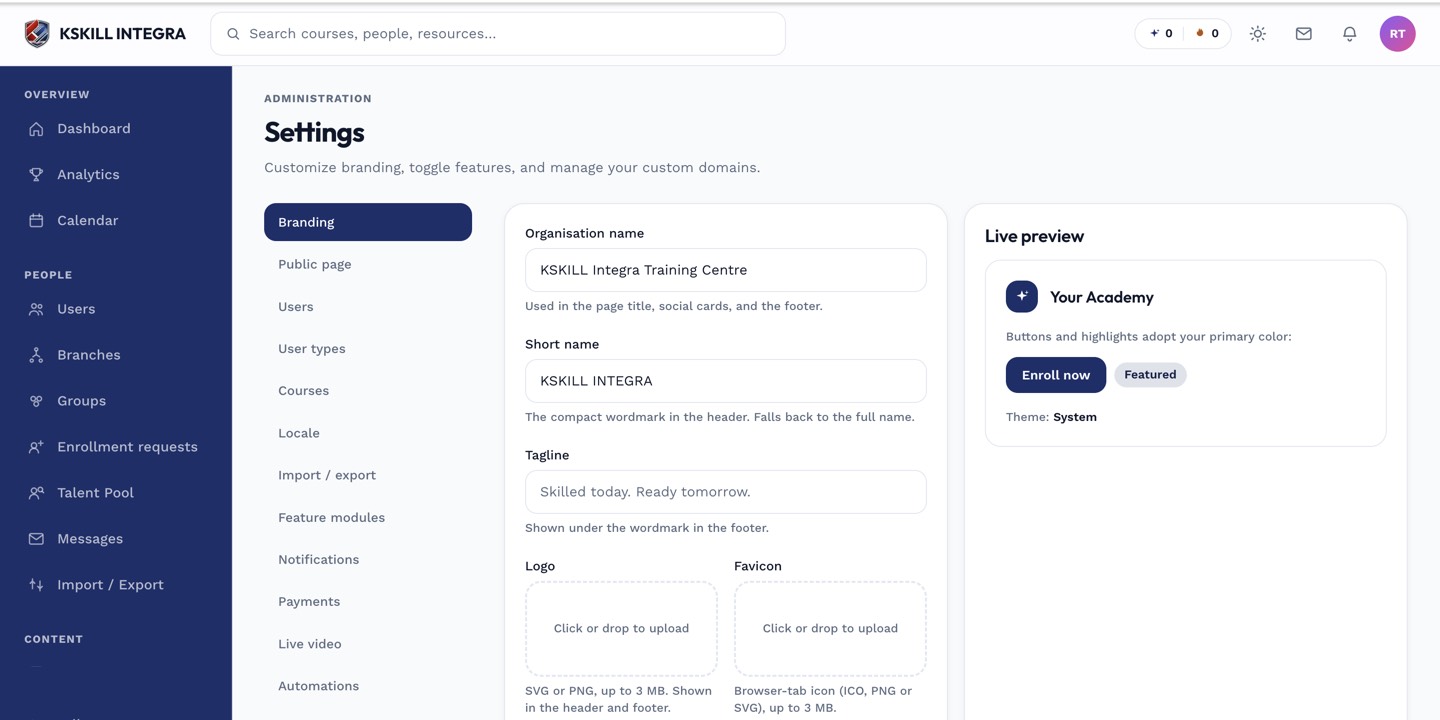
The Settings page is the single home for every tenant-level toggle.
Step 3 — 2FA code doesn't work
Codes are time-based; a device clock more than 30 seconds off breaks them. Sync your phone's clock. If the code still fails, use a recovery code. If you've lost all recovery codes, ask your admin to reset 2FA on your account.
The account settings page is where a learner controls their own personal data.
Notes
- For SSO tenants, all authentication happens at your identity provider — the LMS never sees your password.
- Persistent lockouts warrant a password change and a review of your active sessions.