Reviewing and applying AI-generated skills
SkillsUpdated September 19, 2026
AI generation only drafts skills — it never writes to your taxonomy directly. Every proposed skill passes through a review step where you decide, one at a time or all at once, whether it is worth keeping.
Before you start
You need a completed AI generation run (see AI-generating a starter skill set) open in front of you.
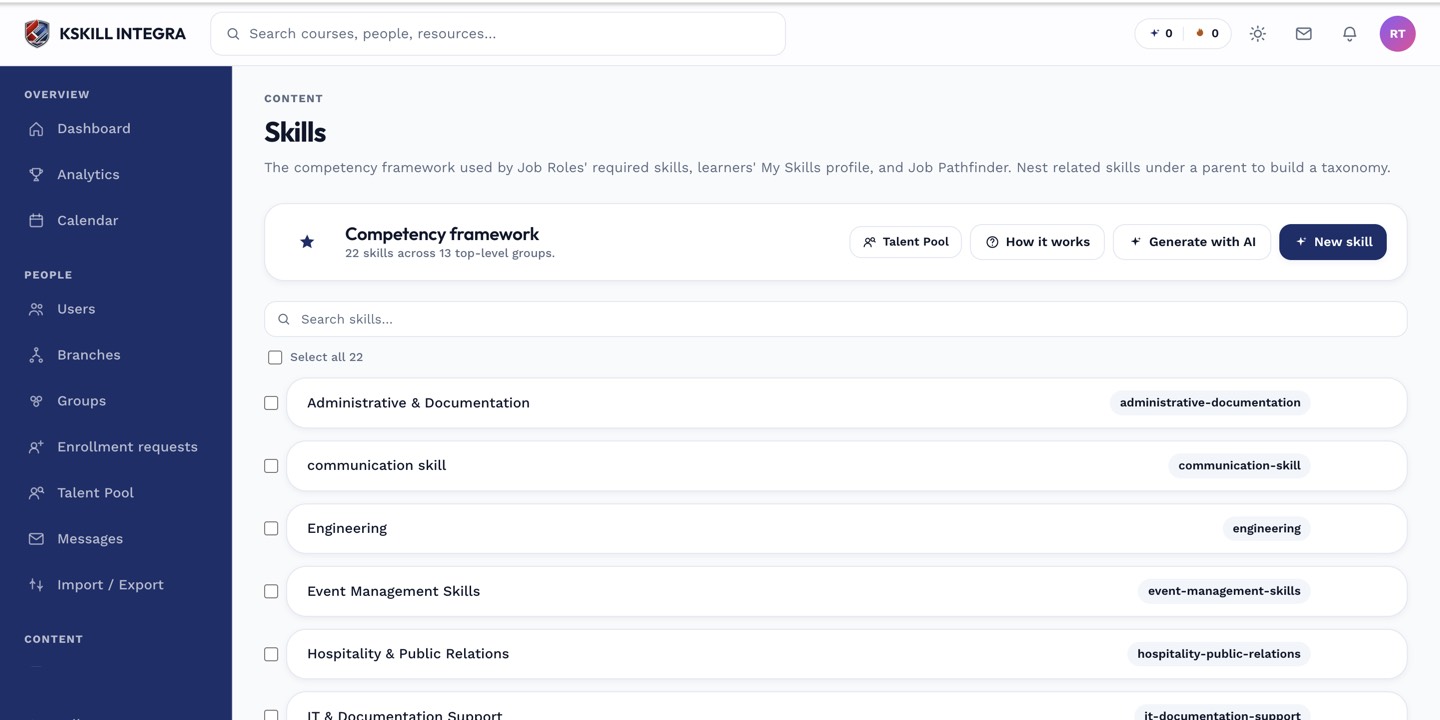 Generated skills land in a draft list, clearly separated from your live taxonomy.
Reviewing the draft
- Read each proposed skill name, description, and level breakdown.
- Edit anything that does not match your terminology — names, level counts, level descriptions are all editable inline.
- Remove any skill you do not want; the rest are unaffected.
- Click Apply to create the remaining skills for real.
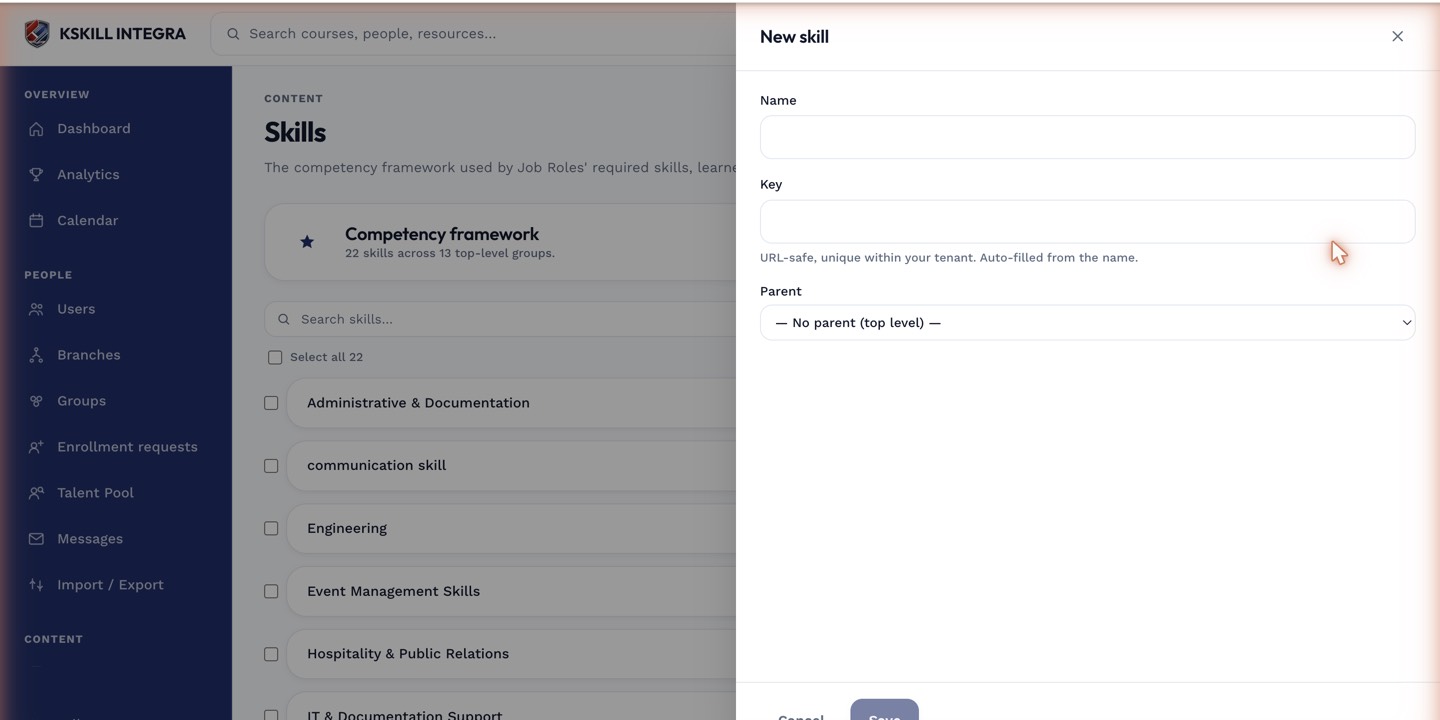 Each draft skill opens in the same drawer used for editing a live skill, so edits before applying feel identical to edits after.
Notes
Applying is not all-or-nothing — skills you removed from the draft are simply discarded, and only what remains gets created. Applied skills behave exactly like manually created ones from that point on; there is no ongoing link back to the AI draft.
What next?
#skills#ai#taxonomy#review