Skill levels explained
Every skill in the taxonomy carries one or more levels — the ladder a learner climbs as they get better at it. A simple pass/fail skill has one level; a skill like "Data analysis" might have four, each with its own description of what that level of competence looks like.
How levels are used
Levels are what actually gets granted, expired, and matched. When a self-assessment is passed, a course exam is completed, or a reviewer makes a manual grant, what is recorded is a specific level of a specific skill — not just "has the skill" in the abstract.
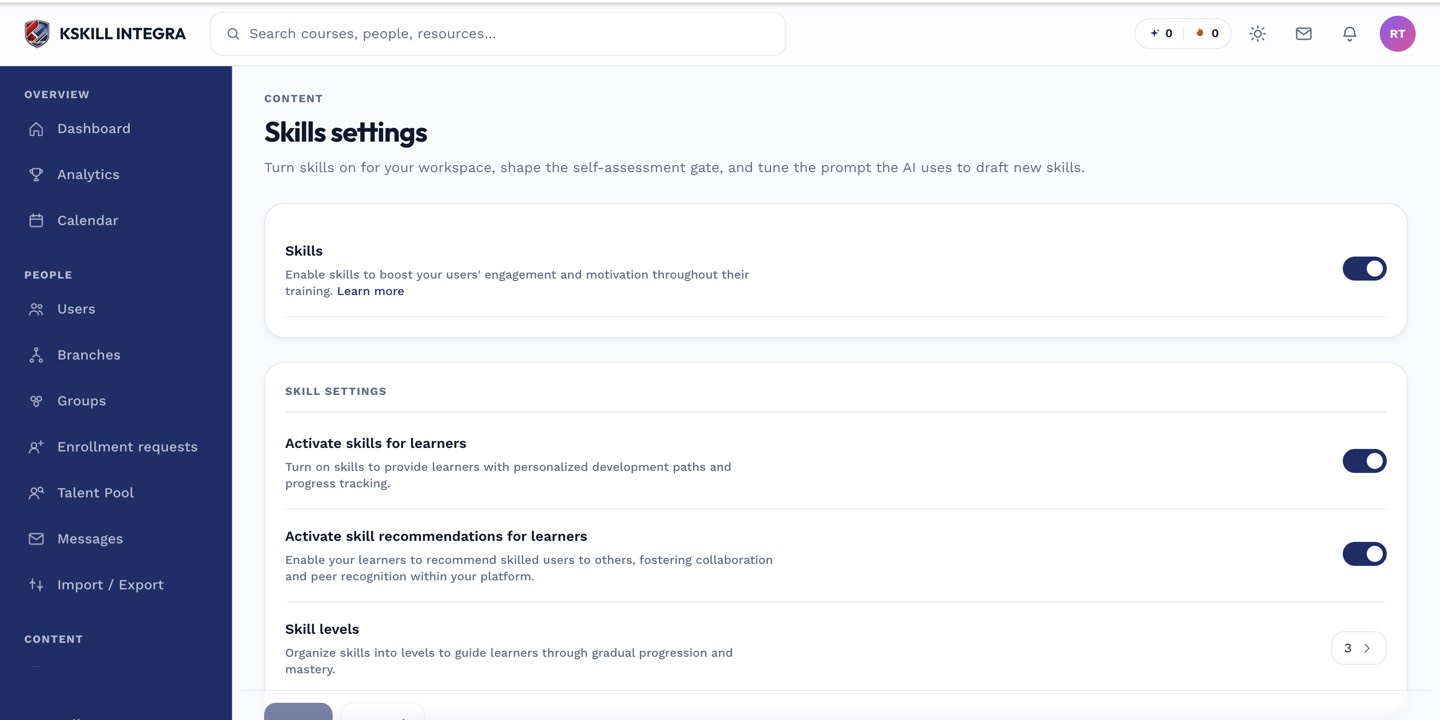 The Levels card in Skills settings sets the default number of levels new skills start with.
Setting levels on a skill
- Open the skill in the Skills manager.
- Add or remove levels and give each one a short, distinct description.
- Save.
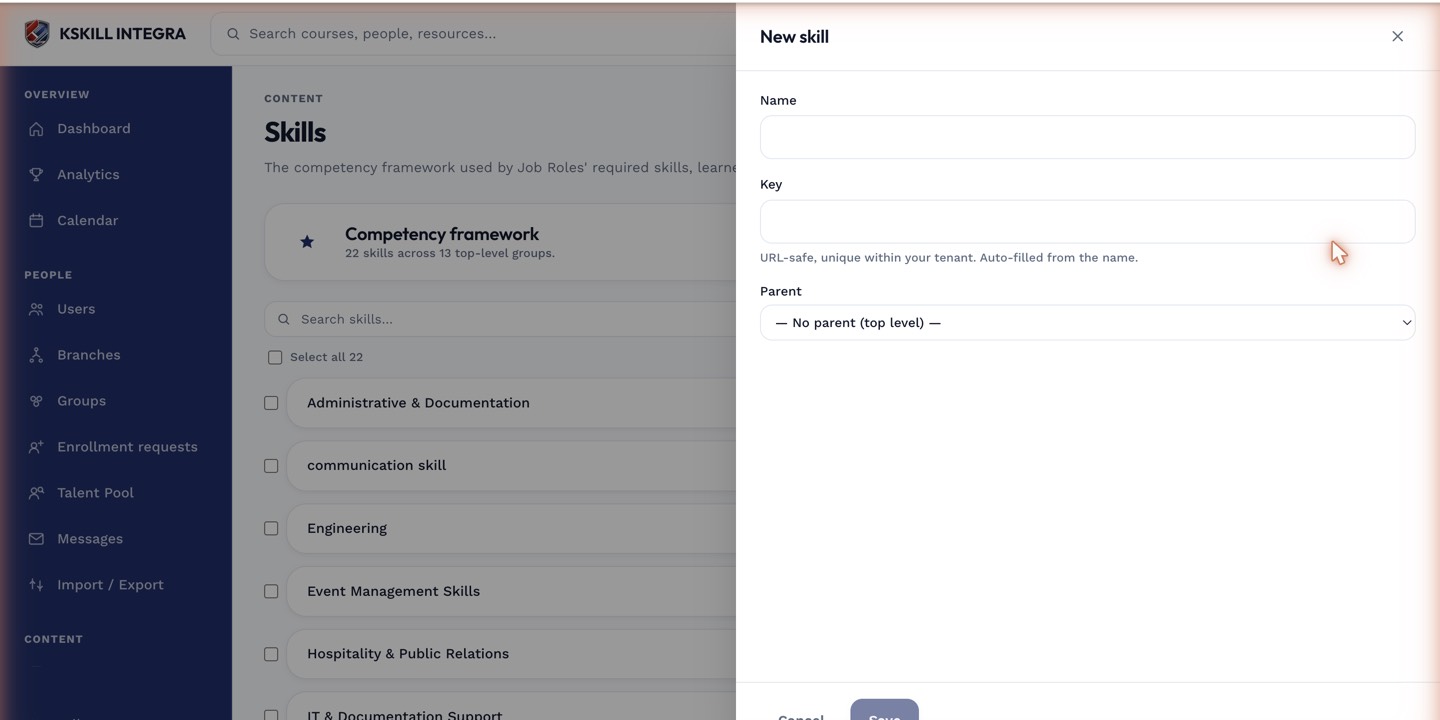 Each level gets its own description so learners and reviewers know exactly what it represents.
Notes
Higher levels usually imply the lower ones in job role matching — a role requiring level 2 is typically satisfied by a learner holding level 3. Keep level descriptions distinct enough that a reviewer approving an upgrade request can tell at a glance whether the evidence supports the higher level.