Skill matrix report
The skill matrix report is the training-matrix report scoped to skills instead of role skills. This article covers reading it.
Before you start
You need the Admin role.
Step 1 — Open the report
Open Configuration → Analytics and switch to the Skill matrix tab. Users are rows, skills are columns. Each cell shows the level held (or empty).
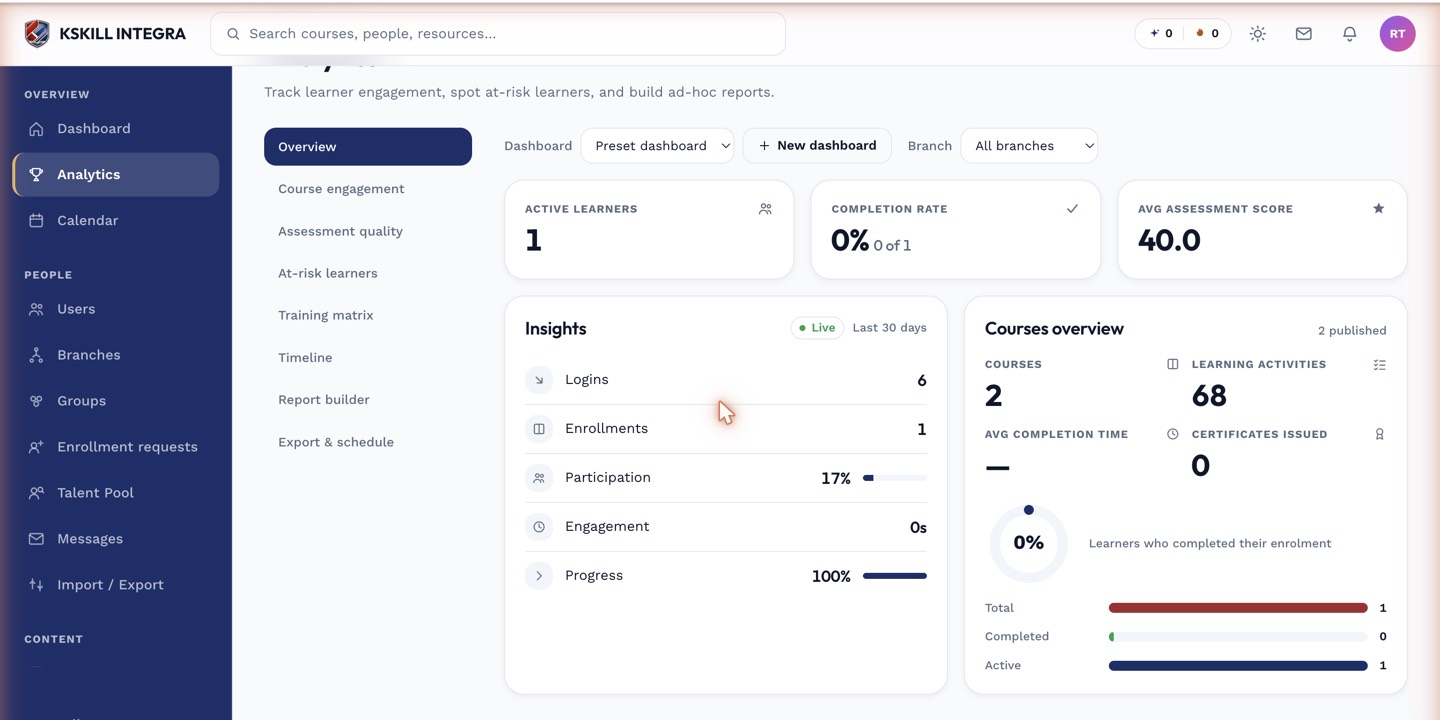
The detail panels give you the breakdown behind each KPI tile.
Step 2 — Filter to a target set
Filter to a specific skill category, a specific role's skills, or a specific branch. This is how you answer 'is my Data team covered on SQL query authoring?'. Export as CSV for the audit trail.
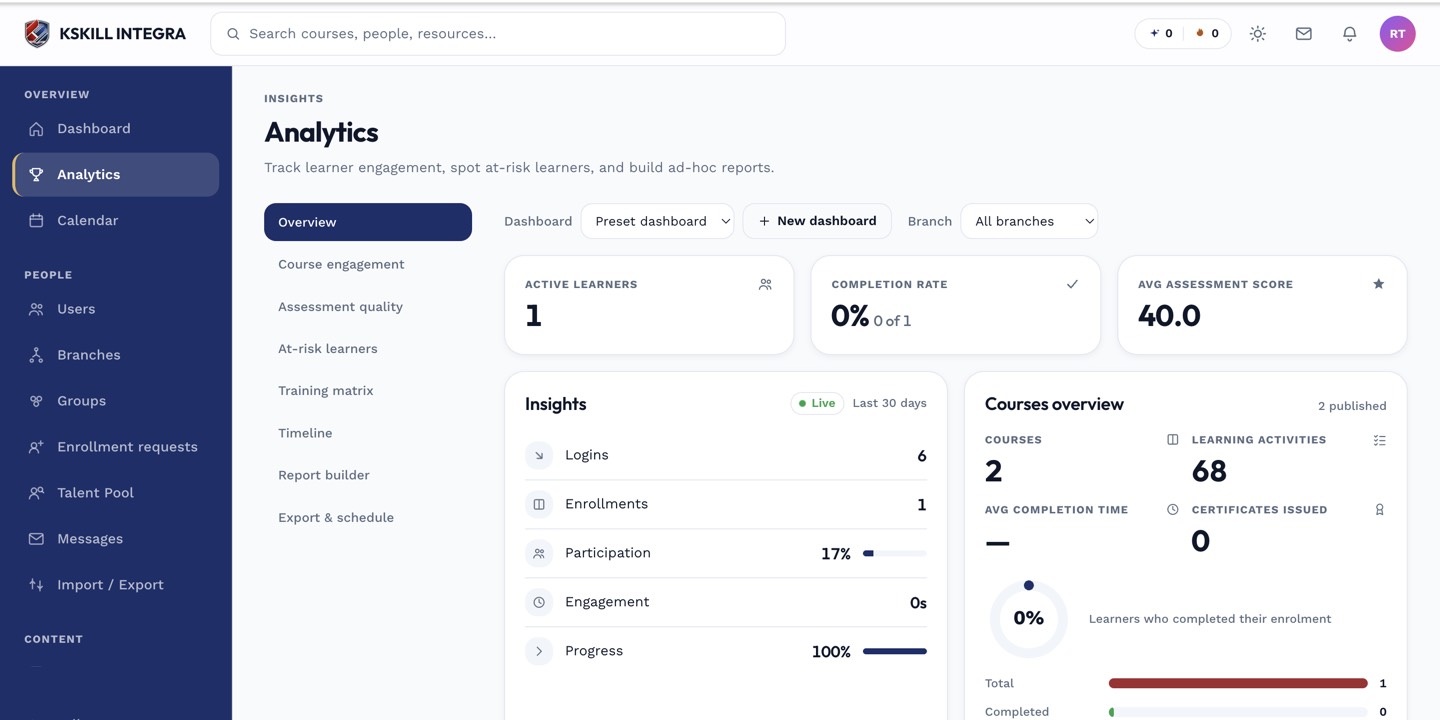
The Overview tab is the one everyone lives in — the deeper tabs answer sharper questions.
Step 3 — Drill into gaps
Click any empty cell to open the matching learner and skill. From there you can grant, enrol into a granting course, or route to a self-assessment. The matrix updates in real time as grants land.
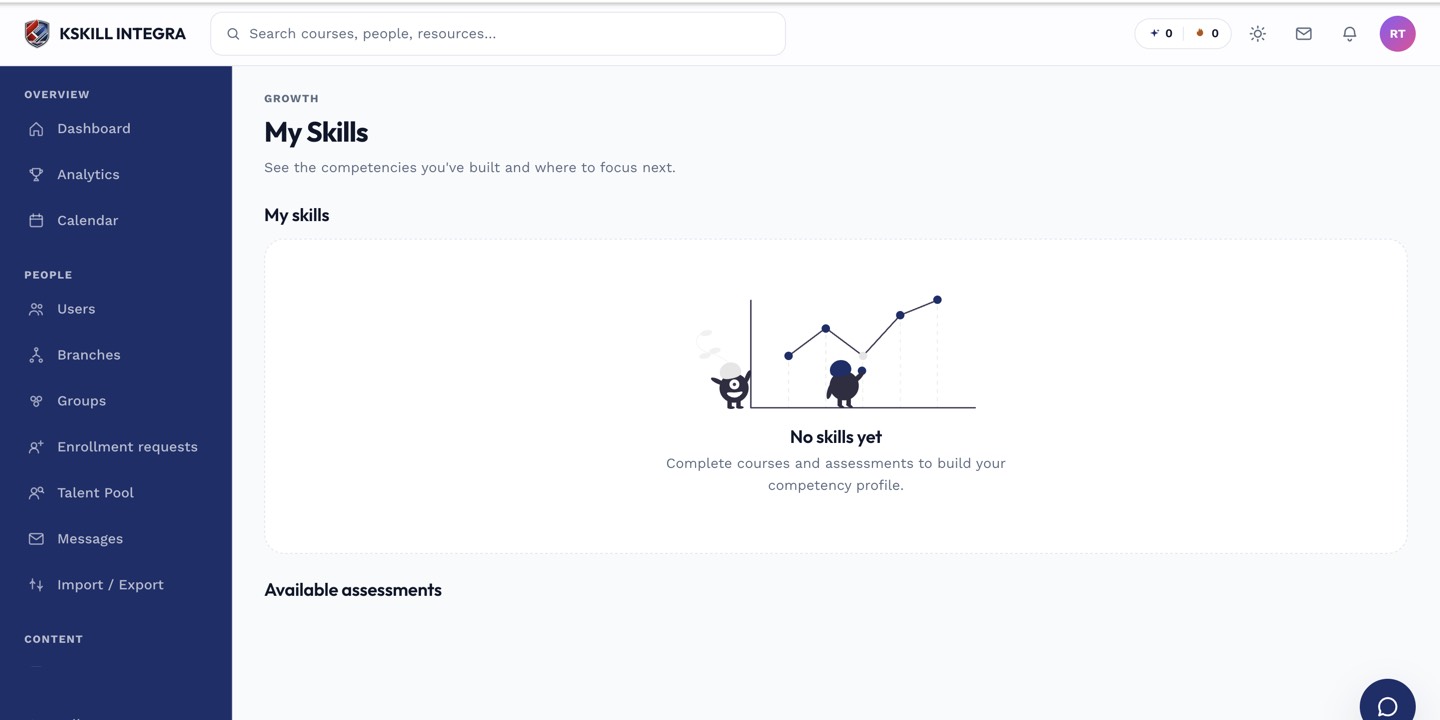
My Skills is the learner's own view of what they have proven so far.
Notes
- For role-driven views, use the Training matrix report instead.
- The matrix scales to thousands of learners; expect brief load times for very large tenants.