Re-assessing a skill after it expires
SkillsUpdated September 20, 2026
An expired self-assessment grant is not a dead end — the same quiz that earned it the first time is available again, and passing it restores the skill with a fresh expiration window.
Before you start
You need a skill that has expired or is close to expiring, visible on your My Skills page.
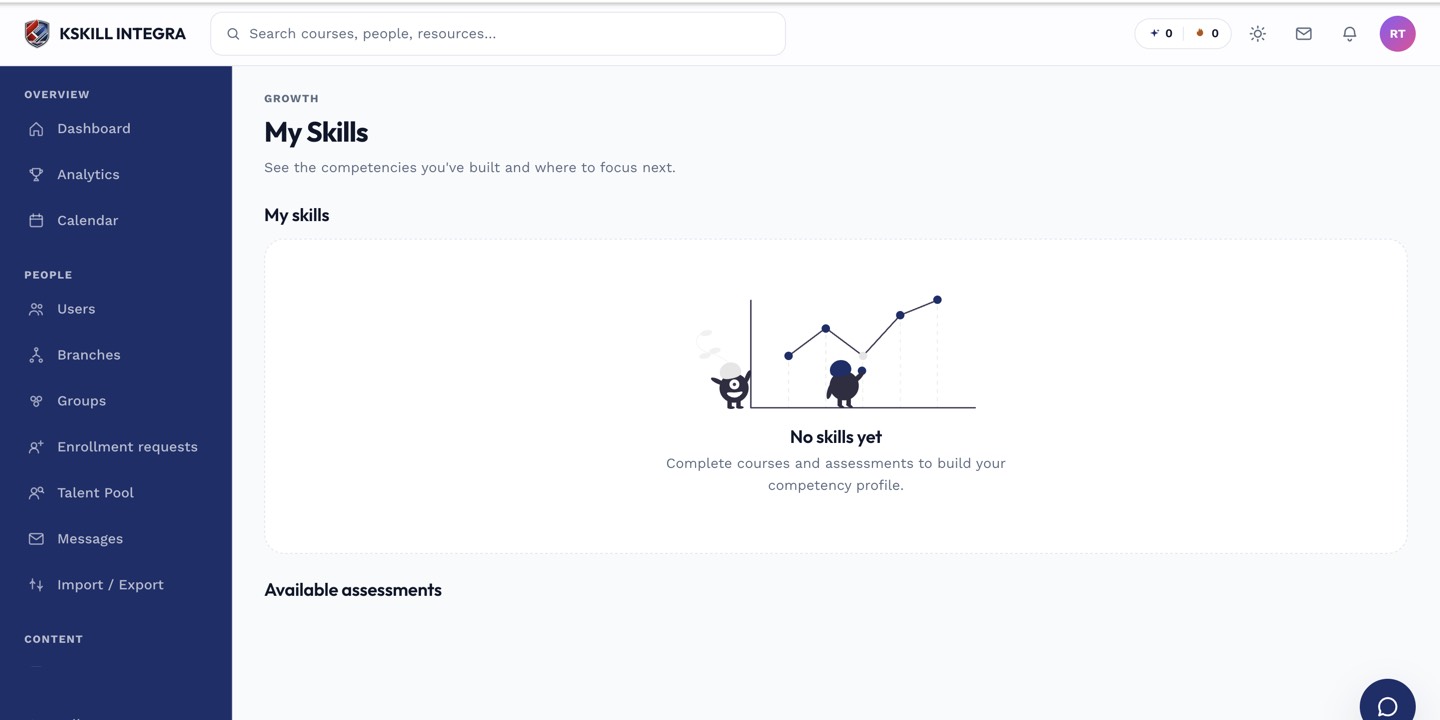 An expired skill stays visible on My Skills with a clear path back to re-assessing it.
Re-assessing
- Open My Skills.
- Find the expired skill — it is labeled as expired rather than simply removed from view.
- Click Start assessment to retake it.
- Pass, and the skill returns with a new expiration date starting from today.
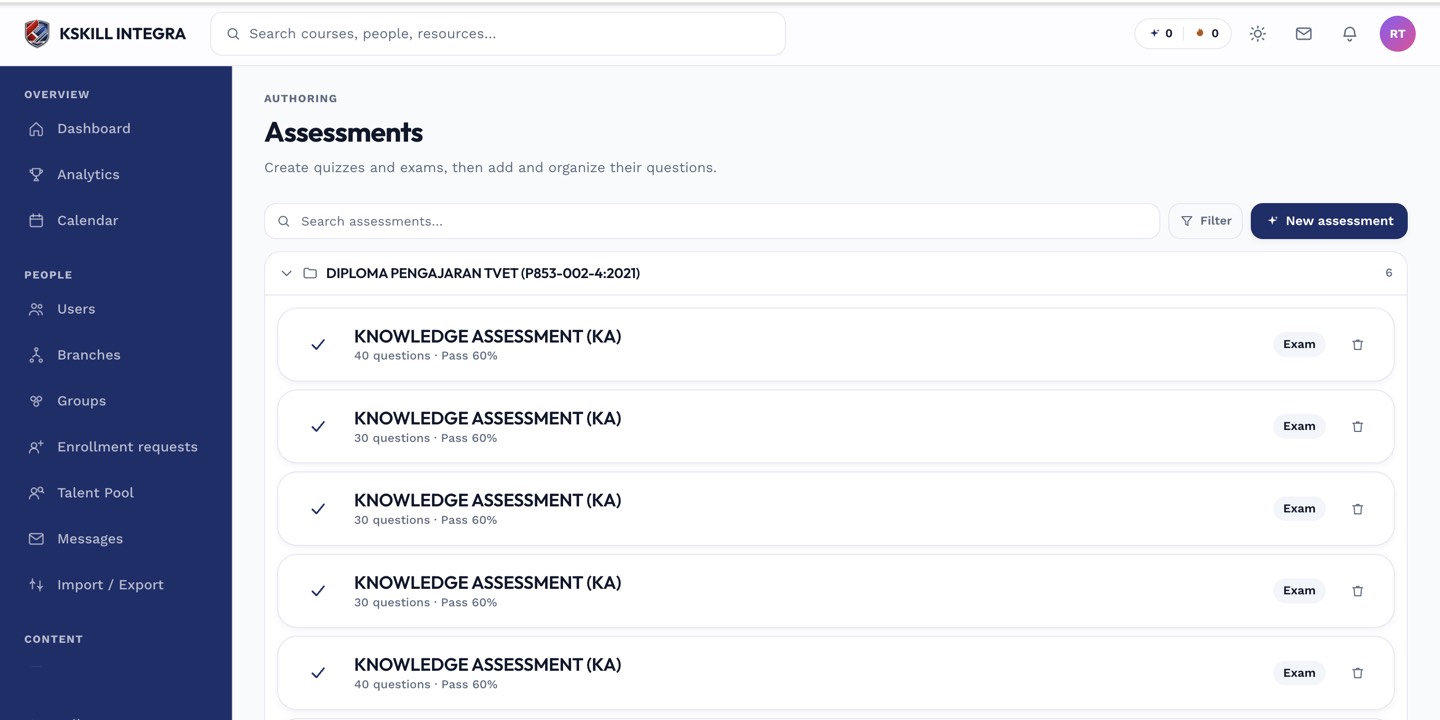 Retaking the assessment uses the exact same timed quiz as the original attempt.
Notes
If you would rather not wait for an expiry notification, you can retake a self-assessment before it lapses — there is no rule requiring you to let it expire first. Doing so before the sweep runs simply extends the window without a gap in your held skills.
What next?
#skills#learner#self-assessment#expiration