Troubleshooting: AI skill generation didn't produce good results
AI-generated skill drafts are only as good as the instruction behind them and the provider configured for your tenant. If the results are generic, off-topic, or oddly phrased, work through these checks before giving up on the feature.
Check your instruction
A vague prompt at generation time ("skills for my company") produces vague results. Be specific about the audience, the number of levels you want, and the tone — and consider saving that detail as your tenant's standing AI phrasing instruction so every future generation starts from the same baseline.
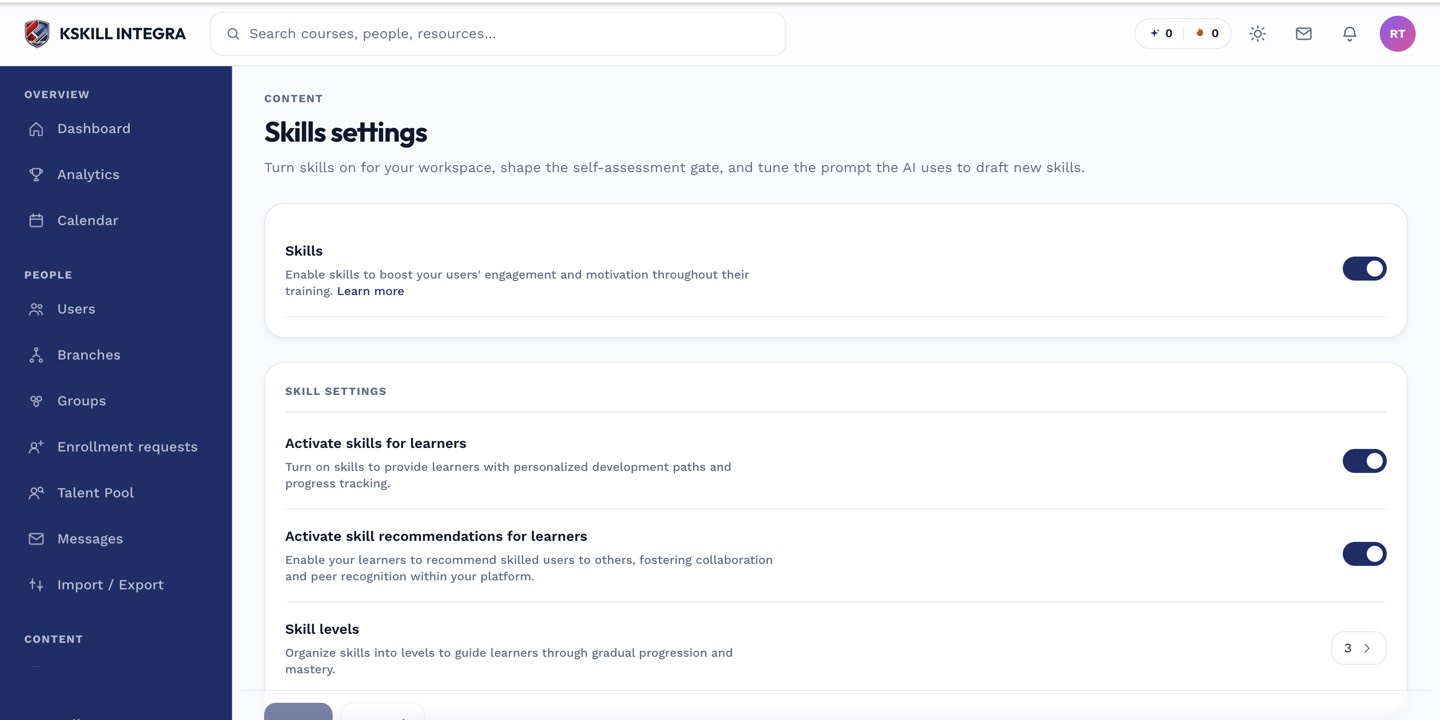 A clear, specific standing instruction fixes most generic-sounding drafts before you even generate.
Check your AI provider configuration
Generation quality depends on which provider and model your tenant has configured. If results seem unusually thin or repetitive, confirm the provider configuration is pointed at a capable model rather than a fallback.
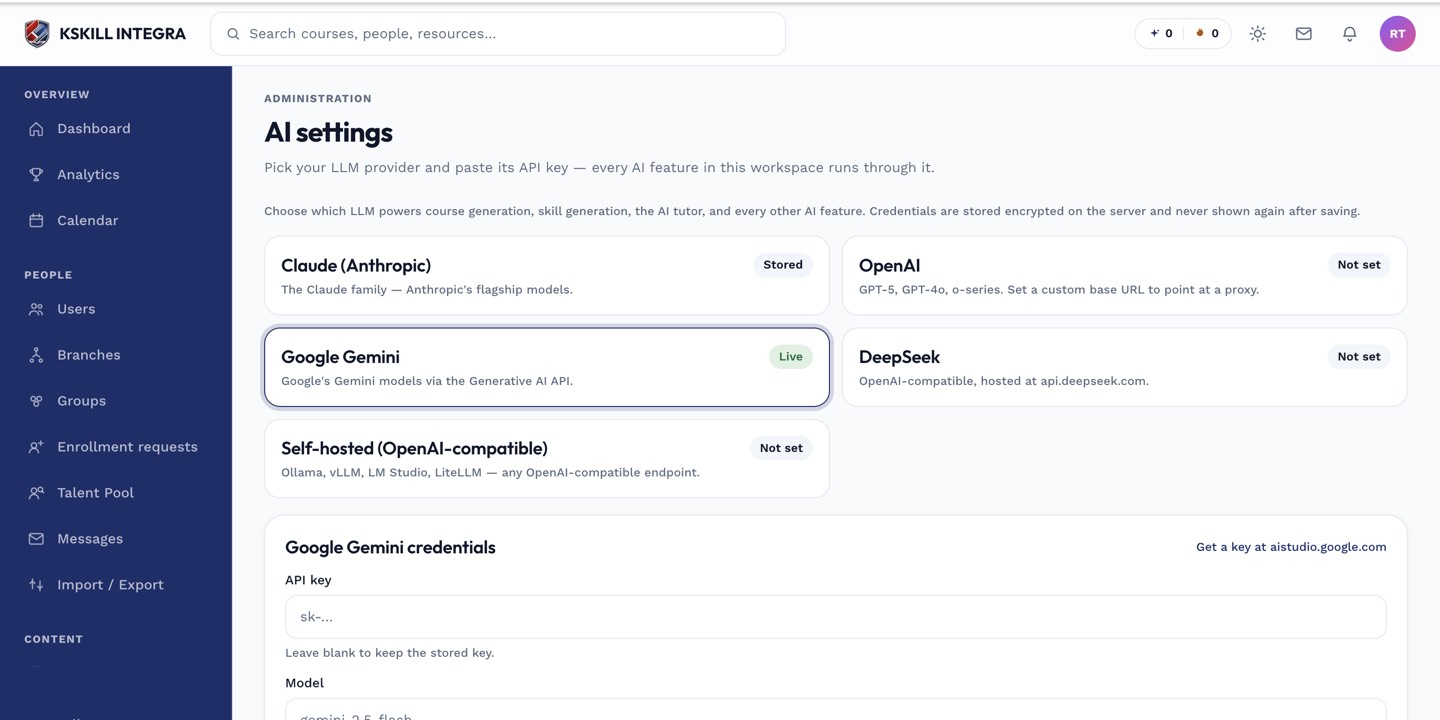 Check the AI settings page to confirm which provider generation is actually running against.
Edit before you apply
You are never required to accept a draft as-is — every proposed skill is editable in the review step before anything is created. Treat a mediocre draft as a starting point to fix by hand rather than a reason to regenerate from scratch (see reviewing and applying AI-generated skills).
Still not useful?
Try a narrower instruction covering fewer skills at once — a request for two or three closely related skills with detailed context tends to outperform one broad request for an entire department's taxonomy in a single pass.