Troubleshooting: a skill I earned isn't showing
SkillsUpdated September 20, 2026
You passed the quiz, passed the course exam, or were told a reviewer granted you a skill — but My Skills does not show it. Here is how to work through why.
Check which path you expected
The fix depends on which of the three grant paths you were expecting:
- Self-assessment. Confirm you actually passed — a self-assessment quiz that timed out or fell below the pass threshold grants nothing. Check the assessment's result screen for your score against the pass mark.
- Course exam. The award only fires if the course's completion assessment has the award-skill setting turned on. If the course was updated to add that setting after you already passed, the grant is not retroactive — you would need to pass it again after the setting was added, or ask an admin for a manual grant instead.
- Reviewer grant. Confirm with the reviewer that they saved the grant, not just started it in the drawer without saving.
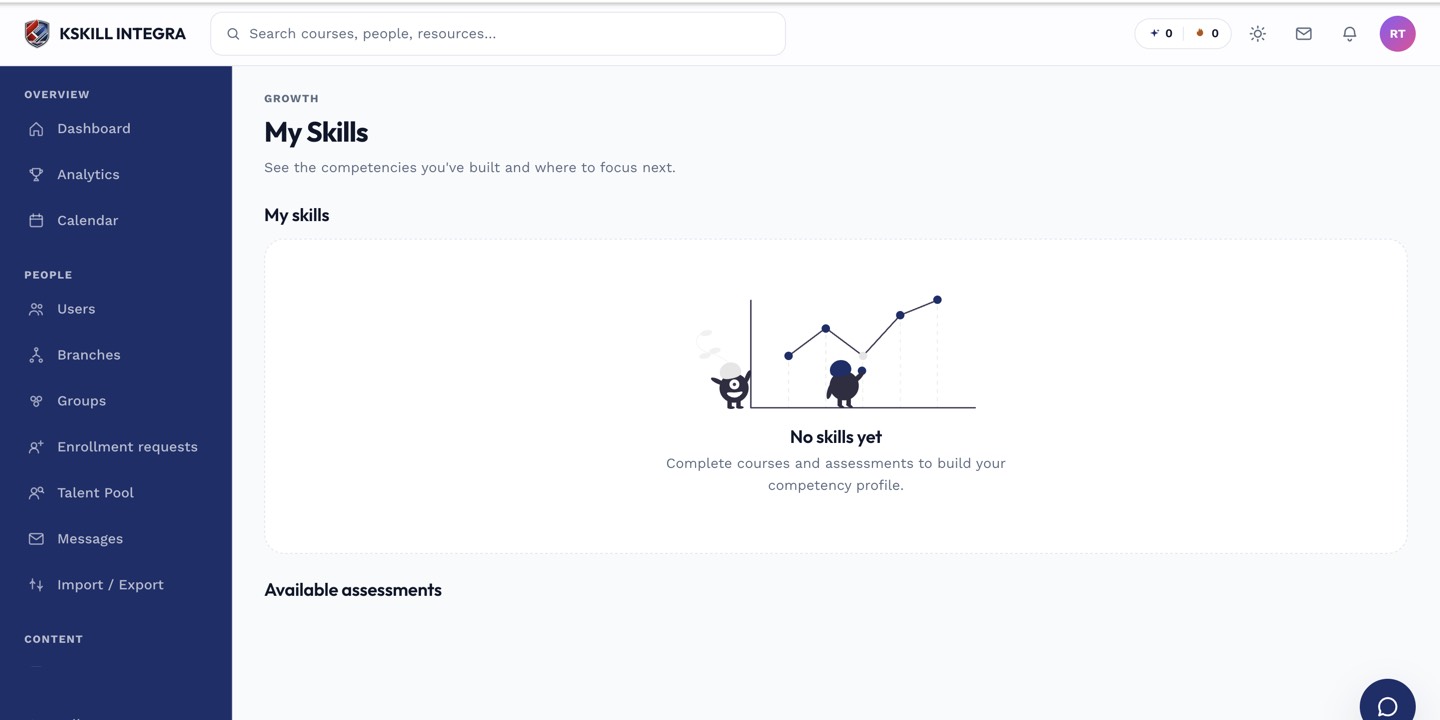 Start by checking My Skills directly — it is the single source of truth for what you currently hold.
Check the skill itself
If an admin removed or renamed the skill after you earned it, your grant may no longer show under the name you remember, or may have been removed along with the skill — see archiving or deleting a skill.
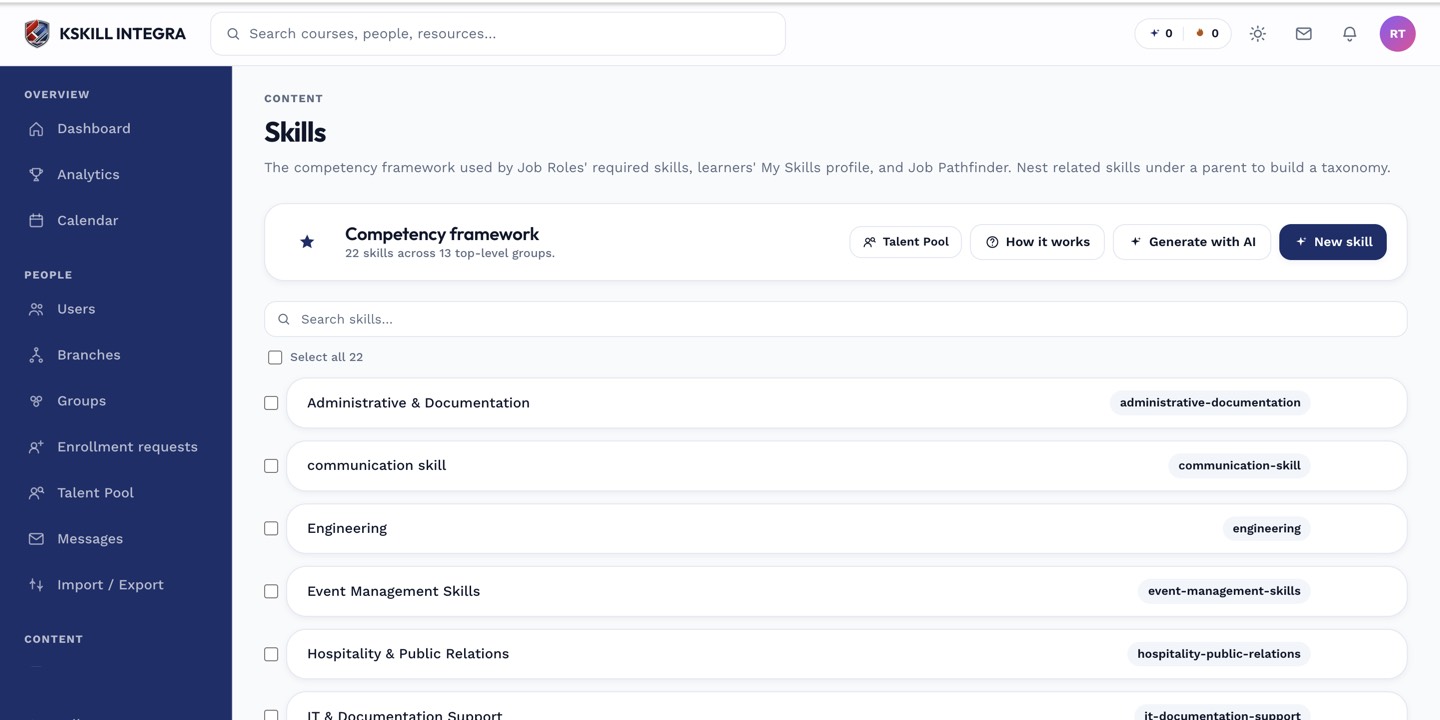 An admin can confirm from the Skills manager whether the skill still exists as you remember it.
Still missing?
Ask your tenant admin to check the grant directly, or open a support ticket with the skill name, the date you believe you earned it, and which of the three paths you used.
What next?
#troubleshooting#skills#learner#grants