Awarding skills automatically from a passing exam
A course assessment can be configured to grant a skill the moment a learner passes it — no separate self-assessment or manual review required. This is the most durable of the three ways a learner can earn a skill in the platform.
Before you start
You need the Instructor or Admin role, an existing skill with a question bank behind it, and an assessment unit in your course drawing from that bank.
Turn it on
- Open the course in the course editor and select the exam or quiz unit.
- Open Course options and find the assessment's settings.
- Enable Awards skill level and choose which skill (or skill level) the assessment should grant on a pass.
- Save. Any learner who passes this specific assessment from now on is granted the associated skill automatically.
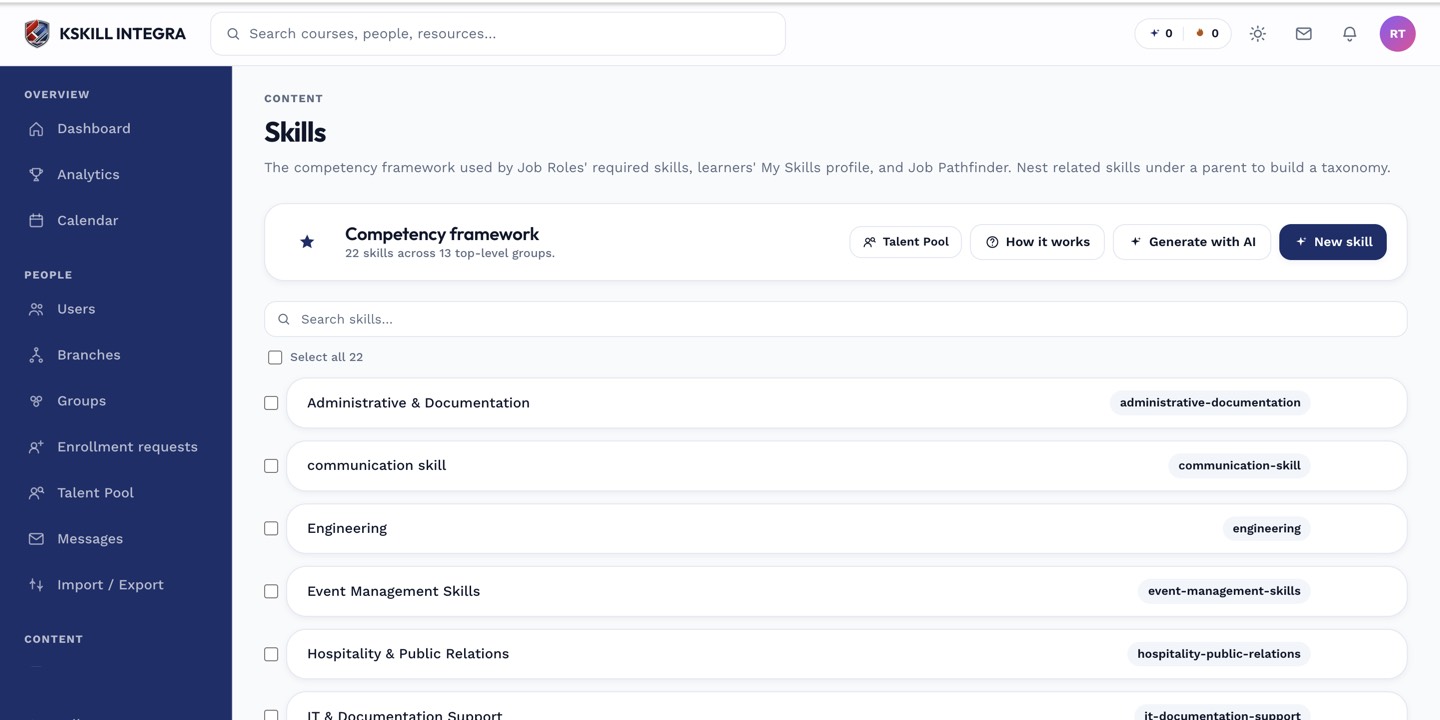 The skill's underlying question bank is what ties it to the exam — the assessment must draw its questions from that bank.
How this compares to other grant paths
This exam-based grant is durable and never expires, unlike a timed self-assessment grant (which does expire and gets swept by the daily expiration reaper) or a reviewer-granted skill (awarded manually by someone judging the learner's work). All three show up the same way on the learner's skill profile, but only this path and reviewer grants are permanent.
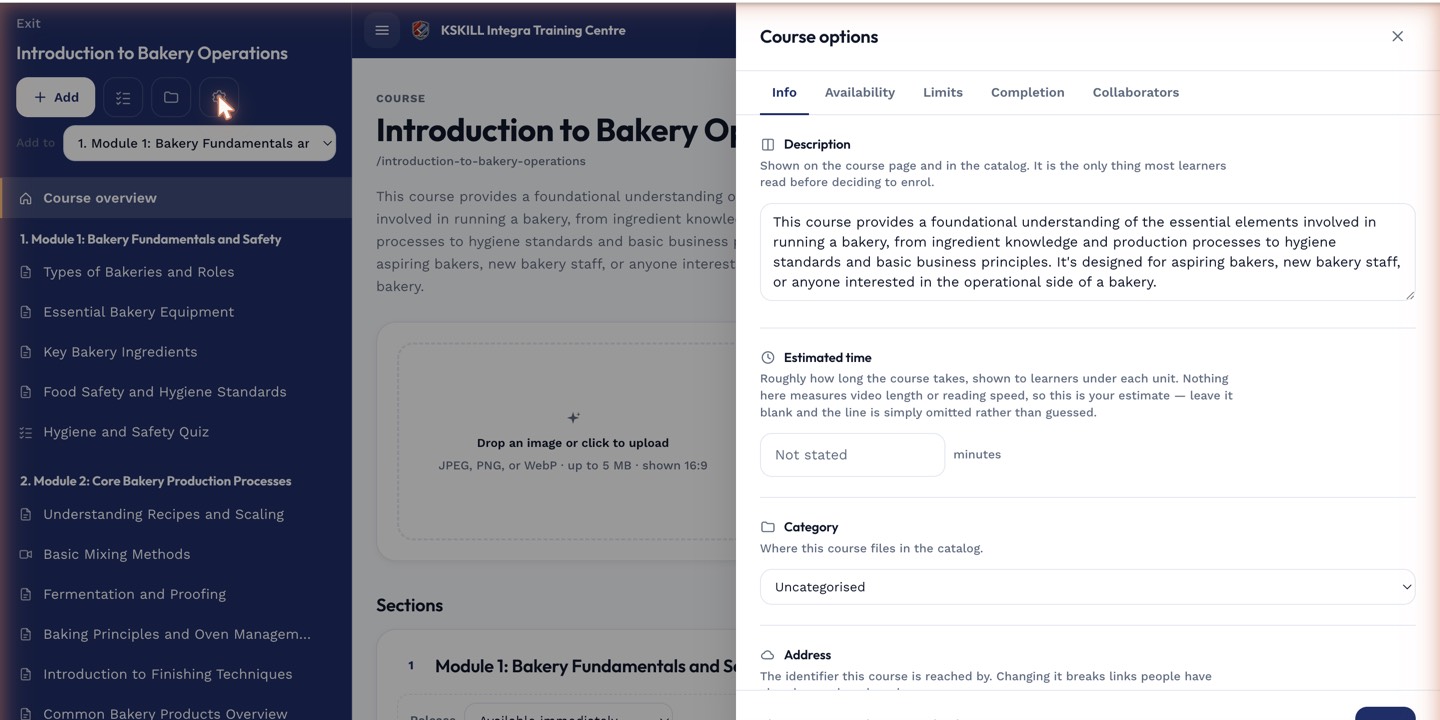 Toggling this setting doesn't retroactively grant the skill to learners who already passed — it only applies going forward.
Notes
If a learner retakes and passes the same assessment again, the skill grant isn't duplicated — they simply already have it.