Troubleshooting: a learner's grade isn't showing
A learner reports they submitted work and finished a course, but their grade or progress doesn't reflect it. Work through these checks before assuming something is broken.
Check the Grading Hub first
If the unit is an assignment or an assessment with manually-graded questions, the most common cause is simply that nobody has graded it yet. Open Manage → Grading and search for the learner — if their submission shows as Pending, that's the answer. Grade it and the learner's progress will update immediately.
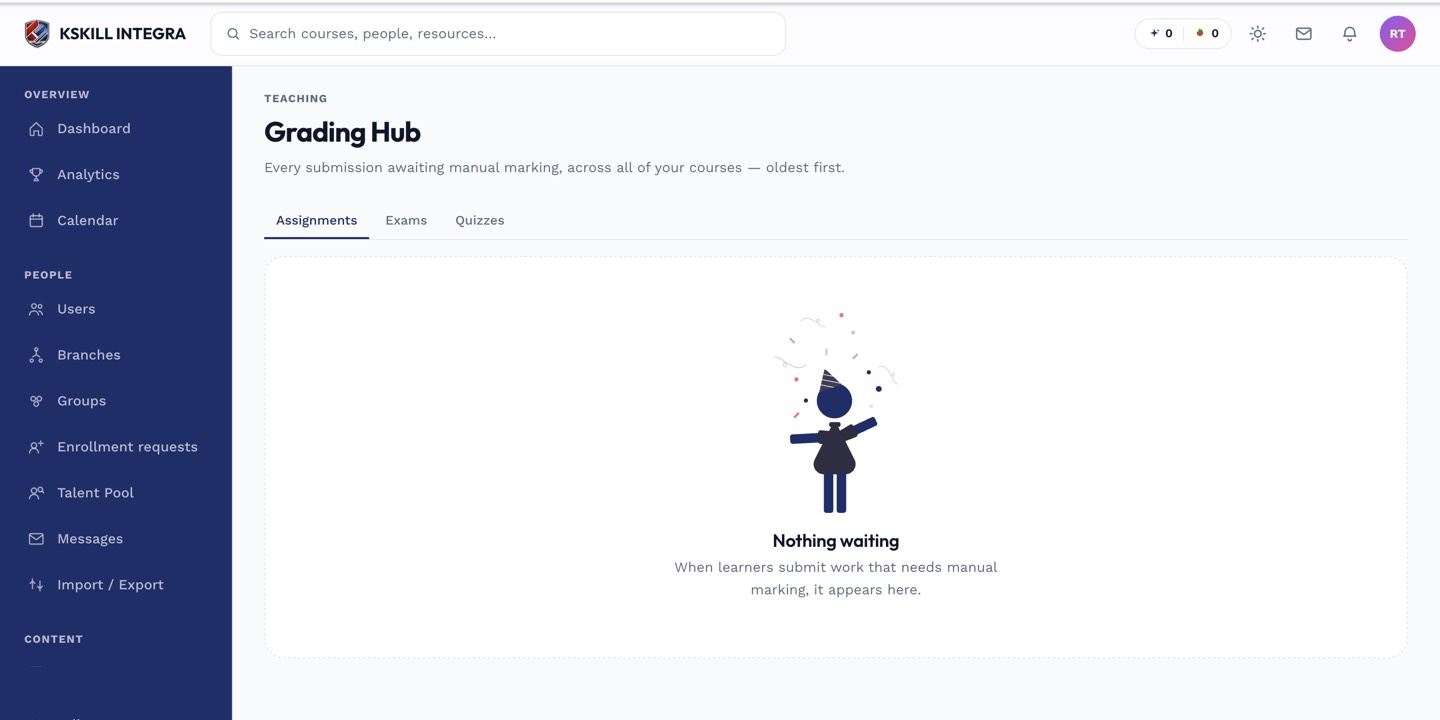 A status of Pending, not a bug, is the most common explanation.
Mixed assessments hold the whole score
If the unit is an exam or quiz with a mix of auto- and manually-graded questions, the learner's overall score won't finalize until every manually-graded question on their attempt is scored — even if the auto-graded portion completed instantly. Check the per-question grader for outstanding questions on that specific attempt.
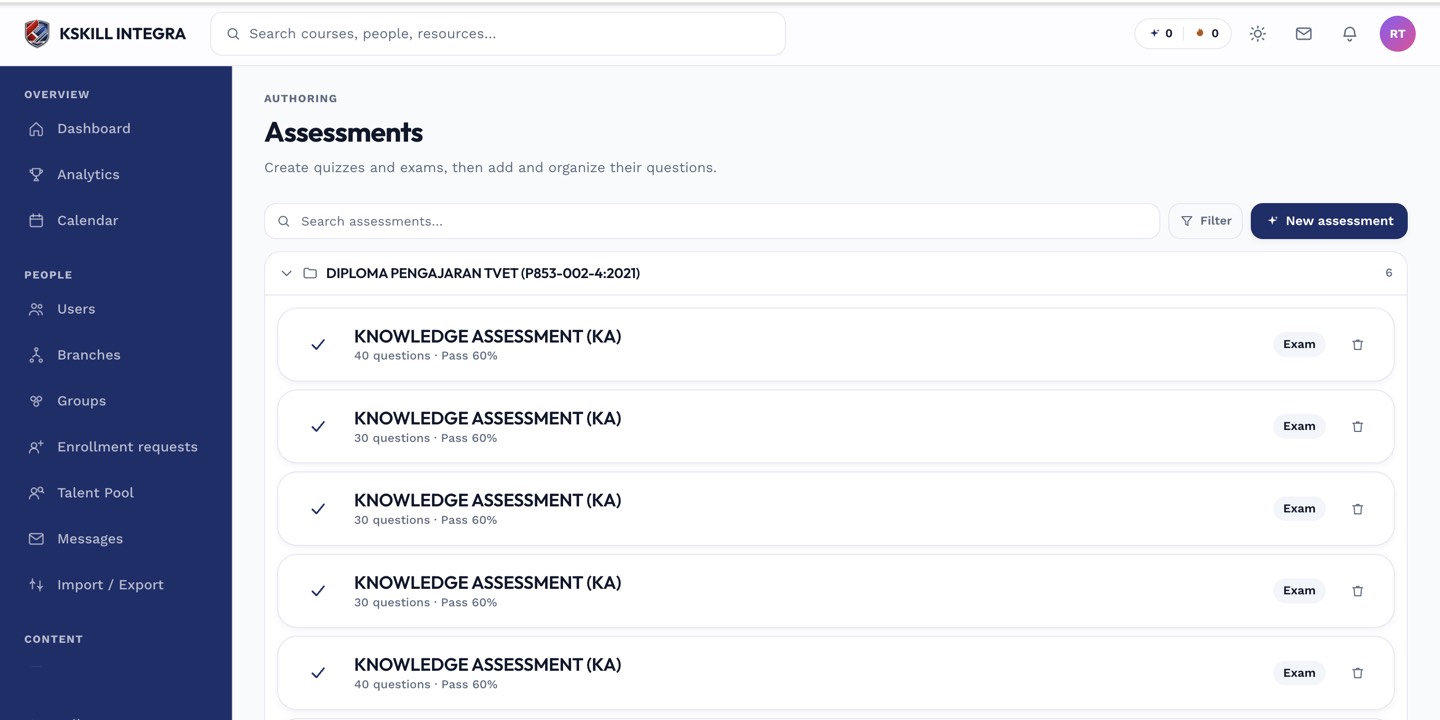 A partial score or a result still marked as pending usually means one manually-graded question hasn't been scored yet.
Other things to check
- Confirm the learner submitted to the correct course and unit — duplicate or archived course copies are a common mix-up.
- Confirm you (or the assigned instructor) actually have visibility into that course in the Grading Hub — instructors only see courses they're assigned to.
- If a grade was saved but the learner still doesn't see it, ask them to refresh — the learner-facing view doesn't always live-update while a page is already open.