Troubleshooting: Why Can't a Learner See Their Cohort?
A learner reporting they can't find a cohort they expect to be in usually comes down to one of a few things. Work through these in order.
Confirm they're actually on the roster
Open the cohort's Members tab as an admin and search for the learner by name. If they were removed, never successfully added, or blocked by a roster cap at the time they were supposed to be added, they won't see the cohort at all — membership is what drives visibility.
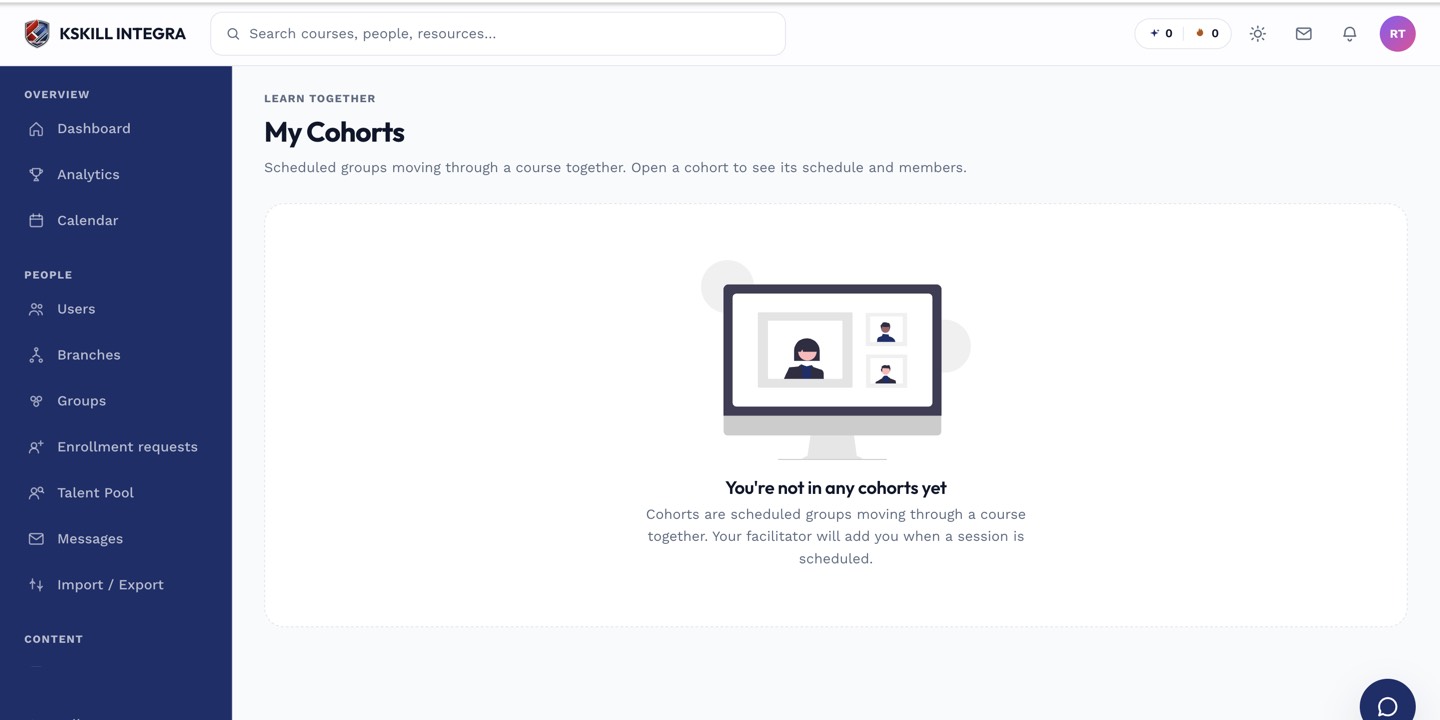 A learner sees nothing here if they aren't currently on a cohort's roster.
Check the cohort's status and dates
A cohort still in Scheduled status with a future start date is a common source of confusion — the learner is a member, but the cohort hasn't gone live yet, and some learner-facing surfaces distinguish upcoming cohorts from active ones. Confirm the start date and current status from the cohort's detail page.
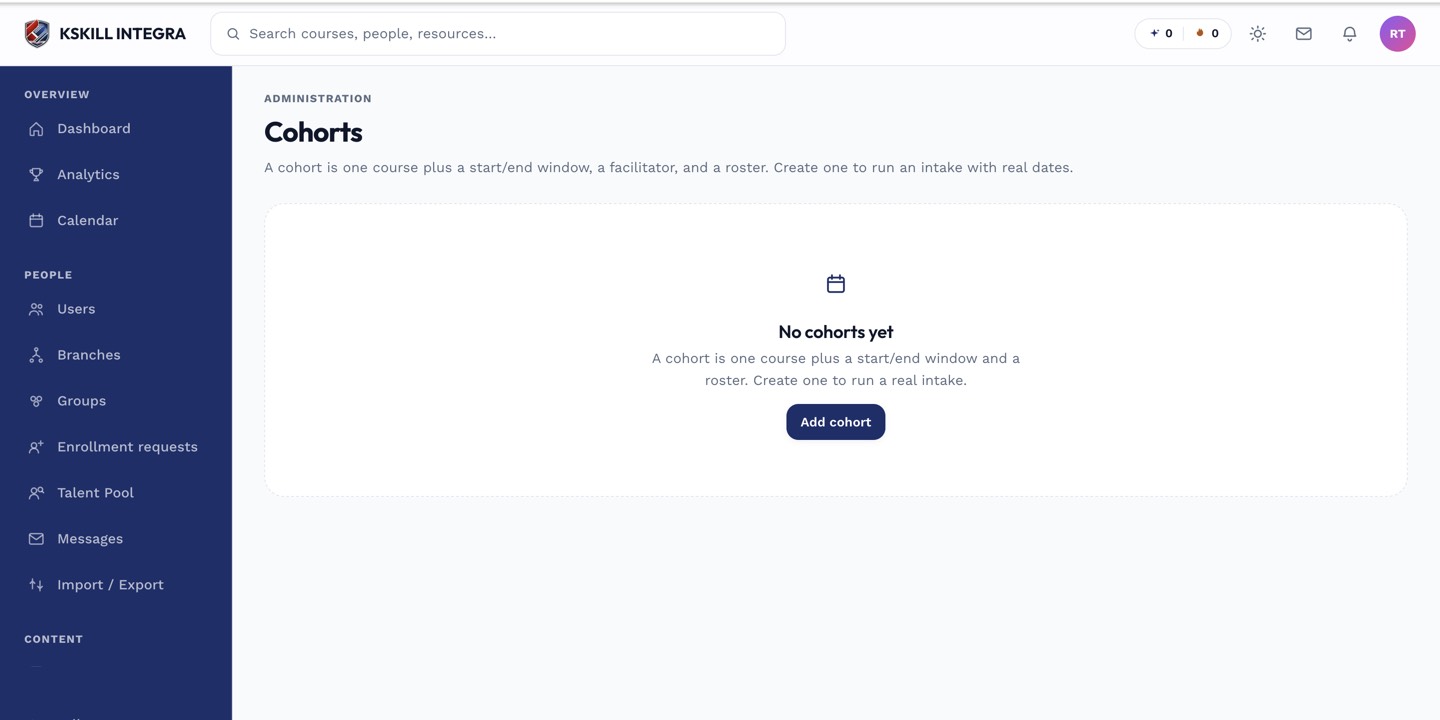 A Scheduled cohort with a future start date may look different to the learner than an Active one.
Check for a branch mismatch
If your portal uses branches and the learner is logging into a different branch or sub-portal context than the one the cohort's members were added from, double-check the learner's own account and branch assignment to rule out confusion between separate logins.
Fix it
If the learner genuinely isn't on the roster, add them from the Members tab — this both enrolls them in the course and makes the cohort appear on their learner view. If they are on the roster but the cohort is still Scheduled, the fix is simply to wait for the start date, or advance the cohort's status manually if it needs to start early.