Video playback issues
This article covers common video problems — stalls, buffering and captions not showing.
Before you start
You need to be trying to play a video unit.
Step 1 — Buffering or stalls
Buffering usually points at bandwidth. Pause and let the video buffer ahead. Lower playback quality via the gear icon if your connection can't sustain HD. On mobile networks, switch to Wi-Fi if possible.
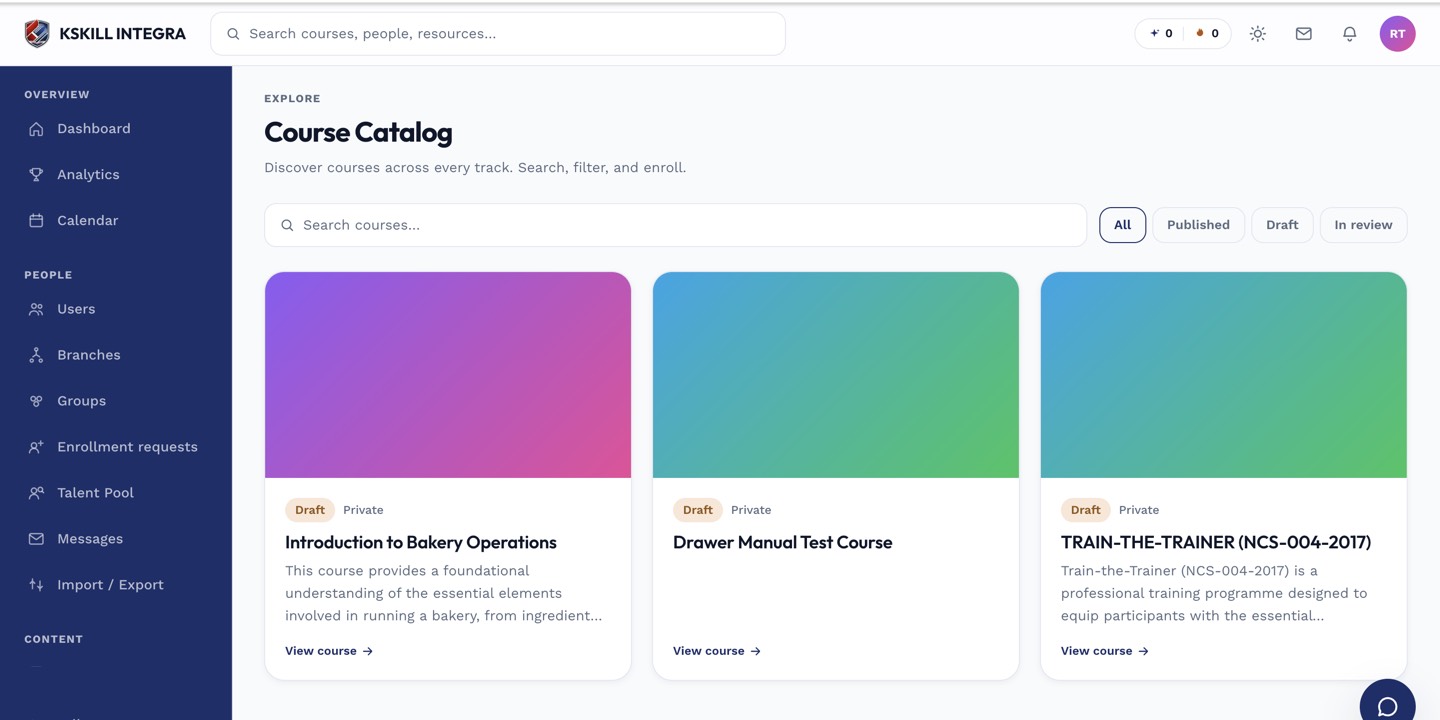
My Courses is the learner's grid of everything they are currently enrolled in.
Step 2 — Video won't play at all
Refresh the page. If the player never loads, your browser may block third-party content — try disabling extensions or using an incognito window. If the player loads but nothing plays, the source file may be corrupt; report to the course author.
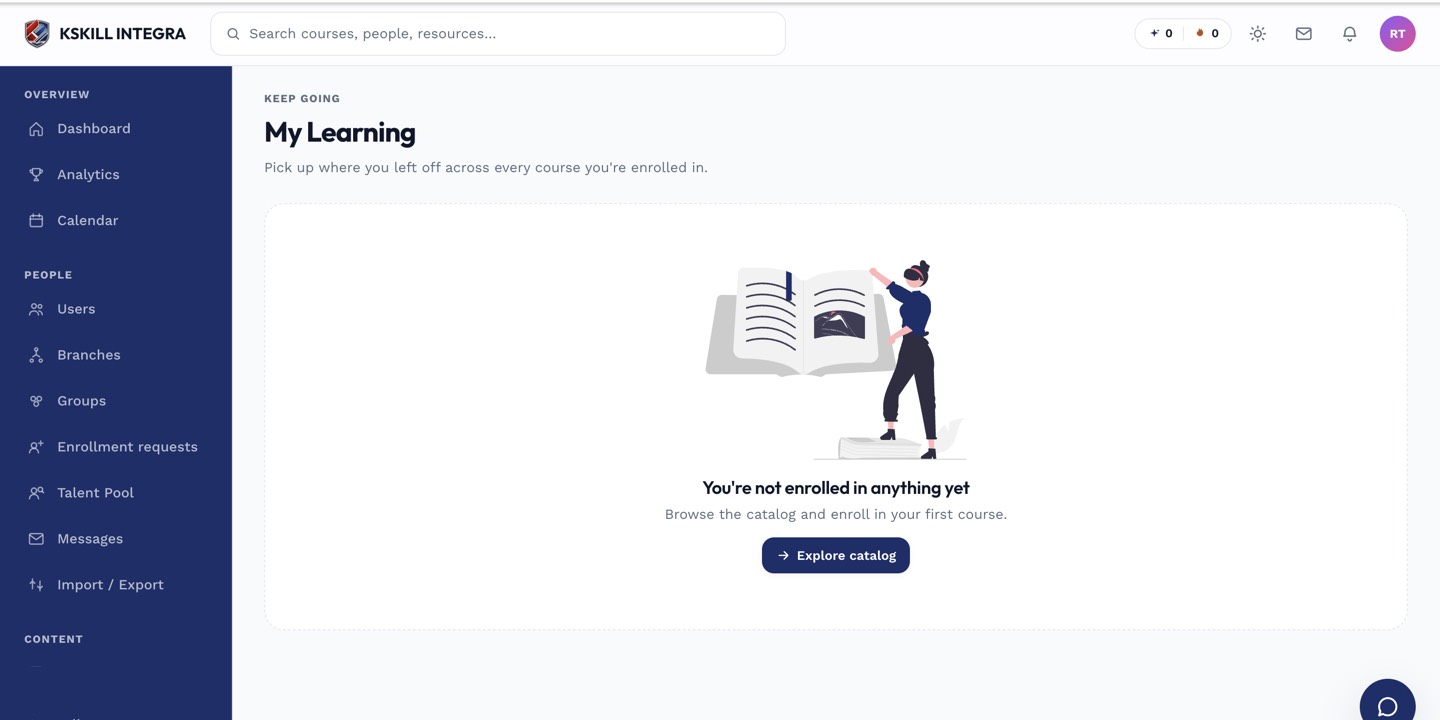
My Learning is the learner's default landing page — every enrolled course is one click away.
Step 3 — Captions missing
Not every video has captions. Check the CC icon on the player toolbar — if it's greyed out, the video was uploaded without them. Ask the course author to add captions. For your own accessibility needs, escalate to your admin.
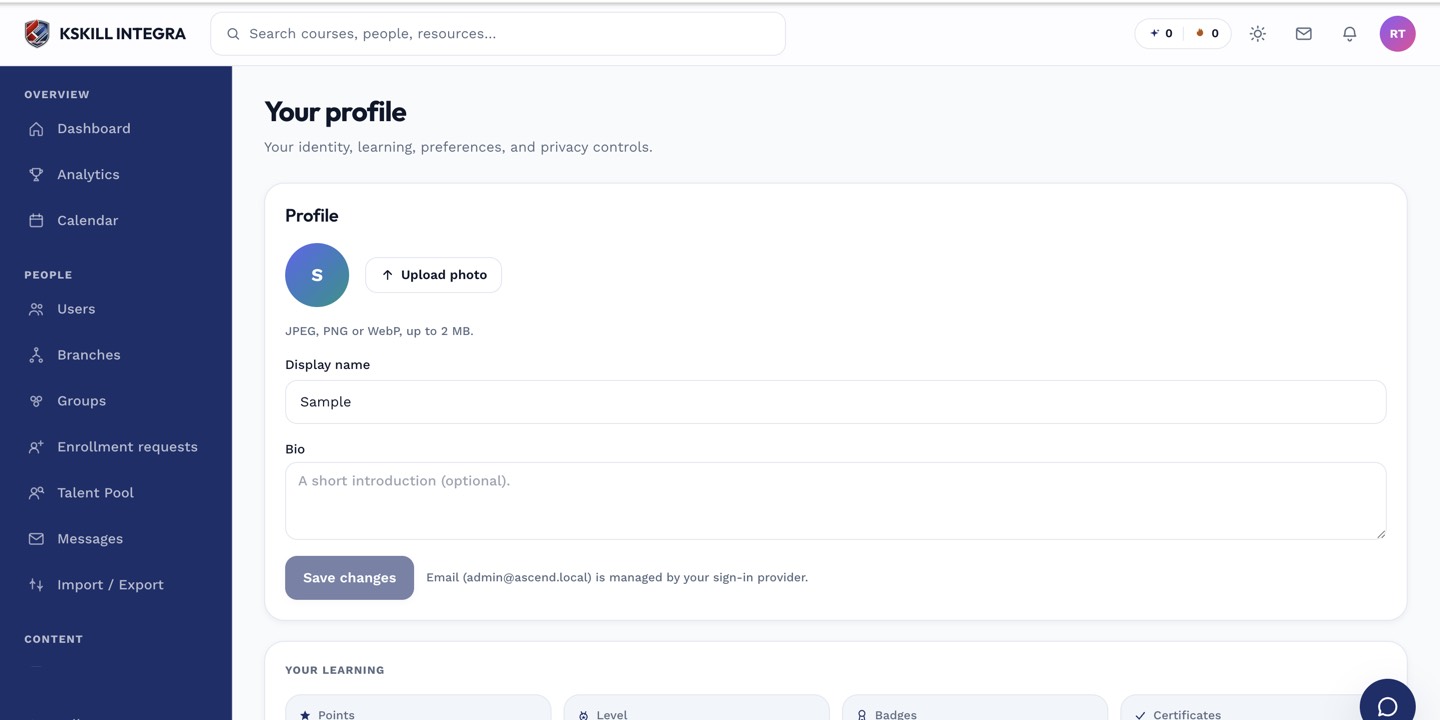
The account settings page is where a learner controls their own personal data.
Notes
- Modern browsers (Chrome, Firefox, Safari, Edge) all work; very old browsers may not.
- Uploaded videos default to adaptive streaming — quality auto-adjusts.