Setting Course Completion Deadlines
CoursesUpdated September 21, 2026
A course's Time options let you set a completion deadline, and choose whether missing it is a soft flag or a hard lock on further access.
Where to set it
- Open the course in the course editor and go to Options.
- Find the Time options section.
- Choose a deadline type: within N days of enrollment, within N weeks of enrollment, or a fixed calendar date that applies to every learner regardless of when they enrolled.
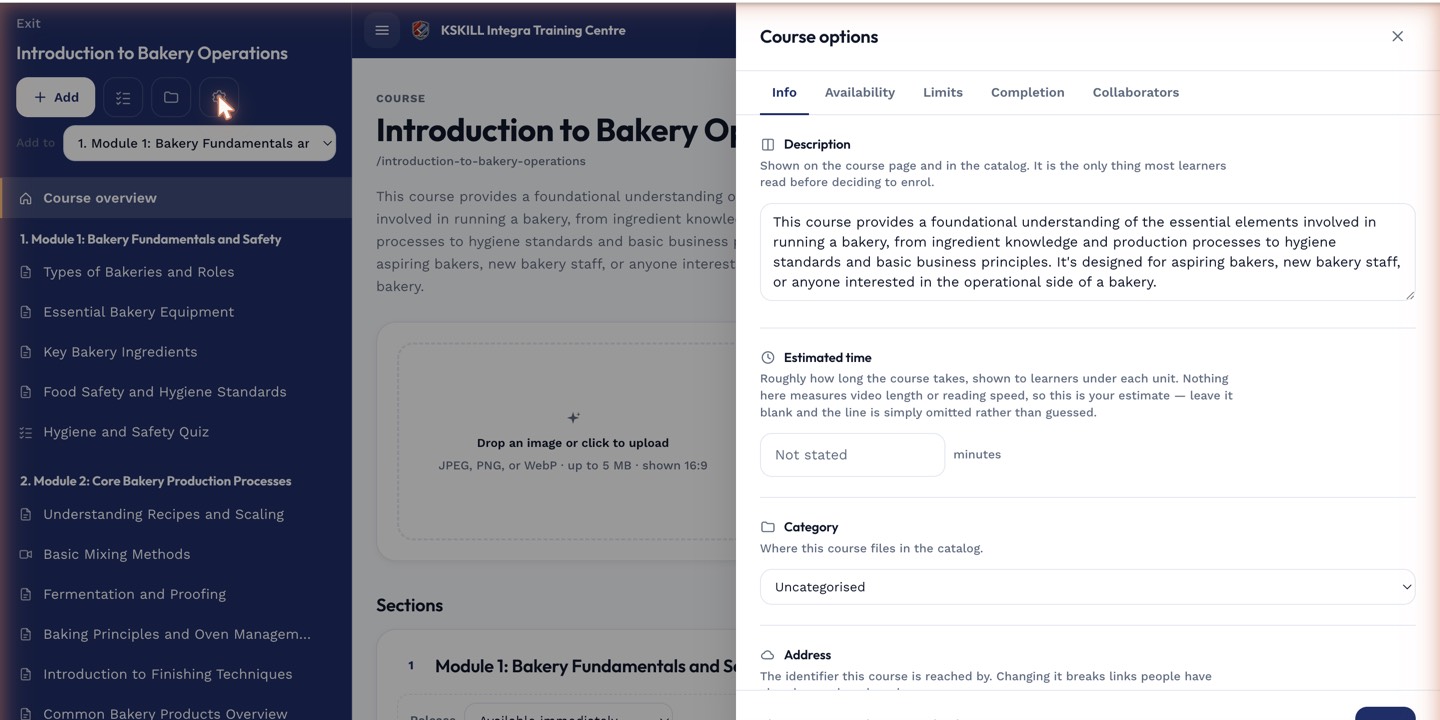 Time options offers a relative deadline (days/weeks from enrollment) or one fixed date for everyone.
Soft flag vs. hard lock
You also choose what happens when a learner misses the deadline: a soft setting just flags them as overdue in reporting without blocking access, while a hard setting locks their further progress in the course once the deadline passes.
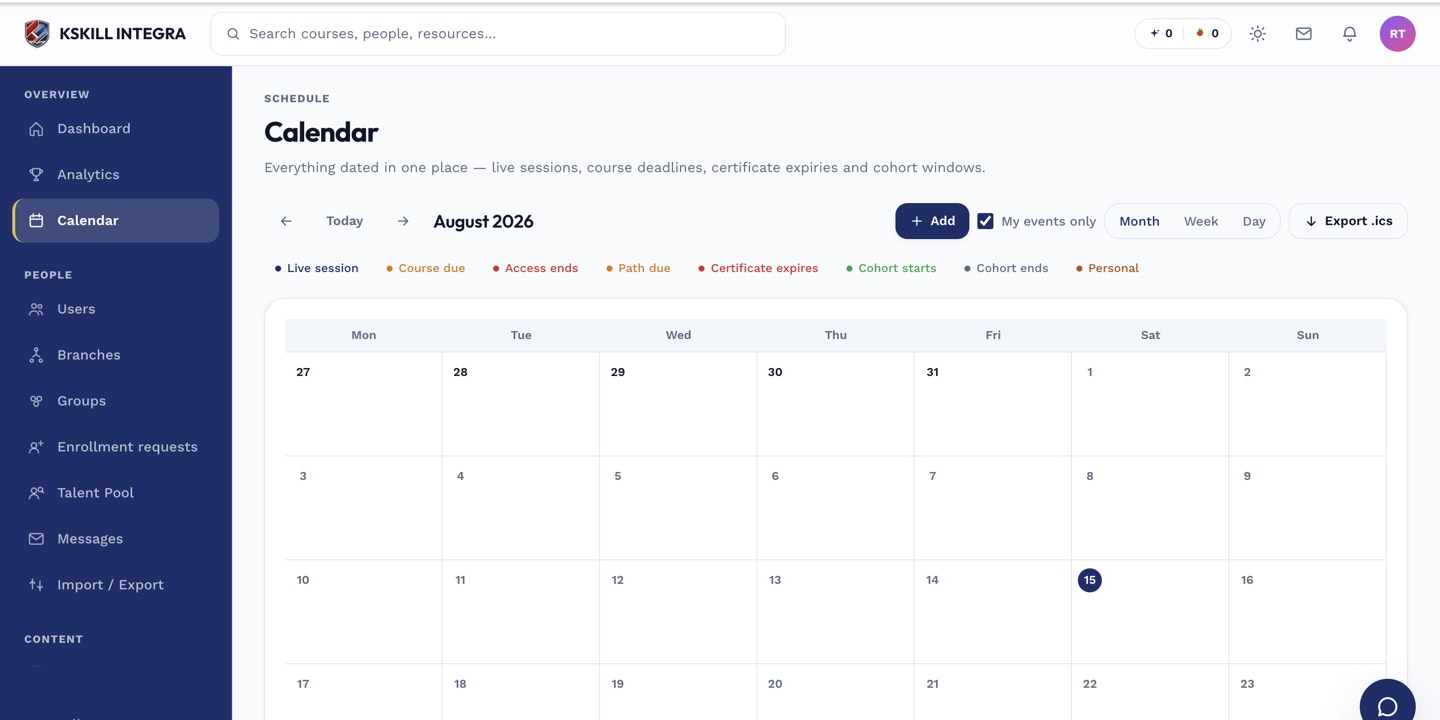 Deadlines you set here also surface on the shared calendar view.
Notes
A relative deadline (days/weeks) is stamped per learner at the moment they enroll, so two learners enrolling on different dates get different personal due dates even though the rule is the same.
What next?
#deadlines#course settings#time options#soft lock#hard lock