Instructor-led training (ILT) units
An ILT (Instructor-led Training) unit represents a scheduled classroom or webinar session as part of the course. This article covers wiring one.
Before you start
You need the Admin or Instructor role.
Step 1 — Add an ILT unit
Open the course editor and add a new unit. Pick ILT session. The unit collects a date, duration, delivery mode (in-person or virtual), and (for virtual) the conferencing platform.
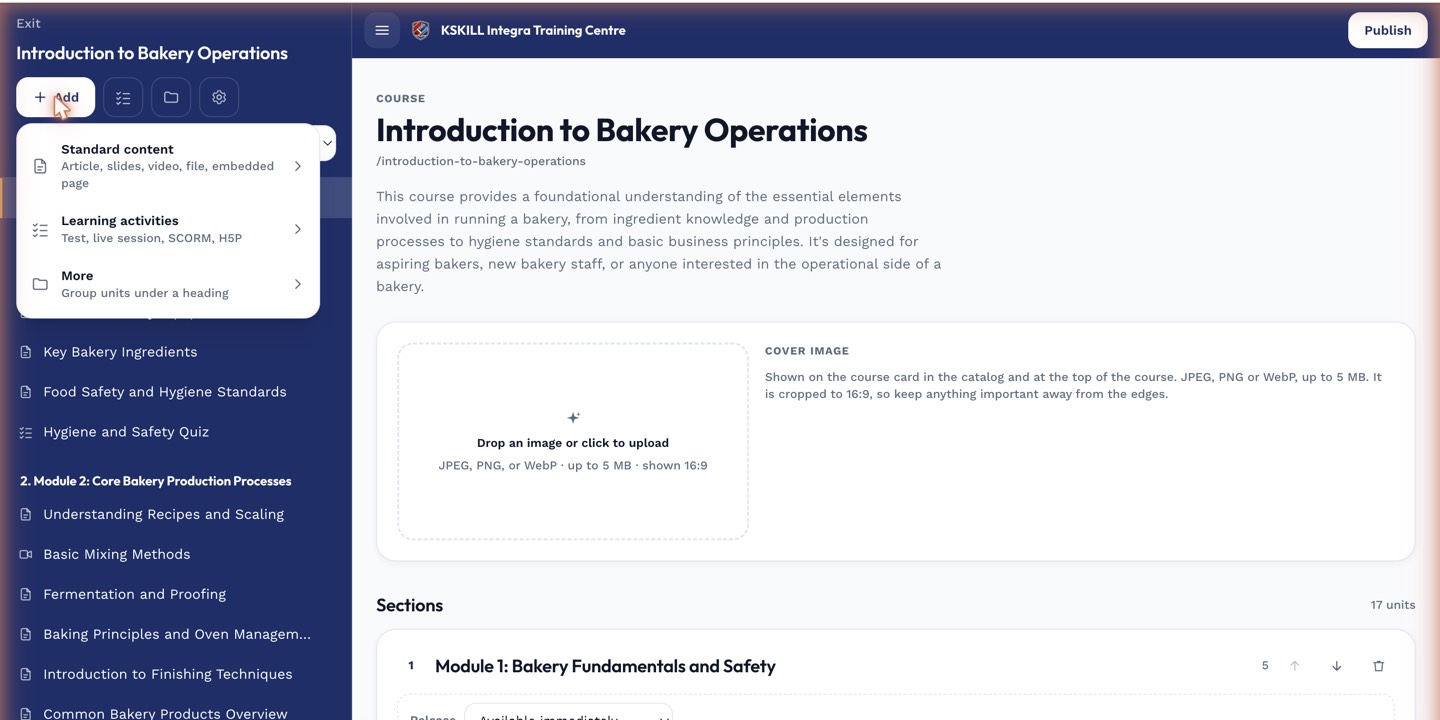
The lesson-type picker is the same one whichever section you add into.
Step 2 — Attach a conference or venue
For virtual ILT, pick LiveKit, Zoom or Meet — the same platforms used by the Conferences module. For in-person ILT, enter the venue address; the platform generates a calendar invite with the location.
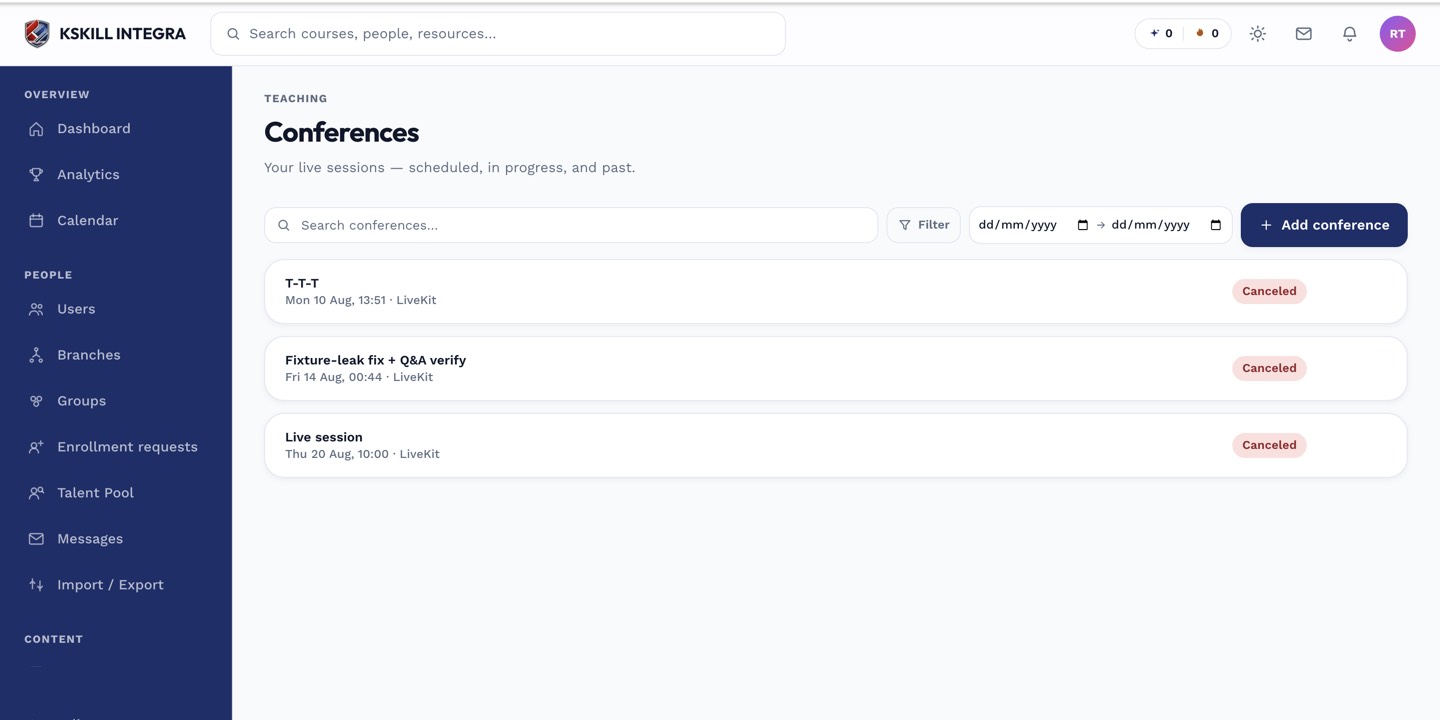
The conferences page is the calendar for every scheduled live class.
Step 3 — Record attendance
Attendance is auto-recorded for virtual ILT via the conferencing tool. In-person attendance is instructor-recorded from the ILT unit's admin view — mark each learner present or absent post-session.
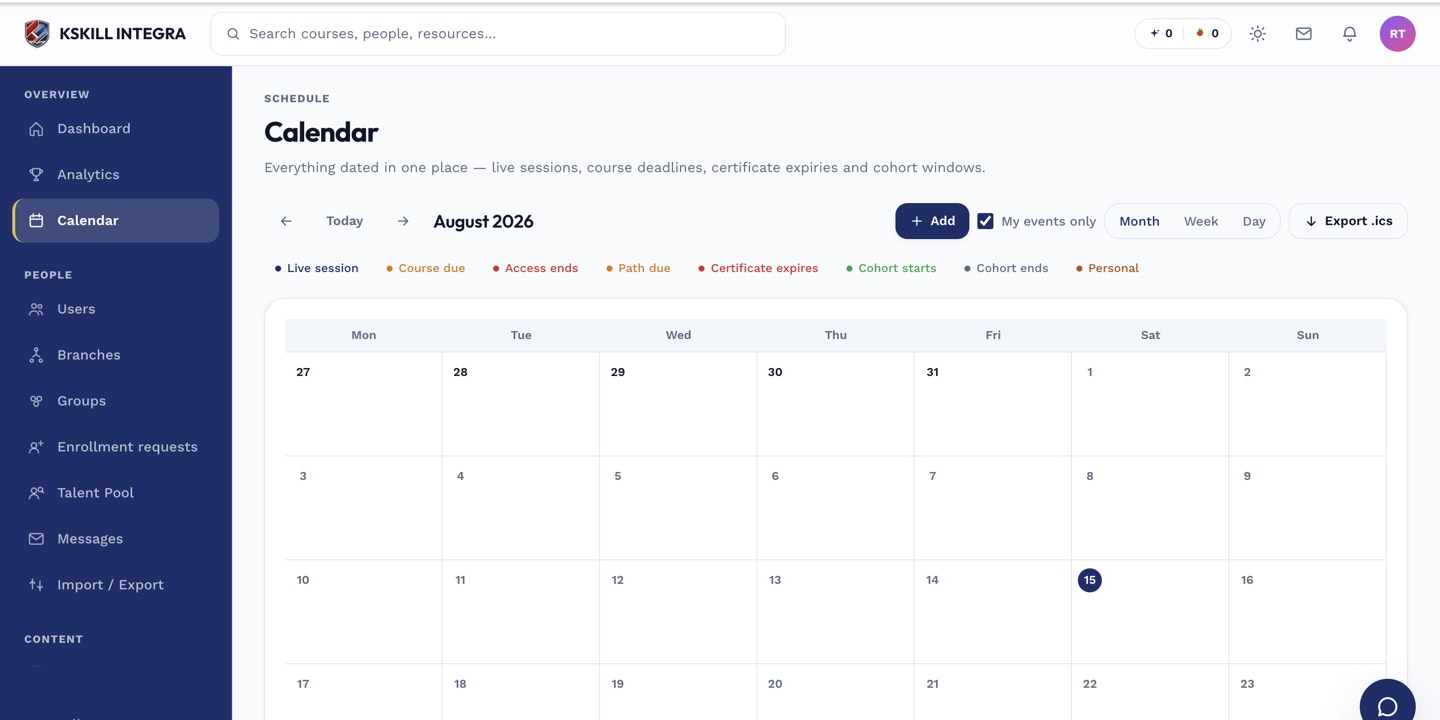
The calendar shows every scheduled live class, deadline and cohort milestone.
Notes
- ILT units count toward completion when the learner is marked present.
- For hybrid cohorts, use ILT units alongside asynchronous units in the same course.